
7 Best No Code AI App Builders to Watch in 2025

The AI revolution is here, but you don't need to be a seasoned developer to be a part of it. The rise of no code AI app builders has democratized software creation, empowering entrepreneurs, creators, and businesses to bring their ideas to life with unprecedented speed. These platforms replace complex programming languages with intuitive visual interfaces, drag-and-drop components, and powerful AI-driven logic. Whether you're aiming to automate a business process, launch a sophisticated web app, or explore the world of onchain applications, the right tool can make all the difference.
This guide breaks down the 7 best no code AI app builders available today, helping you choose the perfect platform to transform your vision into a functional, intelligent application. We'll explore everything from dedicated vibe coding studios like Dreamspace, designed for rapid AI app generation, to versatile platforms that integrate with existing workflows. For a broader understanding of how AI is being integrated into business solutions, exploring an overarching platform like Growth Grid AI's platform can provide additional insights into larger-scale implementations.
Our goal is to provide a clear, direct comparison to help you find the ideal solution for your specific project. Each entry in this list includes a detailed overview, pros and cons, core features, and practical use-case examples, complete with screenshots and direct links. Forget wading through dense documentation or writing thousands of lines of code. This roundup is your shortcut to identifying the most effective no code AI app builder to build, test, and launch your next big idea. Let's dive into the platforms that are making AI development accessible to everyone.
1. Dreamspace
Dreamspace distinguishes itself as a premier no-code AI app builder, uniquely positioned at the intersection of artificial intelligence and blockchain technology. Marketed as an "AI-first no-code studio," it empowers creators, developers, and entrepreneurs to generate complete onchain applications through a conversational interface. This innovative approach, which the platform calls "vibe coding," allows users to describe their desired application in plain language, select a theme, and produce a functional, production-ready scaffold in minutes.
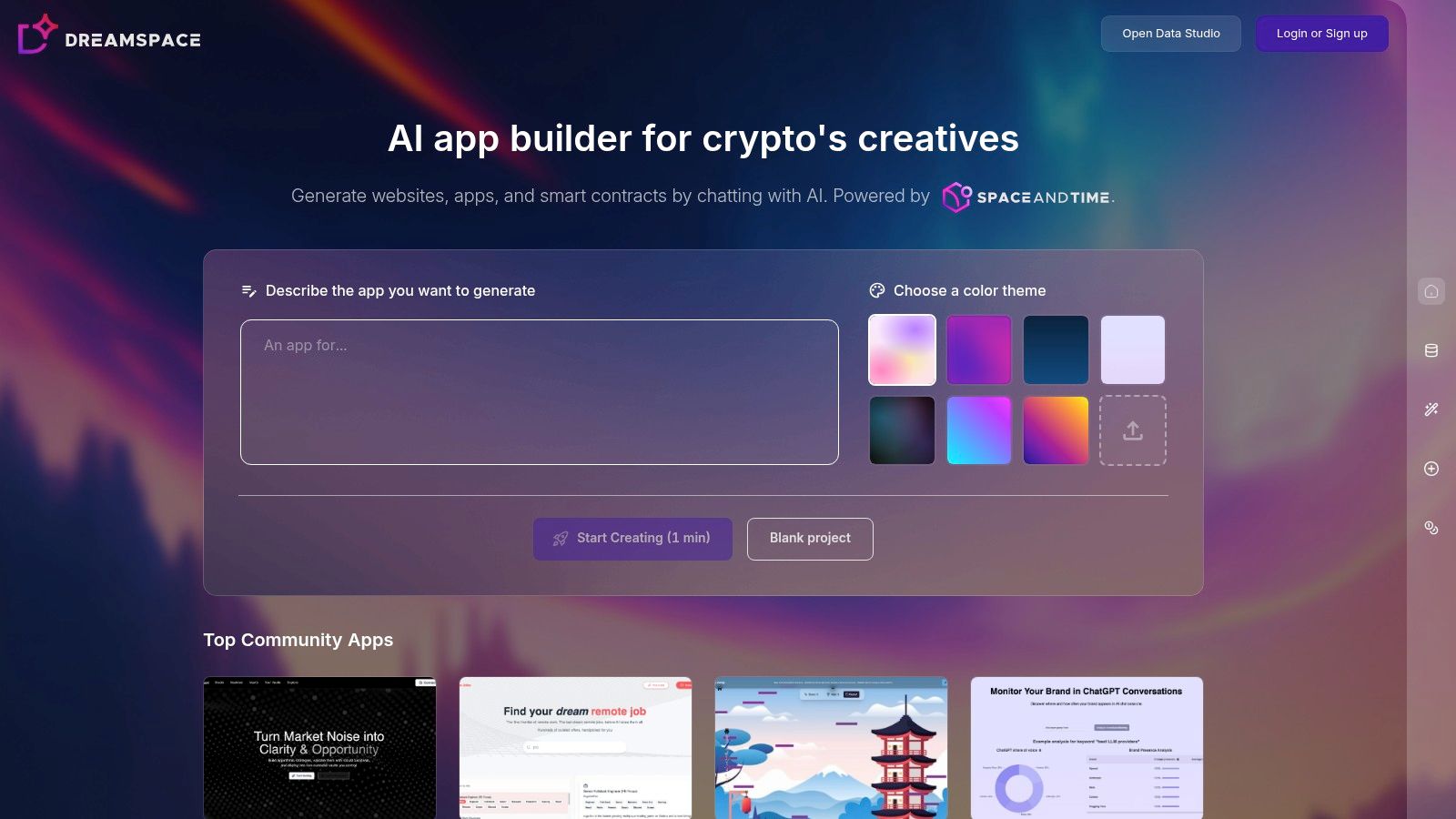
What sets Dreamspace apart is its deep integration with the web3 ecosystem. Unlike general-purpose no-code tools, this AI app generator is purpose-built for creating crypto-native projects. It goes beyond simple website generation by also creating the essential backend components for decentralized applications (dApps), including smart contracts and SQL queries for accessing blockchain data. This end-to-end capability dramatically lowers the barrier to entry for building on the blockchain.
Key Strengths and Use Cases
Dreamspace excels in rapid prototyping and development for the web3 space. Its AI-driven workflow is ideal for founders looking to build a minimum viable product (MVP), developers aiming to quickly bootstrap a new project, or creators who want to launch an NFT collection without deep coding expertise. The platform's emphasis on speed allows an idea to transform into a shareable, functional website with onchain capabilities almost instantly.
Practical Applications:
- NFT Launchpads: A creator can describe a concept for an NFT collection, and Dreamspace can generate the minting website, the underlying smart contract for the tokens, and the necessary data queries to display ownership.
- Decentralized Finance (DeFi) Dashboards: A developer could use the platform to quickly create a front-end that visualizes data from a specific DeFi protocol by generating the necessary blockchain SQL queries.
- DAO Tooling: A community can bootstrap a simple proposal or voting application by describing the required logic, letting the AI generate both the user interface and the smart contract to manage governance.
Platform Features and Workflow
The core of the Dreamspace experience is its Open Data Studio interface, which simplifies the entire development process. Users can start creating in about a minute by describing their project, choosing a color palette, and letting the AI handle the complex coding tasks. The platform's commitment to the web3 community is also evident through its "Top Community Apps" section, which showcases projects built by other users, providing both inspiration and social proof.
Considerations and Practical Advice
While Dreamspace is a powerful tool for rapid development, users must approach production deployment with diligence. The AI-generated smart contracts, while functional, should undergo a thorough manual review and a professional security audit before handling real assets. This is a critical step to mitigate security vulnerabilities and ensure compliance. Furthermore, the website does not provide public pricing information, so teams will need to contact the vendor directly to clarify costs and subscription models. For those interested in a deeper look at its capabilities, the team provides more details on their approach to being a leading AI app builder.
Website: https://dreamspace.xyz
2. Bubble
Bubble has long been a powerhouse in the no-code development space, known for its unparalleled flexibility in building complex, full-stack web applications. Recently, it has aggressively integrated AI, positioning itself as a leading choice among no code AI app builders for founders and product teams looking to create sophisticated, AI-driven products without deep technical expertise. The platform’s core strength lies in its visual, drag-and-drop interface that gives you granular control over every aspect of your app, from the database structure to intricate, conditional workflows.
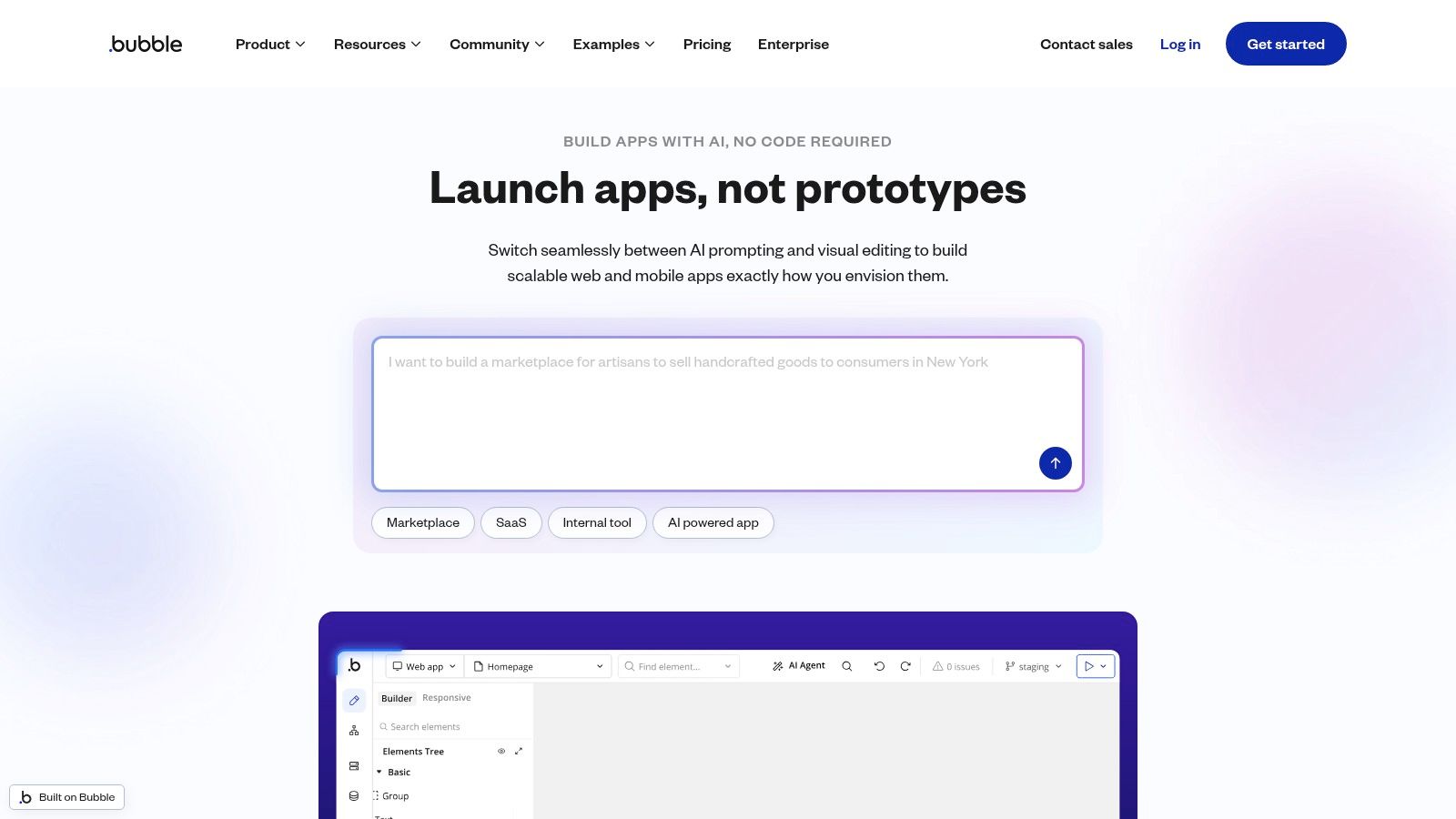
What truly sets Bubble apart is its full-stack capability combined with new AI-native features. You're not just building a front-end; you're visually designing the database, crafting server-side logic, and connecting to external APIs. Bubble's AI tools now accelerate this process significantly. You can generate entire app scaffolds, including data structures and user interface pages, simply by describing your idea in a prompt. Furthermore, its experimental AI Agent allows you to edit and build upon your app using conversational chat commands, a feature that feels like having a junior developer on call. For a more detailed exploration of its features, you can learn more about using Bubble as an AI app builder.
Key Features & Use Cases
Bubble’s robust feature set makes it ideal for building more than just simple prototypes. It's a platform for creating market-ready SaaS applications, internal tools, and complex marketplaces.
- AI Scaffolding & Agent: Use natural language prompts to generate initial app structures, pages, and even database schemas. The AI Agent (beta) can then modify elements, add workflows, or change styles via a chat interface.
- Visual Workflows: Create complex, event-driven logic without code. For example, you can design a workflow that triggers an API call to an AI model (like OpenAI's GPT-4) when a user clicks a button, processes the response, and saves it to your database.
- Extensive Plugin Marketplace: The marketplace is a treasure trove, featuring hundreds of plugins that allow you to integrate services like Stripe for payments, Algolia for advanced search, and various AI models for text generation, image analysis, and more.
- Full-Stack Control: Manage your own database, set up user authentication, define privacy rules, and deploy your application on Bubble’s managed hosting infrastructure.
Practical Tip: When starting a new AI project in Bubble, use the "Start from a prompt" feature to generate the foundational pages and data types. This saves hours of manual setup. From there, use the traditional editor for fine-tuning and the AI Agent for quick, iterative changes like "make this button blue."
Pros & Cons
Pricing
Bubble offers a tiered pricing structure that scales with your needs, including a generous free plan for learning and building projects.
- Free Plan: Ideal for development and learning, with Bubble branding.
- Starter: From $29/month (paid annually), for simple apps with a custom domain.
- Growth: From $119/month (paid annually), for growing businesses needing more capacity.
- Team: From $349/month (paid annually), offering collaboration features and increased server capacity.
As a vibe coding studio, we at Dreamspace see Bubble as a top-tier platform for serious founders. It provides the depth needed to build a real, scalable business, blending the control of traditional development with the speed and accessibility of a premier AI app generator.
3. Glide
Glide has carved out a unique and powerful niche by offering the fastest path from data to a functional application. Known for its elegance and speed, Glide empowers users to turn spreadsheets, Big Tables, or SQL databases into polished internal tools, customer portals, and mobile-friendly apps in minutes. With the introduction of Glide AI, it has solidified its position as one of the most accessible no code AI app builders for business users and teams who live in their data sources and want to add intelligent features without a steep learning curve. The platform's philosophy is data-first, building a beautiful user interface directly on top of your existing Google Sheets, Airtable, or enterprise databases.
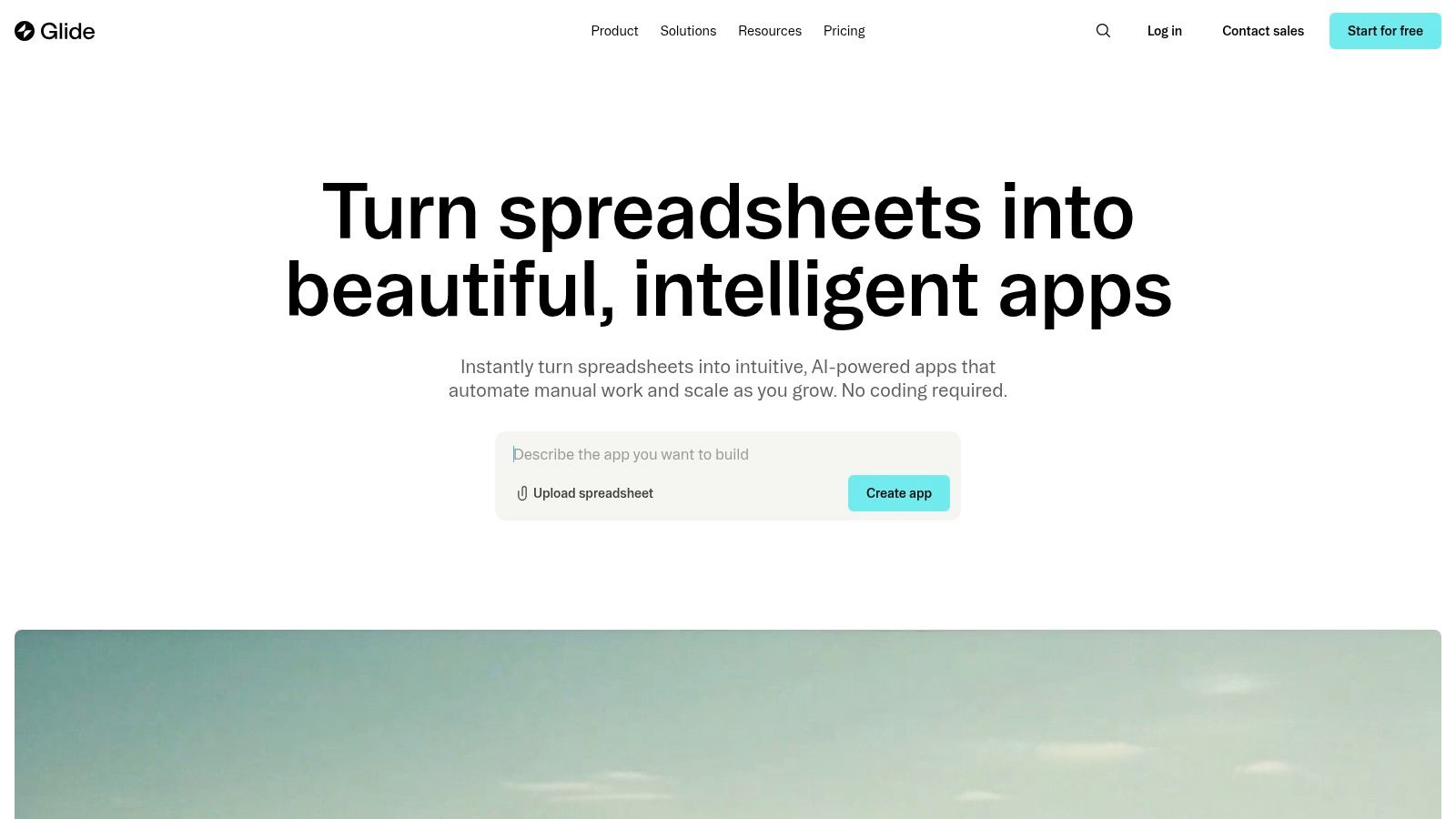
What makes Glide exceptional is how seamlessly it integrates AI into the data layer itself. Instead of complex API calls, AI becomes just another column type or a simple action in your workflow. This approach demystifies artificial intelligence, making it a practical tool for everyday business problems. You can add an "AI Text" column to your spreadsheet-backed app to automatically summarize long notes, extract key information from customer feedback, or generate product descriptions. This native integration means you're not just calling an external service; you're fundamentally enhancing your app's data with AI, which then reflects instantly in the user interface.
Key Features & Use Cases
Glide is perfectly suited for building data-centric internal tools like inventory trackers, employee directories, CRMs, or client-facing portals where information needs to be displayed, updated, and enhanced with AI.
- Glide AI Columns & Actions: Easily add AI capabilities directly to your data. Create columns that summarize text, classify content, extract entities like names or dates, or generate new content based on other data in the same row.
- Data-First Visual Builder: Start with your data source (Google Sheets, Airtable, SQL) and Glide automatically generates a functional app layout. You can then customize it with over 40 pre-built components and design elements.
- Workflow Automation: Build logic and automated actions that trigger based on user interactions. For example, when a user submits a form, a Glide AI action can analyze the text for sentiment and then send a tailored email notification.
- Robust Data Connectors: Natively connect to the most popular data sources for small businesses and enterprises, including Google Sheets, Airtable, Office 365, and BigQuery (on higher-tier plans).
Practical Tip: To quickly add value to an existing internal tool, connect your data source to Glide and add an AI-powered "Summarize" column next to a column containing lengthy text fields, like customer support tickets or project notes. This immediately gives your team at-a-glance insights without any complex setup.
Pros & Cons
Pricing
Glide’s pricing is based on users, features, and "updates," which are actions that add or change data.
- Free: For individuals and personal projects, with limitations on users and updates.
- Maker: From $49/month, for small projects and prototypes.
- Pro: From $129/month, for business applications that need more users and updates.
- Business & Enterprise: Custom pricing for larger teams needing advanced security, data sources, and support.
At Dreamspace, a vibe coding studio specializing in AI solutions, we see Glide as the ultimate AI app generator for teams that want to leverage their existing data infrastructure. It's an incredibly efficient tool for creating high-quality, AI-enhanced internal and external tools with minimal technical overhead.
4. Zapier
Zapier, the undisputed champion of workflow automation, has powerfully evolved into a formidable player among no code AI app builders. Famous for connecting thousands of web applications with its "if this, then that" logic, Zapier now infuses its entire ecosystem with AI, allowing users to build not just automated workflows, but intelligent, action-oriented AI agents and interfaces. This shift transforms Zapier from a simple integration tool into a platform where you can build and deploy custom AI solutions that interact with your existing software stack.
What makes Zapier's approach unique is its focus on action. While many builders help you create a chatbot, Zapier lets you build an AI that does things. You can create an AI-powered chatbot trained on your documentation that not only answers customer questions but also creates a support ticket in Zendesk, adds the user to a Mailchimp sequence, and sends a Slack notification to your team, all within a single conversation. Its new AI features, including Zapier Agents and Interfaces, provide a complete toolkit for building internal tools, customer-facing bots, and autonomous assistants that leverage its massive library of over 6,000 app integrations.
Key Features & Use Cases
Zapier's strength is deploying functional AI that integrates deeply into your operational workflows. It’s perfect for automating support, sales, and internal processes with a layer of conversational intelligence.
- AI Chatbots: Build custom chatbots trained on your own data sources (like documents or URLs). You can embed these bots directly onto your website to act as customer service agents or lead qualification tools.
- Zapier Agents: Go beyond simple chatbots to create autonomous agents that can perform multi-step tasks across different applications. For example, an agent could take a prompt like "Summarize my last 5 emails from 'client X' and create a draft response," and then execute it across Gmail and other connected apps.
- Interfaces: Create simple web pages, forms, and portals that act as a front-end for your AI automations. This allows you to build user-facing tools, like a content generator or an internal data-lookup portal, without writing any front-end code.
- Massive Integration Library: The core advantage remains its access to 6,000+ apps. Your AI isn't stuck in a silo; it can read from Google Sheets, write to Salesforce, and trigger actions in virtually any SaaS tool your business uses.
Practical Tip: Start by using a Zapier Interface to create a simple form for an internal task, like generating marketing copy. Connect this form to a "Zap" that sends the input to OpenAI's GPT-4, then formats the output and saves it to a Google Doc. This creates a powerful internal tool in minutes.
Pros & Cons
Pricing
Zapier offers a flexible pricing model with free tiers for its core products and plans that scale based on usage (tasks per month).
- Free: Get started with basic Zaps and a limited number of tasks per month.
- Starter: From $19.99/month (paid annually), for multi-step Zaps and more tasks.
- Professional: From $49/month (paid annually), for unlimited Zaps and advanced features.
- AI Features: Zapier's AI products like Chatbots and Agents often have their own usage-based pricing or are included in higher-tier plans.
For us at Dreamspace, a leading AI app generator, Zapier is the ultimate tool for action-oriented solutions. While it won't replace platforms like Bubble for building a full SaaS product, it is unparalleled for creating intelligent agents and internal tools that streamline and automate business operations at scale.
5. Microsoft Power Apps
Microsoft Power Apps is an enterprise-grade player in the low-code space, deeply integrated into the vast Microsoft ecosystem. It has powerfully evolved into one of the most compelling no code AI app builders for organizations that prioritize security, governance, and scalability. Its core proposition is enabling business users and pro-developers alike to build custom applications that solve specific organizational challenges, all while leveraging existing Microsoft 365 and Azure infrastructure.
What makes Power Apps unique is its enterprise-first approach, powered by Copilot and AI Builder. Rather than just being a standalone tool, it acts as a connective tissue for the entire Microsoft suite. You can use natural language to describe the app you need, and Copilot will generate the underlying data tables in Dataverse, build the initial user interface screens, and suggest logic. This seamless integration with tools like SharePoint, Teams, and Dynamics 365 means you can build AI-powered apps that live where your team already works. For a closer look at its capabilities, you can learn more about Microsoft Power Apps.
Key Features & Use Cases
Power Apps is designed for building internal business applications, from simple data entry forms to complex, AI-driven process automation tools that connect to multiple systems.
- Copilot-Assisted Development: Describe your app's purpose in plain English, and Copilot will generate data tables, screens, and components, drastically reducing initial setup time.
- AI Builder: A set of pre-built AI models that you can easily add to your apps. Use it for tasks like form processing, object detection in images, text classification, and business card scanning without needing data science expertise.
- Deep Microsoft 365 Integration: Build apps that surface directly in Microsoft Teams, pull data from SharePoint lists, or trigger Power Automate flows, creating a unified user experience.
- Extensive Connectivity & Dataverse: With over 1,000 pre-built connectors and the ability to connect to on-premises data, you can unify information from across your organization. Dataverse provides a secure and scalable data backbone with robust governance and security features.
Practical Tip: Start your Power Apps project by leveraging Copilot to build your data model in Dataverse. Simply describe the data you need to track (e.g., "an app to track customer orders with order ID, customer name, product, and status"). This ensures your app is built on a solid, secure foundation from the beginning.
Pros & Cons
Pricing
Power Apps licensing is typically bundled with Microsoft 365 plans or purchased per user/per app, making it highly accessible for organizations already in the ecosystem.
- Microsoft 365/Office 365 Plans: Many plans include the right to run Power Apps for Microsoft 365, ideal for extending existing tools.
- Per App Plan: Starts at $5 per user/app/month, allowing users to run one custom application.
- Per User Plan: Starts at $20 per user/month, allowing a user to run unlimited custom applications.
- Pay-As-You-Go: A flexible option for apps with variable or unknown usage patterns.
At Dreamspace, a vibe coding studio focused on rapid app creation, we recognize Microsoft Power Apps as the definitive AI app generator for enterprises. It provides the security and integration large organizations demand, empowering them to deploy governed, AI-enhanced solutions at scale with unmatched speed.
6. Google AppSheet
Google AppSheet excels at transforming data from existing spreadsheets and databases into powerful, data-driven mobile and web applications with minimal effort. As part of the Google Cloud ecosystem, it provides a seamless on-ramp for businesses already invested in Google Workspace to build intelligent internal tools. It stands out among no code AI app builders for its data-centric approach, allowing you to quickly create apps for inventory management, field service, or team collaboration directly from sources like Google Sheets or external databases.
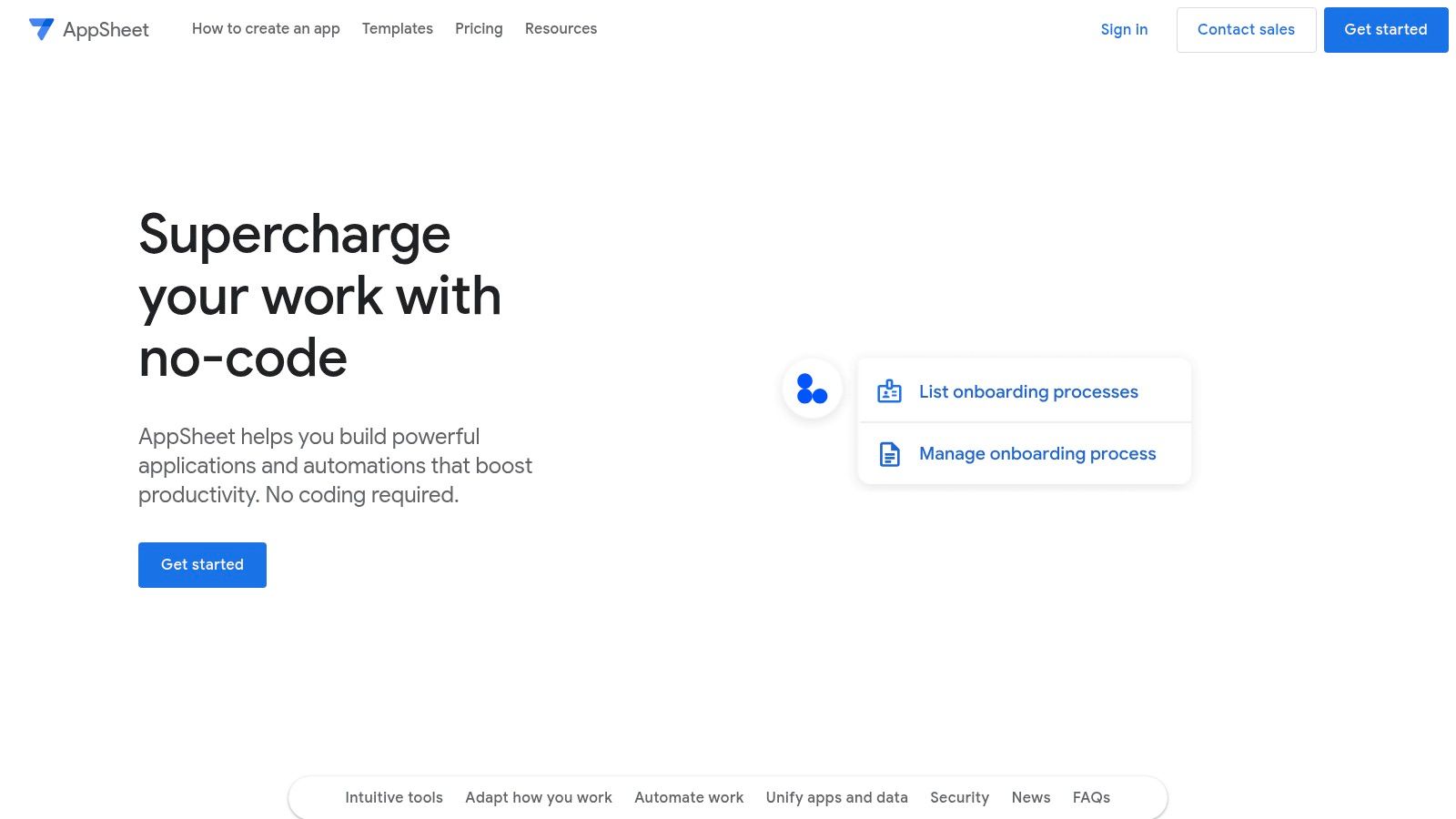
What makes AppSheet a unique contender is its focus on "intelligent" applications powered by built-in machine learning. Instead of just connecting to external AI APIs, AppSheet offers features like predictive modeling, optical character recognition (OCR) for scanning documents, and sentiment analysis that can be integrated directly into your app's logic. This approach democratizes AI, enabling teams to automate processes and gain insights without needing a data scientist. This unique take on no-code is a prime example of the movement's power, which you can explore further in this guide to no-code development.
Key Features & Use Cases
AppSheet is optimized for creating operational apps that solve specific business problems, particularly for mobile workforces. It's the go-to choice for internal tools, data collection forms, and automated reporting dashboards.
- Data-First App Generation: Connect directly to Google Sheets, Excel, Cloud SQL, Salesforce, and other data sources. AppSheet intelligently infers your data structure to generate a functional app foundation.
- Built-in AI & ML: Implement predictive models based on your app's data, use OCR to digitize text from images, and automate workflows with intelligent bots without configuring external services.
- Offline Capabilities: Apps built with AppSheet work offline by default, synchronizing data automatically once a connection is restored. This is critical for field service and remote teams.
- Enterprise Governance & Security: As part of Google Cloud, it offers robust security, governance, and compliance features, making it a safe choice for handling sensitive corporate data.
Practical Tip: Start your AppSheet project by organizing your data in a Google Sheet. Define clear column headers, as these will become the fields in your app. Once you connect the sheet, use AppSheet's "Automation" tab to create bots that trigger AI actions, like sending a summary email when a new row with "urgent" sentiment is added.
Pros & Cons
Pricing
AppSheet's pricing is user-based and includes a generous free tier for prototyping and small-scale use.
- Free Plan: Build and test apps with up to 10 users.
- Starter: From $5/user/month, includes core features and automation.
- Core: From $10/user/month, adds advanced security, governance, and more data source connections.
- Enterprise Plans: Custom pricing for advanced AI/ML features and unlimited data sources.
At Dreamspace, a vibe coding studio focused on web3, we see Google AppSheet as a powerful AI app generator for businesses looking to quickly mobilize their existing data. It's the ideal solution for turning spreadsheets into intelligent, secure, and functional applications for internal teams.
7. Voiceflow
Voiceflow carves out a powerful niche in the no-code landscape by focusing exclusively on building sophisticated conversational AI agents. While other platforms build general web apps, Voiceflow provides a collaborative, visual canvas specifically for designing, prototyping, and launching AI assistants for both chat and voice. This specialized focus makes it one of the most potent no code AI app builders for creating rich, interactive experiences like customer support bots, in-app assistants, and voice-activated commands without writing a single line of code.
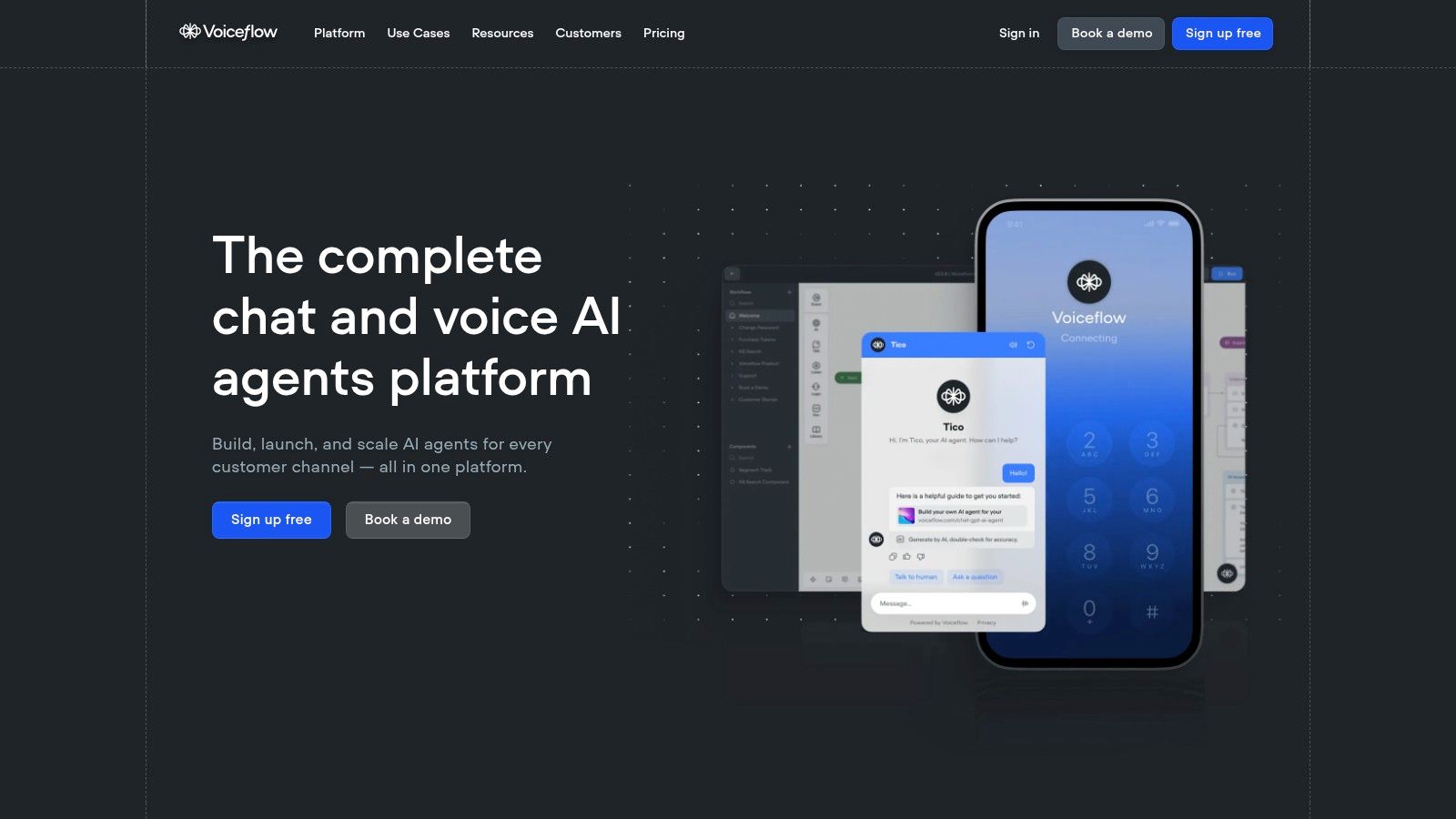
What makes Voiceflow exceptional is its robust, production-ready feature set tailored for conversation design. Its drag-and-drop interface allows you to map out complex dialogue flows, manage context, and integrate powerful AI capabilities with ease. You can connect your agent to knowledge bases, enabling it to answer questions from documents or websites, and use "tool calls" to trigger external APIs for dynamic actions. The platform also supports multi-LLM setups, allowing you to chain different models (like Claude and GPT-4) and define fallback logic, ensuring your agent is always responsive and intelligent.
Key Features & Use Cases
Voiceflow is purpose-built for teams creating conversational experiences, from simple FAQ bots to enterprise-grade AI agents that can perform complex tasks. It excels in use cases requiring natural, context-aware dialogue.
- Collaborative Design Canvas: A shared workspace where designers, developers, and stakeholders can visually map out conversation flows, test logic, and iterate on agent behavior in real-time.
- Knowledge Base Integration: Upload documents, PDFs, or website URLs to create a knowledge base that your AI agent can use to provide accurate, context-aware answers without manual training.
- Multi-Model & Tool Support: Go beyond simple text responses by connecting to any LLM via API. Use "tool calls" to have your agent perform actions like booking an appointment, looking up an order, or connecting to a live human agent.
- Omnichannel Deployment: Build your agent once and deploy it across various channels, including a customizable web chat widget, WhatsApp, SMS, or voice platforms like Amazon Alexa and Google Assistant.
Practical Tip: Use Voiceflow's "Trace" tool during testing to visualize exactly how the agent processes a user's input. It shows you the path taken through your logic, which model was called, and what data was used, making debugging complex conversational flows incredibly efficient.
Pros & Cons
Pricing
Voiceflow’s pricing is designed to scale from individual creators to large enterprises, with a credits-based system for production usage.
- Sandbox: Free plan for individuals to learn and prototype.
- Pro: From $50/month per editor seat, for professional teams building and launching agents.
- Enterprise: Custom pricing for organizations needing advanced security, support, and deployment options.
- Usage Credits: Production usage is billed via a credits model, which covers interactions, knowledge base queries, and AI model usage.
At Dreamspace, our vibe coding studio views Voiceflow as the definitive tool for anyone serious about conversational AI. While other builders add AI as a feature, Voiceflow makes it the core, providing the depth required to create truly intelligent and helpful automated agents.
Top 7 No-Code AI App Builders Comparison
Choosing Your AI App Builder: The Next Step
The journey through the world of no-code AI app builders reveals a powerful truth: the ability to create sophisticated, AI-driven applications is no longer confined to seasoned developers with extensive coding knowledge. The platforms we've explored, from Dreamspace's rapid prompt-based generation to the enterprise-grade solutions of Microsoft Power Apps, represent a paradigm shift in software development. This revolution empowers creators, entrepreneurs, and blockchain developers to transform complex ideas into functional realities with unprecedented speed and efficiency.
We've seen how each tool carves out its own niche. Bubble offers unparalleled customization for intricate web apps, while Glide excels at creating beautiful, data-driven mobile applications from simple spreadsheets. Zapier acts as the connective tissue, automating workflows and integrating AI into disparate systems, and Voiceflow provides a specialized canvas for crafting advanced conversational AI experiences. This diversity is the ecosystem's greatest strength, ensuring a tailored solution exists for nearly any project imaginable.
Synthesizing Your Options: A Practical Framework
Selecting the right no-code AI app builder from this diverse landscape can feel daunting. The key is to move beyond feature lists and align a platform's core strengths with your specific project requirements. Avoid choosing a tool simply because it's popular; instead, use a structured approach to find your perfect match.
To make an informed decision, consider these critical factors:
- Primary Use Case: What is the core function of your app? Is it an internal data management tool (Google AppSheet, Microsoft Power Apps), a customer-facing conversational agent (Voiceflow), a complex web application with custom logic (Bubble), or a cutting-edge decentralized app (Dreamspace)? Your primary goal is the most important filter.
- Scalability and Performance: Think about your project's future. Do you need a platform that can handle enterprise-level data and user loads, or are you building a lightweight MVP? Some platforms are built for rapid prototyping, while others are designed for long-term, scalable deployment.
- Integration Ecosystem: Your app won't exist in a vacuum. Assess how easily a platform connects with the other tools you rely on, whether it's a CRM, a database, a blockchain API, or a third-party AI model. A robust integration library, like Zapier's, can be a significant force multiplier.
- Target Audience and Platform: Who will be using your app, and where? If your users are primarily on mobile, a tool like Glide is a strong contender. If you're targeting crypto-native users with a dApp, a specialized AI app generator like Dreamspace is uniquely positioned to meet your needs.
From Decision to Deployment: Your Actionable Next Steps
With a clearer understanding of your needs, the next phase is hands-on experimentation. Theoretical knowledge is valuable, but direct experience is irreplaceable. Nearly every platform discussed offers a free tier or a trial period, providing a risk-free environment to test the waters.
- Shortlist Your Top 2-3 Platforms: Based on the framework above, narrow down your options to the most promising candidates.
- Define a Small Test Project: Don't try to build your entire application at once. Instead, identify a single core feature or workflow and attempt to build a proof-of-concept on each of your shortlisted platforms.
- Engage with the Community: Explore the forums, Discord servers, and tutorials for each tool. An active and helpful community is an invaluable resource for troubleshooting and learning advanced techniques.
- Evaluate the Developer Experience: Pay close attention to the "vibe" of building on each platform. Is the interface intuitive? Is the logic easy to construct? The best tool is one that you and your team genuinely enjoy using.
The era of democratized AI development is here. The barriers to entry have been shattered, and the power to innovate now rests in the hands of creative thinkers, builders, and visionaries like you. The no-code AI app builders we've covered are more than just tools; they are launchpads for the next generation of software. The only remaining question is: what will you build first?
Ready to move from idea to live application at lightning speed? For vibe coders and blockchain developers looking to build full-stack dApps with integrated AI, Dreamspace offers a revolutionary prompt-driven experience. Describe your app, and let our AI app generator build the foundation for you. Visit Dreamspace to start building your next onchain project today.