
Create an App Without Coding Your Simple Guide
Ever had a killer app idea but hit a wall because you don't code? That's a story I hear all the time. But here's the good news: that barrier is officially ancient history. The ability to create an app without coding isn't some far-off concept; it’s happening right now, thanks to some seriously powerful tools built for people just like you.
Why No-Code Is Flipping App Development On Its Head
The software world used to be a members-only club for people who could sling complex code. Not anymore. A massive shift is underway, and it’s all built on one simple, powerful idea: anyone should be able to build the tools they need. This is giving rise to a new wave of creators—sometimes called 'citizen developers'—who can finally turn their unique industry insights into real, working applications.
This whole movement is powered by platforms that swap out traditional programming for intuitive, visual interfaces. Think of it less like writing a novel from scratch and more like building with digital LEGOs. You snap together pre-built components, set up rules with simple logic, and design the entire user experience without ever opening a code editor.
The AI Assist in App Creation
Now, let's take it a step further. Tools like Dreamspace, a vibe coding studio, are bringing AI into the mix to supercharge the process. Instead of just dragging and dropping components, you can literally describe your app idea in plain English. The AI becomes your creative partner, generating the app's foundation, user interface, and even the tricky onchain logic for you.
This approach completely changes the game.
- Speed: You can go from a thought bubble to a working prototype in a matter of hours or days, not months.
- Cost: The need for expensive development teams shrinks dramatically.
- Access: It empowers non-technical founders, marketers, and designers to build their own stuff.
- Innovation: You're free to test more ideas, fail faster, and find what sticks without a huge financial commitment.
If you're looking to get a solid grasp of the basics, this complete beginner's guide to building apps without code is a great place to start.
The image below really captures the spirit of this no-code revolution. It’s all about bringing diverse creators together to make things happen.
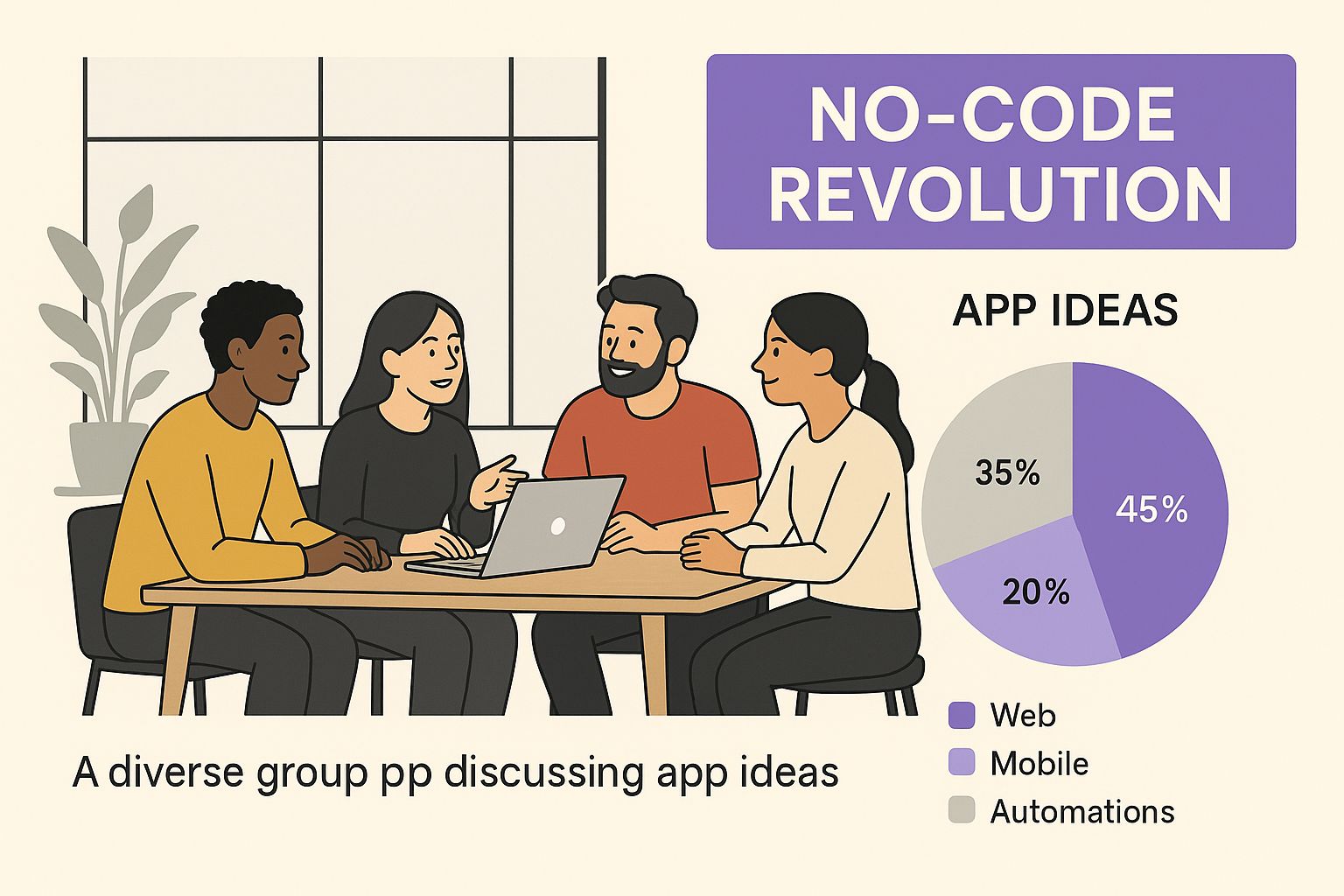
This visual nails the core idea: turning collaborative brainstorming into reality without getting bogged down by technical roadblocks. We actually break down the fundamentals in our own guide on what is no-code development.
To put it into perspective, let's look at how this new way of building stacks up against the old school method.
Traditional Coding vs No-Code App Creation
The difference is pretty stark. No-code isn't just a shortcut; it's a fundamentally different, more accessible path to creation.
The core idea behind no-code is democratization. It’s about giving the power to create directly to the people who understand the problems, regardless of their technical background.
The numbers back this up, big time. It's predicted that by 2025, a staggering 65% of all apps will be built using no-code or low-code platforms. The efficiency gains are wild, too, with some studies showing a 362% return on investment (ROI) and teams launching applications an incredible 90% faster.
The market itself, valued at around $28.75 billion in 2024, is projected to absolutely explode. This isn't just a trend; it's a fundamental change in how we build software.
Blueprint Your App Idea Before You Build

Jumping into a no-code platform without a plan is a classic mistake. It's like trying to build a house without a blueprint—you might end up with something standing, but it’ll be a messy, frustrating, and inefficient process. The most solid projects always start with a clear plan long before a single element is dragged and dropped.
This upfront planning is your foundation. It’s where you turn that spark of an idea into a concrete, actionable strategy. A good plan doesn't just save you from endless rework; it makes sure your final app actually solves a real problem for real people.
This is especially critical when you create an app without coding using a tool powered by AI. An AI app generator like Dreamspace works best with clear instructions. The more specific your vision, the better its first draft of your app will be. You’re essentially giving super-precise directions to a brilliant assistant.
Defining Your Core Purpose and Problem
Forget features for a minute. The very first thing to do is answer two brutally simple questions: What’s the single most important thing my app does? And what specific pain point does it solve for users?
Nailing these down forces you to focus on the core value.
For instance, "an app for artists" is way too vague. A much better purpose is "a decentralized platform for digital artists to verify and sell their work directly to collectors." See the difference? The first is just an idea; the second is a business case. Getting this clarity makes every other decision down the line infinitely easier.
Think of your problem statement as your North Star. Whenever you're tempted to add a new feature, you can just ask yourself, "Does this actually help solve the core problem?"
Prioritizing Your Must-Have Features
Okay, now you can brainstorm features. The trick here is to be ruthless. Scope creep is the number one project killer, so you need to sort your ideas into two buckets.
- Must-Haves: These are the absolute essentials. The app simply won't work without them. For our artist marketplace, this would be things like user profiles, an NFT minting function, and a secure payment gateway.
- Nice-to-Haves: These are the bells and whistles. They'd be cool, but they aren't critical for launch. Think social feeds, advanced seller analytics, or custom profile themes. You can always add these later.
It's so tempting to build everything at once, but that’s a trap. Launching with a lean set of core features gets you user feedback fast, which is way more valuable than spending months building something nobody asked for.
Sketching a Simple User Flow
Finally, you need to map out how a user will actually move through your app. You don’t need any fancy design software for this—a whiteboard or even just a piece of paper is perfect. Sketch out the main screens and draw arrows to show the path a user takes.
For our artist app example, the flow might be something like: Landing Page → Sign Up/Login → Artist Profile Setup → Upload Artwork → Mint as NFT → List for Sale → Buyer Browses → Purchase NFT.
This simple visual exercise is powerful. It immediately exposes any logical gaps or awkward steps in the journey, helping you create a smooth experience from the very first click. This sketch is the exact blueprint you'll feed into the Dreamspace vibe coding studio to get your project off the ground.
Bringing Your Idea to Life with Dreamspace
With your blueprint ready, it's time to bring your concept into the real world. This is where the magic happens, and a platform like Dreamspace, the AI app generator, turns those structured ideas into a working product. You finally get to create an app without coding in the most direct way imaginable.
Forget about clunky setups or confusing dashboards. Getting started with Dreamspace, the vibe coding studio, is refreshingly simple. The focus isn't on a million settings or configurations—it's on how clearly you can explain your vision to the AI.
Mastering the Art of the Prompt
The quality of your app depends almost entirely on the quality of your initial prompt. Vague instructions will get you a generic, uninspired result. You have to be precise.
It’s the difference between asking for "a social media app" versus "a decentralized social network for photographers where posts are minted as NFTs and users can tip creators with cryptocurrency." See the difference?
Think of the AI as an incredibly talented builder who takes everything you say literally. It needs exact instructions.
- Bad Prompt: "Make an app for artists." This is way too broad and leaves everything open to interpretation.
- Good Prompt: "Generate a decentralized marketplace for digital artists to sell NFTs. It needs user profiles with galleries, a minting page that connects to a wallet, and a homepage that features trending collections."
That second prompt gives the AI clear directions on the app's structure, key features, and even the onchain logic it needs to build. For a deeper look at what makes a platform great, check out our guide on finding the best AI app builder.
The goal is to describe not just what the app is, but how it should function from a user's perspective. Paint a picture with your words, and the AI will bring it to life.
Once you hit 'go' on your detailed prompt, Dreamspace gets to work. It isn't just grabbing a template. It’s actually interpreting your natural language to generate the app's code, user interface (UI), and crucial onchain connections from the ground up. The whole process feels more like a conversation where you provide the vision and the AI handles the heavy lifting.
From Prompt to Product
What you get back is a real, functional starting point. You’ll see screens, buttons, and user flows that directly mirror the instructions you gave. This isn't just a static mockup; it’s a live, interactive application ready for you to start tweaking. When building with no-code tools, adding specific functionality is everything, much like how Blockbee's Bubble plugin enables payment features in other environments.
This first generation is your first massive step forward. It transforms an abstract idea into something you can actually click, test, and show people.
This instant feedback loop is one of the most powerful parts of using an AI app generator. You see your vision come to life in minutes, which gives you the momentum to keep pushing forward. The next step is all about making it truly yours.
Making the App Your Own: Customizing Design and Logic
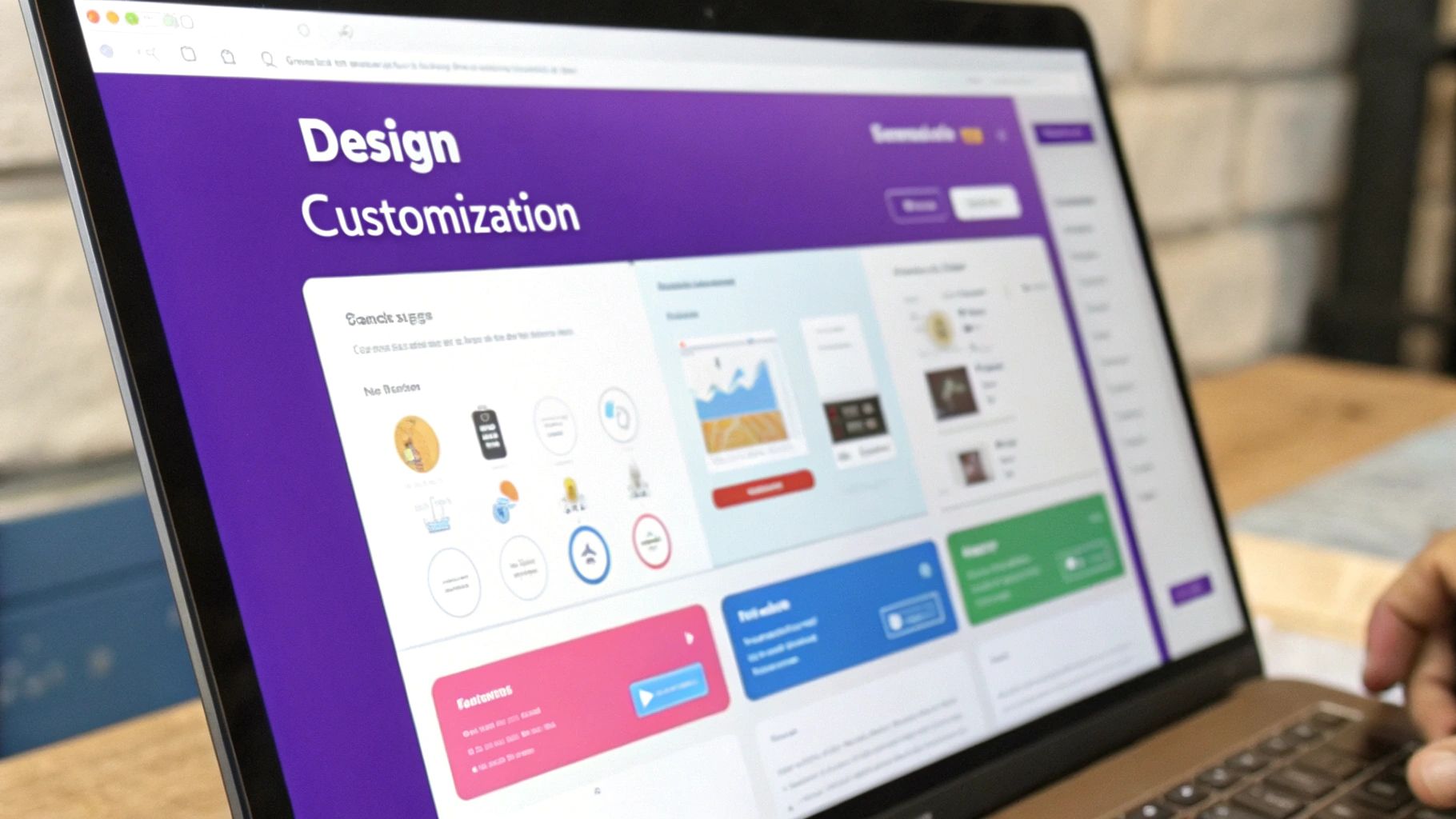
Alright, Dreamspace has done the initial heavy lifting, and you've got a working first draft of your app. That's a huge step. But this is where the real fun begins—turning that functional prototype into something that feels uniquely yours.
This is the part of the process that really sells the power of an AI app generator. Instead of wrestling with stylesheets or untangling React components, you get to work in a visual editor. It’s built for creators, which means you can focus on the what and the why, not the how.
Nailing the Look and Feel
First impressions matter. A lot. The visual side of your app is the first thing anyone will connect with, so let’s get it right. Inside the Dreamspace editor, you get to play brand director and tweak every element until it's perfect.
The best part is how immediate it is. You’re not coding blind and refreshing a browser; you’re seeing every change as you make it.
- Color Palettes: Got brand colors? Pop them in. You can swap out the default theme for your own primary and secondary palettes in just a couple of clicks.
- Typography: Fonts communicate personality. Adjust the typography to match your style guide and keep your messaging consistent.
- Layout Adjustments: Don't like where that button is? Drag it. Need more space for an image? Resize it. You can move, resize, and reconfigure elements until the layout feels intuitive and clean.
This whole approach takes the guesswork out of design. You can create an app without coding a single line and still end up with a product that looks like you hired a professional design agency.
The most effective no-code apps feel completely unique and purpose-built. Customization is what separates a generic template from a truly bespoke digital product.
This isn’t just some niche trend, either. User-friendly development platforms are exploding. The no-code market has seen a compound annual growth rate of nearly 23%, with revenues expected to climb to $12.86 billion in 2025—a massive leap from $3.47 billion back in 2019. If you want to dive deeper, you can read more about the rise of low-code and no-code platforms and how they're empowering a new wave of creators.
Tweaking How Your App Actually Works
Beyond just looks, Dreamspace lets you get under the hood and change how your app behaves. This is where it really earns its stripes as a vibe coding studio. You don’t need to be a Solidity expert to define your app’s core functionality.
Instead, you're working with simple logic editors and pre-built blocks that represent complex onchain actions.
Here’s a taste of what you can do:
- Change a Button's Action: Make a "Sign Up" button trigger a smart contract interaction instead of just navigating to a new page.
- Adjust Data Handling: Fine-tune how user data gets recorded onchain. Maybe you want to change the attributes for an NFT mint or adjust the parameters for a transaction.
- Link Screens Together: Completely remap the user journey. You can create new pathways and connect different parts of your app in a way that makes the most sense for your users.
This is the kind of control that used to be locked away behind years of blockchain development experience. Now, it’s as simple as making a few adjustments in a visual interface.
Testing And Launching Your Onchain Application
You’ve gone from a spark of an idea to a fully built onchain app. Now comes the crucial phase: making sure it works flawlessly for real people. Skip this, and you’ll end up with frustrated users—and nobody wants that.
Start by walking through every feature as if you’ve never seen the app before. Click every button, submit every form and verify each screen. Treat it like a dress rehearsal for opening night.
Your Pre-Launch Quality Checklist
Before you hit “Publish,” run through this list:
User Flow Integrity
Can someone sign up, fill out their profile, and complete the app’s core action without stumbling?Buttons And Links
Do all clickable elements lead to the right place? Hunt down any dead links or unresponsive controls.Onchain Transaction Verification
When a user mints an NFT or sends tokens, does the blockchain record it correctly? Make sure wallet interactions feel seamless.Responsive Layout
Does your interface adapt from large monitors to phones? Test on at least one desktop and one mobile device.
If you want to see how these pieces fit into the full lifecycle of a blockchain project, dive into our detailed guide on blockchain application development.
One trap many builders fall into is only checking the “happy path.” Push your app outside its comfort zone: enter invalid inputs, click out of order, and watch how it recovers.
Demystifying The Deployment Process
When testing wraps up, it’s time to send your app live. This sounds technical, but on Dreamspace it’s almost magic—think single-click deployment.
Behind that button, the Dreamspace AI app generator configures servers, points your domain, sets up certificates and handles all the nitty-gritty details. You don’t need to juggle cloud consoles or write deployment scripts.
Here’s what happens in the background:
- Domain pointing and DNS configuration
- SSL certificate issuance and HTTPS setup
- Server provisioning and autoscaling rules
- Continuous monitoring and health checks
Finally, you’ll have a live link you can share with anyone. That moment—seeing your work out in the wild—is why you started this journey in the first place. No code required, yet a fully operational onchain application ready for real users.
Got Questions About No-Code App Building?
Even with all the excitement, it’s natural to have a few questions before jumping into the no-code world. The whole idea of being able to create an app without writing a single line of code can sound a bit like magic, but today's tools have made it very real. Let’s tackle some of the common questions I hear all the time.
A big one is whether no-code is just for basic projects. Can you actually build something complex and scalable this way? The answer is a resounding yes. The days when no-code platforms were only good for simple landing pages are long gone.
Modern platforms, especially an AI-powered tool like Dreamspace, the vibe coding studio, are leagues beyond those old-school website builders. You can build out sophisticated apps with intricate logic, user accounts, and even onchain features.
Sure, if you’re trying to build something hyper-specialized for a massive enterprise, there might be some limits. But for the vast majority of app ideas—both for businesses and consumers—today's no-code tools are more than capable. You’re not just building a prototype; you’re shipping real, production-ready software.
What About Ownership and Getting Locked In?
Another concern that pops up is about intellectual property. If you build your app on a no-code platform, who actually owns it? It’s pretty straightforward: you own the intellectual property of your app’s concept, your brand, and all the data your users generate.
The platform itself owns the underlying technology that makes their tool work. But any reputable platform, Dreamspace included, is built to give you control. Most offer ways to export your data, so you’re not permanently stuck in their ecosystem. It’s always smart to give the terms of service a quick read before you fully commit, just to be sure.
So, What Can You Actually Build with an AI App Generator?
People often wonder what kind of apps are possible. With a flexible AI app generator like Dreamspace, the field is wide open, particularly if you’re building for Web3 and onchain ecosystems.
Think about building things like:
- Decentralized social networks
- Community-governed DAOs
- New productivity tools
- NFT marketplaces and galleries
Because the tool is powered by AI at its core, it's incredibly adaptable. The best way to know if it can handle your idea is to just describe your project in a prompt and see the functional starting point it generates for you.
Finally, let’s talk money. Is it really cheaper to build an app without code? Yes, and not just by a little. Traditional development can easily cost you tens, if not hundreds of thousands of dollars. No-code platforms usually work on a subscription basis, and many have free plans to get you started. This massively lowers the financial barrier to entry, which is a game-changer for startups and solo founders.
Ready to stop dreaming and start building? With Dreamspace, the vibe coding studio, you can generate a production-ready onchain app with AI, no code required. Turn your vision into reality today at https://dreamspace.xyz.