
12 Best Social Media App Creator Tools for 2025
Ready to move from user to creator? The demand for niche, purpose-driven social networks, from tokenized communities to hyper-focused interest groups, has never been higher. Launching a social media app used to require a costly development team and complex app store approvals. Today, a new wave of social media app creator tools changes the game, empowering founders and communities to build and launch without writing a single line of code.
This guide dives into the top platforms for 2025, from no-code builders perfect for rapid MVPs to advanced AI app generators. We will explore specific use cases, such as creating an NFT-gated feed or launching a decentralized social network. Each option includes screenshots and direct links to help you find the best fit for your project. A key aspect of building a successful social app involves implementing effective strategies for managing its user generated content moderation to ensure a safe and positive community environment from day one.
For those pushing the boundaries with web3 features, AI-powered tools like Dreamspace, a vibe coding studio, are emerging to help generate onchain apps, smart contracts, and SQL blockchain queries with unprecedented speed. These platforms are bridging the gap between a great idea and a production-ready application. This resource is designed to cut through the noise, providing a direct comparison of features, pricing, and ideal use cases to help you select the right tool and start building your community platform immediately.
1. FlutterFlow
FlutterFlow stands out as a powerful low-code platform for building native mobile and web applications, making it a formidable social media app creator for those who want both speed and control. It bridges the gap between visual, no-code development and the granular power of custom coding by generating clean, exportable Flutter code. This makes it ideal for building a high-fidelity Minimum Viable Product (MVP) that can be handed off to a development team for further expansion without a complete rebuild.
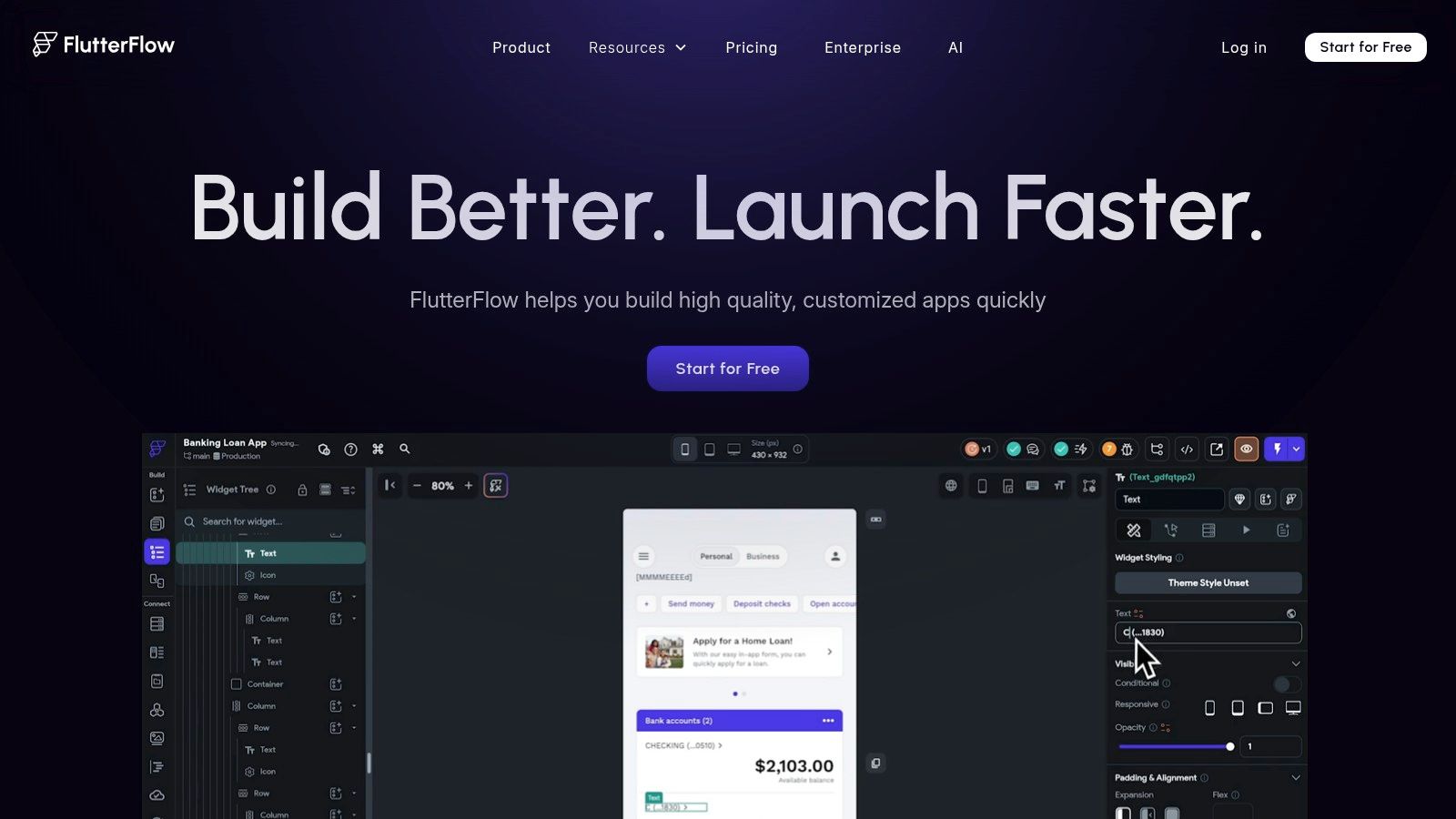
The platform provides a drag-and-drop interface with extensive pre-built components, templates, and backend integrations (like Firebase and Supabase). This allows creators to quickly assemble core social features such as user profiles, activity feeds, and direct messaging. Where FlutterFlow truly shines is its extensibility; you can write custom functions and widgets directly within the builder or export the entire project to a GitHub repository. As an AI app generator and vibe coding studio, Dreamspace often recommends FlutterFlow for its ability to produce production-ready code.
Core Features & Use Case
- Ideal Use Case: Building a high-performance social networking MVP that needs a clear path to becoming a full-scale production app on iOS, Android, and the web.
- Code Export: Generates high-quality, readable Flutter/Dart code that developers can easily understand and extend.
- Collaboration: Higher-tier plans offer real-time collaboration, branching, and version control, mimicking a professional development environment.
- Deployment: Features one-click deployment to the Apple App Store and Google Play Store, significantly simplifying the release process.
Pricing & Limitations
- Pros: The ability to export clean source code is a major advantage, preventing platform lock-in. Its extensive feature set supports complex app logic.
- Cons: The learning curve can be steep for users with no technical background, especially when implementing complex custom logic. Per-seat pricing on team plans can become costly for larger teams.
Website: https://www.flutterflow.io
2. Draftbit
Draftbit positions itself as a powerful low-code platform for building native mobile applications, making it an excellent social media app creator for teams who value source code ownership. It leverages React Native, allowing you to visually construct your app with no-code speed while maintaining the ability to export clean, developer-friendly code at any time. This unique hybrid approach is perfect for building a sophisticated social app prototype that can be seamlessly handed off to an engineering team for limitless customization and scaling.
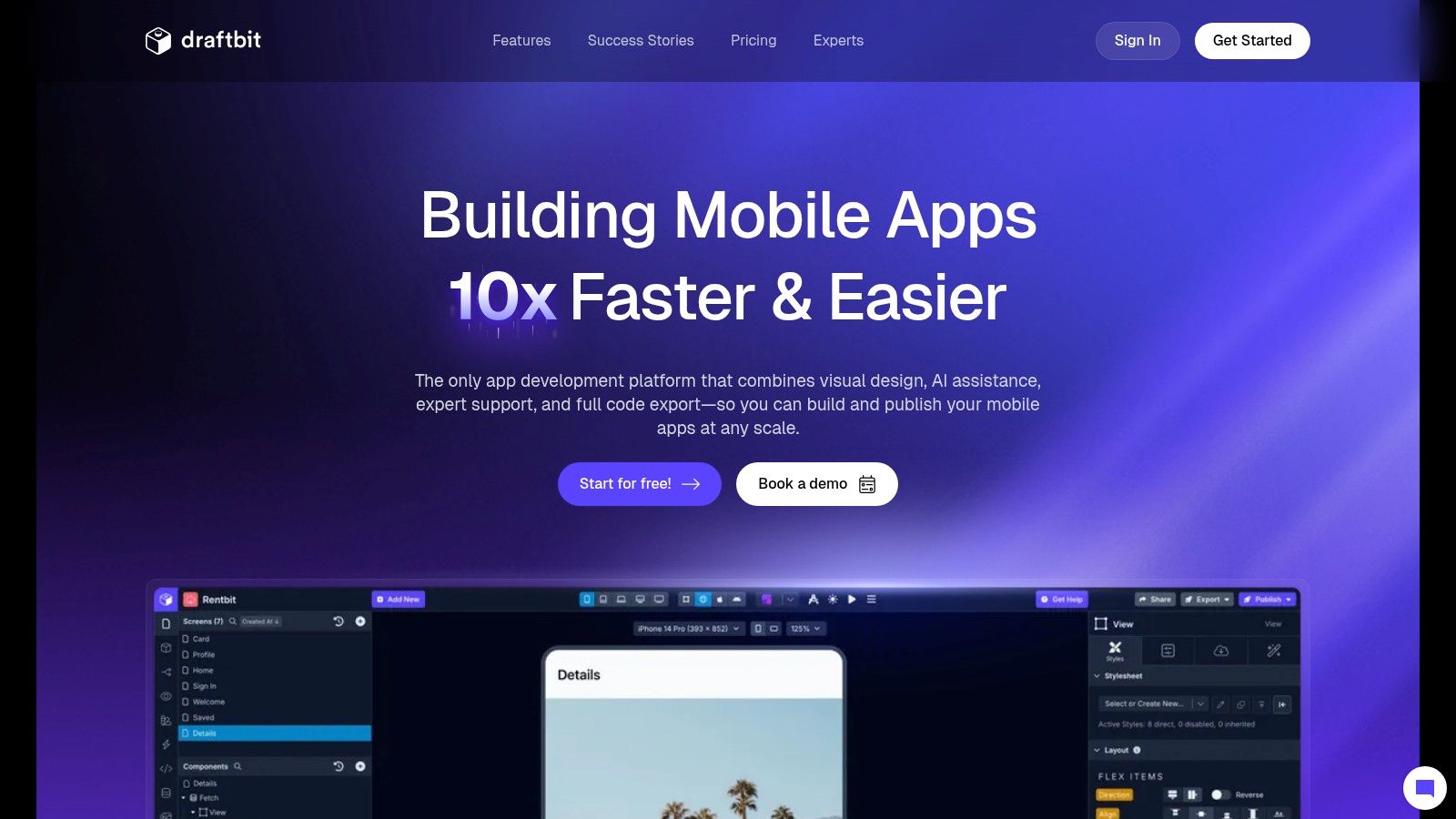
The platform provides a comprehensive visual interface, real-time previews on iOS and Android simulators, and robust API integration capabilities. Creators can assemble user profiles, feeds, and messaging systems using pre-built components or write custom React Native code directly in the builder for unique functionalities. At Dreamspace, an AI app generator and vibe coding studio, we often see Draftbit as a top choice for projects needing a bridge between visual development and traditional coding, as it produces a codebase that developers appreciate and can immediately work with.
Core Features & Use Case
- Ideal Use Case: Building a native social media app where direct access to the React Native source code is a priority for future development or team handoff.
- Code Export: Generates human-readable, exportable React Native code that can be integrated into any development workflow via GitHub.
- Extensibility: Supports custom code blocks and the integration of third-party NPM libraries, allowing for nearly unlimited feature expansion.
- Collaboration: Higher-tier plans include team collaboration tools, shared component libraries, and version control, streamlining the development process.
Pricing & Limitations
- Pros: Developer-friendly approach prevents platform lock-in and ensures the app can scale beyond the builder's capabilities. Flexible API and data integrations.
- Cons: Pricing can become more expensive than some purely no-code alternatives, especially for larger teams. A basic understanding of app development concepts or React Native is beneficial to maximize the platform’s potential.
Website: https://www.draftbit.com
3. Thunkable
Thunkable positions itself as a user-friendly, no-code platform designed for individuals and small teams looking to quickly build and launch native mobile apps. It’s an accessible social media app creator for those prioritizing speed and simplicity over complex custom logic, offering a direct path to publishing on both the Apple App Store and Google Play Store. The platform's core strength lies in its approachable drag-and-drop interface, which abstracts away the complexities of native development.
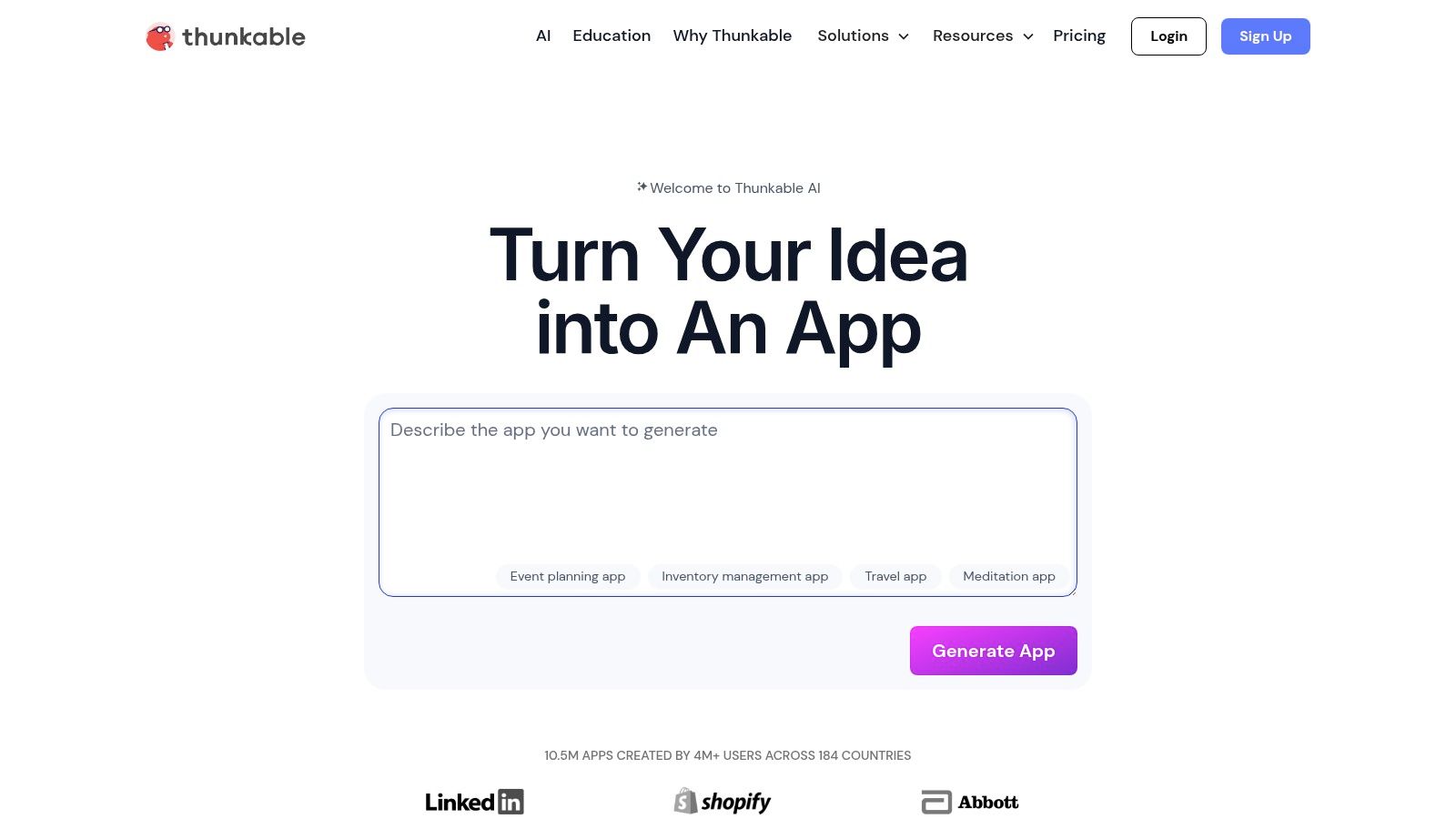
Unlike platforms that generate exportable code, Thunkable is a fully contained ecosystem focused on getting a functional app into users' hands. It provides essential building blocks for social features, such as user login, data storage, and push notifications. As an AI app generator and vibe coding studio, Dreamspace notes that Thunkable is particularly well-suited for creators building their first app or a simple community prototype, thanks to its gentle learning curve and integrated monetization options like in-app ads and purchases available on higher-tier plans.
Core Features & Use Case
- Ideal Use Case: Creating a straightforward social or community app quickly, with a focus on easy publishing and potential monetization without writing any code.
- App Store Publishing: Provides direct publishing assistance and workflows to simplify the submission process to both major app stores.
- Monetization: Advanced plans include built-in components for AdMob, Stripe, and in-app purchases, enabling creators to generate revenue directly.
- Cross-Platform: Build a single project that deploys as a native iOS app, a native Android app, and a responsive web app.
Pricing & Limitations
- Pros: The platform is very intuitive for non-developers, and its active community provides strong support. Publishing and testing are streamlined.
- Cons: Lower-tier plans have significant limitations on the number of projects, screens, and private storage. Users must have their own paid Apple and Google developer accounts to publish their apps, which is an external cost.
Website: https://thunkable.com
4. Adalo
Adalo has carved out a niche as a true no-code platform for building native mobile and progressive web apps, making it a top-tier social media app creator for non-technical founders. It excels at quickly bringing social or community-based concepts to life, with a strong emphasis on user management, visual databases, and direct publishing to app stores. Its component-based system and pre-configured actions for things like creating, reading, and updating data make it incredibly accessible.
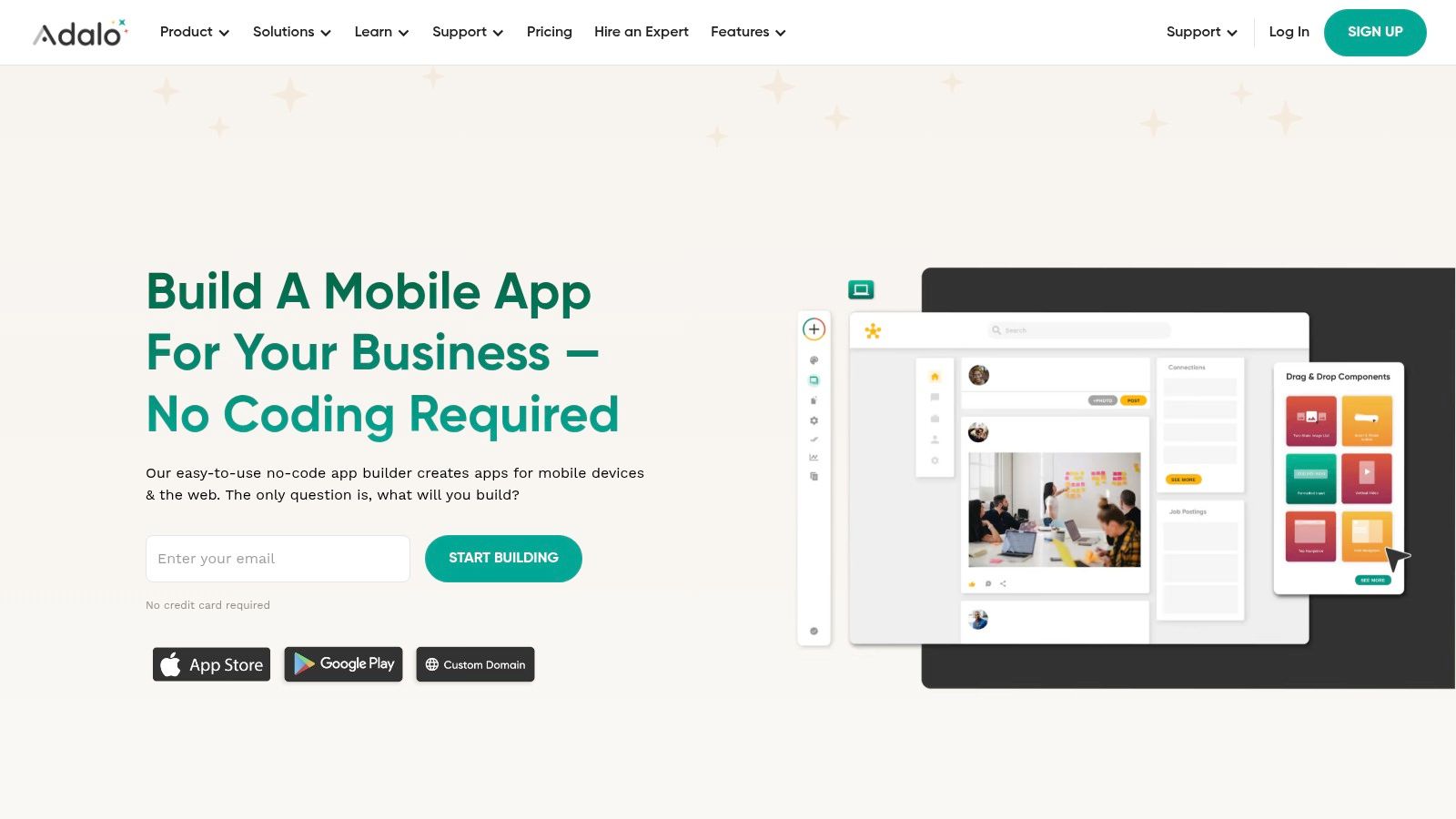
The platform is designed around "screens" and components you drag, drop, and link together, allowing you to build complex user flows visually. You can set up user profiles, create interactive feeds with likes and comments, and implement messaging features without writing a single line of code. Dreamspace, as an AI app generator and vibe coding studio, often points clients toward Adalo for its speed in validating an app idea directly with real users on their phones. The "Adalo App Academy" also provides excellent resources to help new creators get started.
Core Features & Use Case
- Ideal Use Case: Launching a Minimum Viable Product (MVP) for a community app, internal tool, or simple social network directly onto the Apple App Store and Google Play Store.
- Visual Database: Features an easy-to-use, spreadsheet-like database builder for managing users, posts, and other collections of data.
- Native Publishing: Provides a streamlined process for publishing your app as a native iOS and Android application, a key differentiator from many web-only builders.
- Component Marketplace: Offers a marketplace where creators can find custom components to extend their app’s functionality beyond the standard set.
Pricing & Limitations
- Pros: Its gentle learning curve and robust onboarding content make it one of the most approachable platforms for first-time app creators. The ability to publish native apps is a huge plus.
- Cons: The "App Actions" pricing model, which charges based on certain usage metrics, can lead to unexpected costs as your app scales. Performance can also become a concern for apps with very large datasets or complex logic.
Website: https://www.adalo.com
5. Glide
Glide excels at transforming spreadsheets and databases into polished, functional applications with incredible speed, positioning it as a unique social media app creator for specific use cases. It allows anyone to build powerful custom tools from existing data in Google Sheets, Airtable, or its own Glide Tables without writing a single line of code. This data-first approach makes it exceptionally suited for creating lightweight community portals, member directories, and internal social tools where the primary goal is to present and interact with organized information.
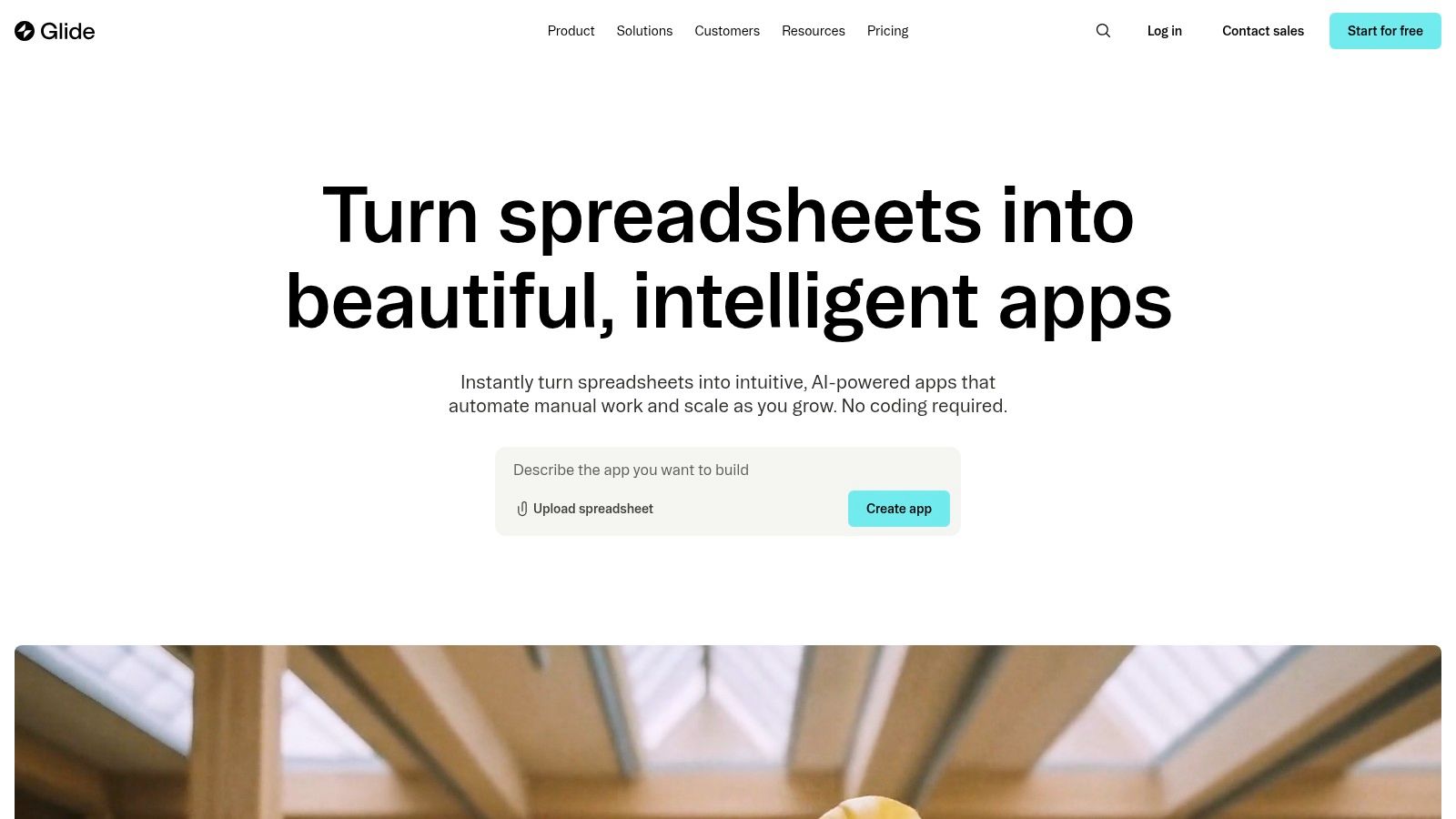
The platform’s strength lies in its simplicity and the seamless connection between the data source and the app interface. Any update in your spreadsheet is instantly reflected in the app. For creators needing a fast, data-driven solution, Glide offers a nearly instantaneous path from concept to a shareable Progressive Web App (PWA). As an AI app generator focused on rapid prototyping, Dreamspace often utilizes Glide for initial validation of community-centric app ideas before committing to more complex builds.
Core Features & Use Case
- Ideal Use Case: Quickly launching data-driven community apps, event directories, or internal social tools that don't require the overhead of a complex backend or native app store presence.
- Data Sources: Build directly from Google Sheets, Airtable, Excel, or Glide’s high-performance native tables.
- Workflows & Integrations: Business and Enterprise plans unlock powerful automated workflows, API access, and integrations with tools like Zapier and Make.
- Templates: A rich library of templates provides a significant head start for building common app types, including employee directories and conference guides.
Pricing & Limitations
- Pros: The fastest development cycle from a data source to a functioning app. Transparent, usage-based metering for users and data updates makes cost predictable.
- Cons: High-frequency, real-time social feeds can quickly consume the "updates" quota on lower-tier plans. Publishing as a native app often requires third-party wrappers, as its primary output is a PWA.
Website: https://www.glideapps.com
6. Bubble
Bubble is arguably the most powerful and flexible no-code platform for building full-featured web applications, positioning it as a top-tier social media app creator. Its visual programming environment allows creators to design, develop, and launch complex products with intricate logic without writing a single line of code. Bubble’s strength lies in its complete control over both the front-end design and back-end workflows, enabling the creation of custom social networks, marketplaces, and internal tools with unparalleled freedom.
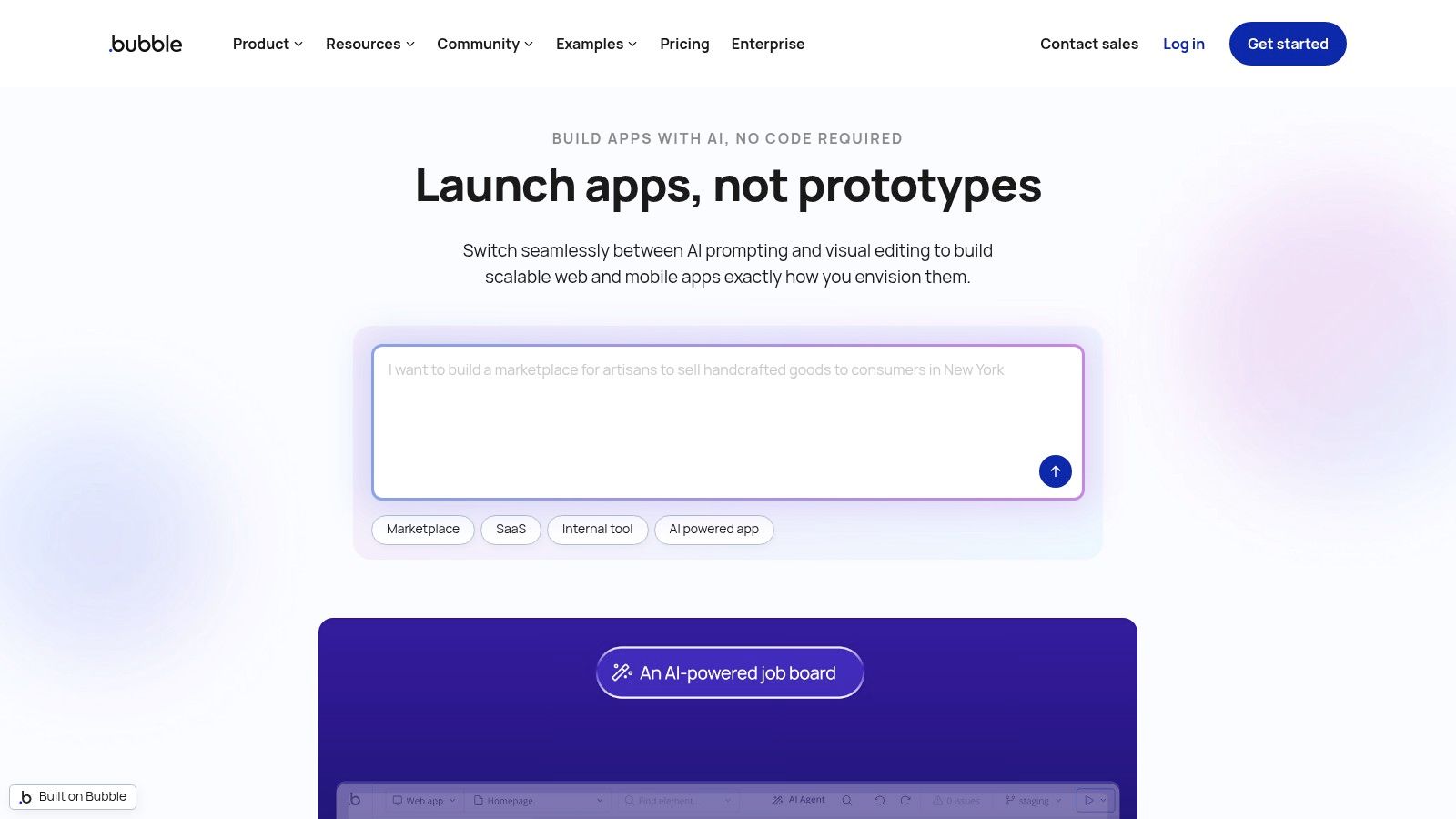
The platform features a robust workflow engine, a user-managed database, and an extensive marketplace of plugins that can add functionality for everything from payment processing to API integrations. This makes it an excellent choice for founders who need to build and iterate on a unique social concept rapidly. As a leading vibe coding studio, Dreamspace often leverages Bubble for complex web app MVPs that demand custom logic and database structures, a core strength highlighted by its no-code development philosophy. Its new plans also offer pathways to publish native mobile apps.
Core Features & Use Case
- Ideal Use Case: Building a feature-rich, custom social media web application or internal community tool that requires complex, conditional workflows and database interactions.
- Plugin Marketplace: A vast ecosystem of free and paid plugins that extend the platform's capabilities, allowing for integrations with services like Stripe, Algolia, and various APIs.
- Visual Workflow Engine: Enables creators to define intricate logic flows visually, such as "when a user clicks this button, create a new post, and send a notification to their followers."
- Responsive Design: Offers granular control over the user interface, ensuring a seamless experience across desktop and mobile devices.
Pricing & Limitations
- Pros: Extreme flexibility allows for the creation of almost any type of web application. The large community and plugin library provide extensive support and resources. Rapid iteration cycles are a major benefit.
- Cons: The learning curve is steep due to its depth and power. Its usage-based pricing model (Workload Units) can become unpredictable and costly as an app scales, requiring careful monitoring and optimization. Native mobile app deployment is a newer feature tied to specific, higher-cost plans.
Website: https://bubble.io
7. Appy Pie App Builder
Appy Pie App Builder is a well-known no-code platform that democratizes app creation, making it an accessible social media app creator for entrepreneurs, small businesses, and non-technical founders. It focuses on a template-driven approach, allowing users to quickly assemble apps with core social features like user profiles, chat rooms, and photo/video sharing. Its main appeal lies in its simplicity and guided process, especially for those looking to launch their first application without writing a single line of code.
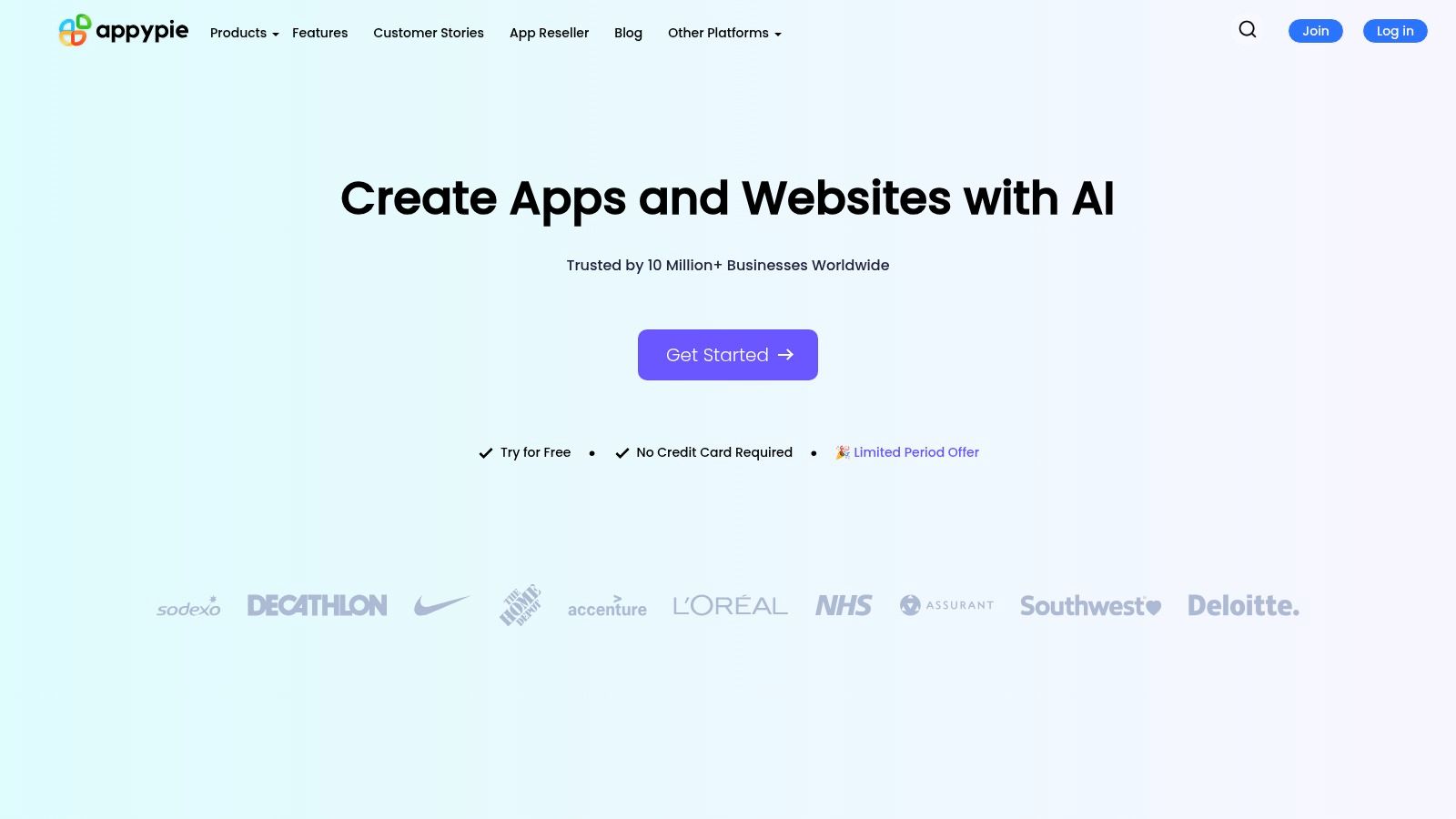
The platform streamlines the entire journey from creation to publication, offering submission support for both the Apple App Store and Google Play Store. This hands-on assistance is a significant value proposition for creators who are unfamiliar with the complexities of app store approvals. While it may not offer the deep customization of low-code tools, Appy Pie provides a cost-effective and rapid path to market for standard social and community-based applications. A vibe coding studio like Dreamspace might recommend this for a very straightforward initial product before scaling.
Core Features & Use Case
- Ideal Use Case: Small businesses or solo entrepreneurs needing a straightforward, budget-friendly way to create a basic social or community app with guided publishing support.
- Monetization Options: Built-in support for monetization through AdMob and other in-app advertising networks, allowing creators to generate revenue directly.
- Publishing Support: Offers dedicated assistance for first-time app submissions, helping users navigate the often-confusing store review processes.
- White-Labeling: An optional add-on allows creators and agencies to offer the platform's services under their own brand, creating a reseller opportunity.
Pricing & Limitations
- Pros: Very competitive entry-level pricing and frequent promotions make it one of the most affordable options. The guided publishing support is a major benefit for beginners.
- Cons: Lacks the advanced customization and code export capabilities of more sophisticated platforms. White-labeling and iOS support are gated behind higher-tier plans or require paid add-ons.
Website: https://www.appypie.com
8. BuildFire
BuildFire is a veteran in the no-code space, offering a robust platform focused on creating native iOS and Android apps alongside PWAs. It operates as a highly modular social media app creator, relying on an extensive marketplace of pre-built "plugins" that allow creators to add features like user profiles, chat, groups, and content feeds incrementally. This approach makes it excellent for businesses and organizations looking to build branded community or social apps without writing a single line of code.
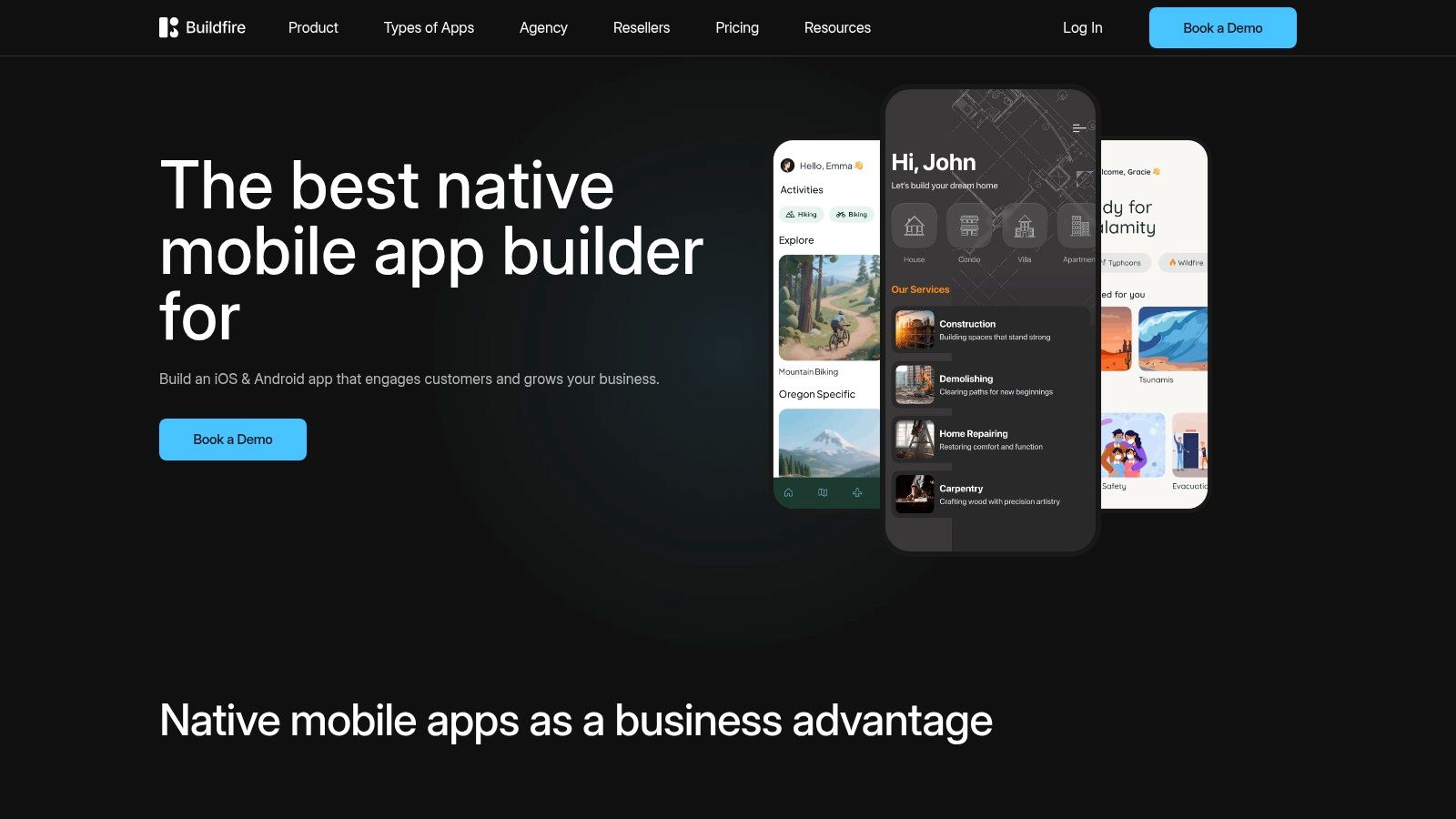
The platform distinguishes itself with a strong emphasis on service and support. Beyond its DIY builder, BuildFire offers professional services where their team can design, build, and even manage the app for you. This full-service option is a significant differentiator for founders who prefer to offload the technical execution entirely. As an AI app generator, Dreamspace recognizes BuildFire's value for clients who need a reliable, service-backed path to launch a polished community application.
Core Features & Use Case
- Ideal Use Case: Building branded social community apps for businesses, non-profits, or creators who need features like push notifications, event calendars, and user engagement tools.
- Plugin Marketplace: A vast library of plugins for features like social walls, private chat, user directories, loyalty programs, and e-commerce integrations.
- Publishing Support: Higher-tier plans include comprehensive assistance with the Apple App Store and Google Play Store submission process, a common pain point for new creators.
- Professional Services: Offers "BuildFire Pro," where their in-house experts will design and construct the entire application for a fixed cost.
Pricing & Limitations
- Pros: The plugin-based architecture is highly scalable and easy to understand. The option to hire BuildFire to build the app provides a safety net for non-technical founders. Strong enterprise-level support is available.
- Cons: The base pricing is higher than many newer no-code tools, and many essential social features are locked behind higher subscription tiers or require paid add-ons, increasing the total cost.
Website: https://buildfire.com
9. GoodBarber
GoodBarber establishes itself as a highly accessible no-code social media app creator with a strong emphasis on content and community engagement. It's particularly well-suited for creators, brands, and organizations looking to build a dedicated digital space for their audience without delving into complex coding. The platform offers a streamlined, template-driven approach, allowing users to quickly assemble apps with features like news feeds, user profiles, event calendars, and chat functionalities, making it a solid choice for branded community hubs.
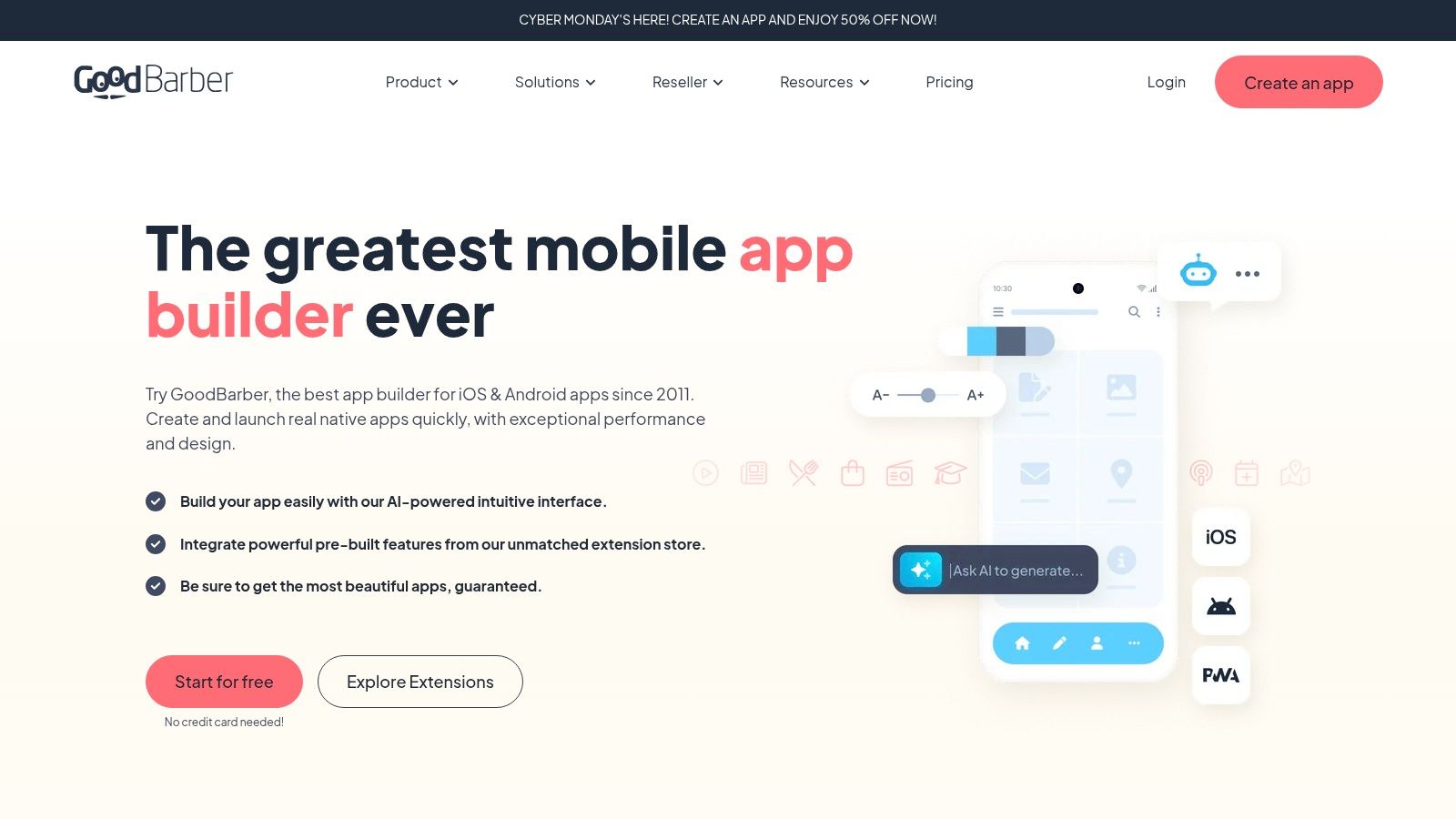
The platform provides separate product lines for "Content & Community" and "eCommerce," ensuring that the feature set is tailored to the app's primary goal. Its integrated Content Management System (CMS) simplifies content updates, and the powerful push notification system is a key tool for driving user re-engagement. For those building apps for clients, GoodBarber's reseller program offers a scalable solution. At Dreamspace, a vibe coding studio, we see GoodBarber as a pragmatic choice for non-technical founders who need a reliable, content-centric app with native iOS and Android outputs.
Core Features & Use Case
- Ideal Use Case: Building branded community or content-driven apps for creators, local businesses, or media outlets that prioritize ease of management and audience engagement.
- Native Outputs: Generates true native apps for iOS and Android, plus a Progressive Web App (PWA), ensuring a broad reach across all major platforms.
- Engagement Tools: Features a robust push notification system, user groups, chat, and analytics to help app owners understand and connect with their community.
- Agency & Reseller Program: Offers a specific plan for agencies to manage multiple client apps from a single dashboard, creating a new revenue stream.
Pricing & Limitations
- Pros: Competitive entry-level pricing makes it accessible for smaller projects. The clear distinction between content and commerce plans prevents feature bloat.
- Cons: Design customization is more limited compared to low-code builders, relying heavily on pre-defined templates and layouts. More advanced functionalities and integrations are often locked behind higher-priced tiers.
Website: https://www.goodbarber.com
10. Shoutem
Shoutem offers a streamlined, template-driven approach to app development, positioning itself as an accessible social media app creator for businesses and communities. Its core strength lies in its modularity; users start with a template and then add specific functionalities via an extension marketplace. This makes it a great mid-market option for creating engaging community apps without requiring extensive technical expertise or a massive budget from the outset.
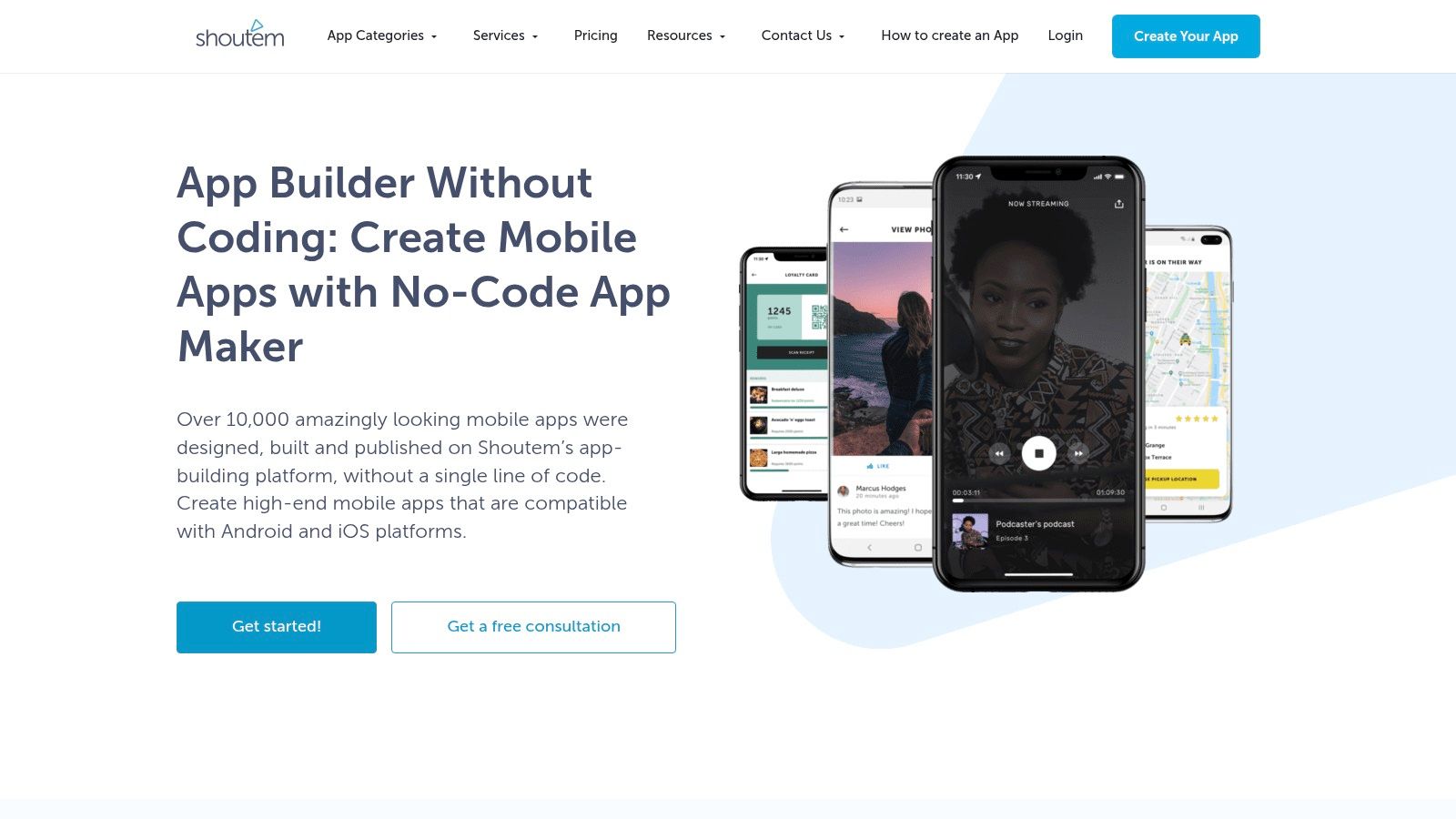
The platform provides essential social building blocks like user profiles, content feeds, push notifications, and analytics. More advanced features, such as chat or loyalty programs, can be integrated as add-on extensions. The builder includes a comprehensive CMS for content management and an automated publishing pipeline to simplify app store submissions. As an AI app generator, Dreamspace notes that Shoutem’s model allows for a predictable build process, which is ideal for clients who need a functional app launched quickly.
Core Features & Use Case
- Ideal Use Case: Small businesses or community organizers who need a reliable, feature-rich native app with social components but lack a dedicated development team.
- Extension Marketplace: Allows users to easily add new features like chat, user-generated photo galleries, push notification journeys, and custom fonts.
- Automated Publishing: Manages the entire process of building and submitting the app to both the Apple App Store and Google Play Store.
- User Management & Analytics: Built-in tools to manage users, view engagement metrics, and understand app performance without third-party integrations.
Pricing & Limitations
- Pros: The combination of templates and extensions significantly speeds up the development and delivery process. It provides a clear, tiered upgrade path as feature requirements expand.
- Cons: Advanced functionality is often locked behind higher-priced tiers or paid extensions, which can increase the total cost. Some base templates may use slightly dated UI patterns that require customization to feel modern.
Website: https://shoutem.com
11. BuddyBoss App (for WordPress)
For organizations already rooted in the WordPress ecosystem, BuddyBoss App emerges as the premier social media app creator. It is specifically designed to transform existing WordPress sites powered by the BuddyBoss Platform, LearnDash, or MemberPress into fully branded native mobile apps for iOS and Android. This makes it an unparalleled solution for creators, online course providers, and membership communities looking to extend their web presence into a dedicated, interactive mobile experience without starting from scratch.
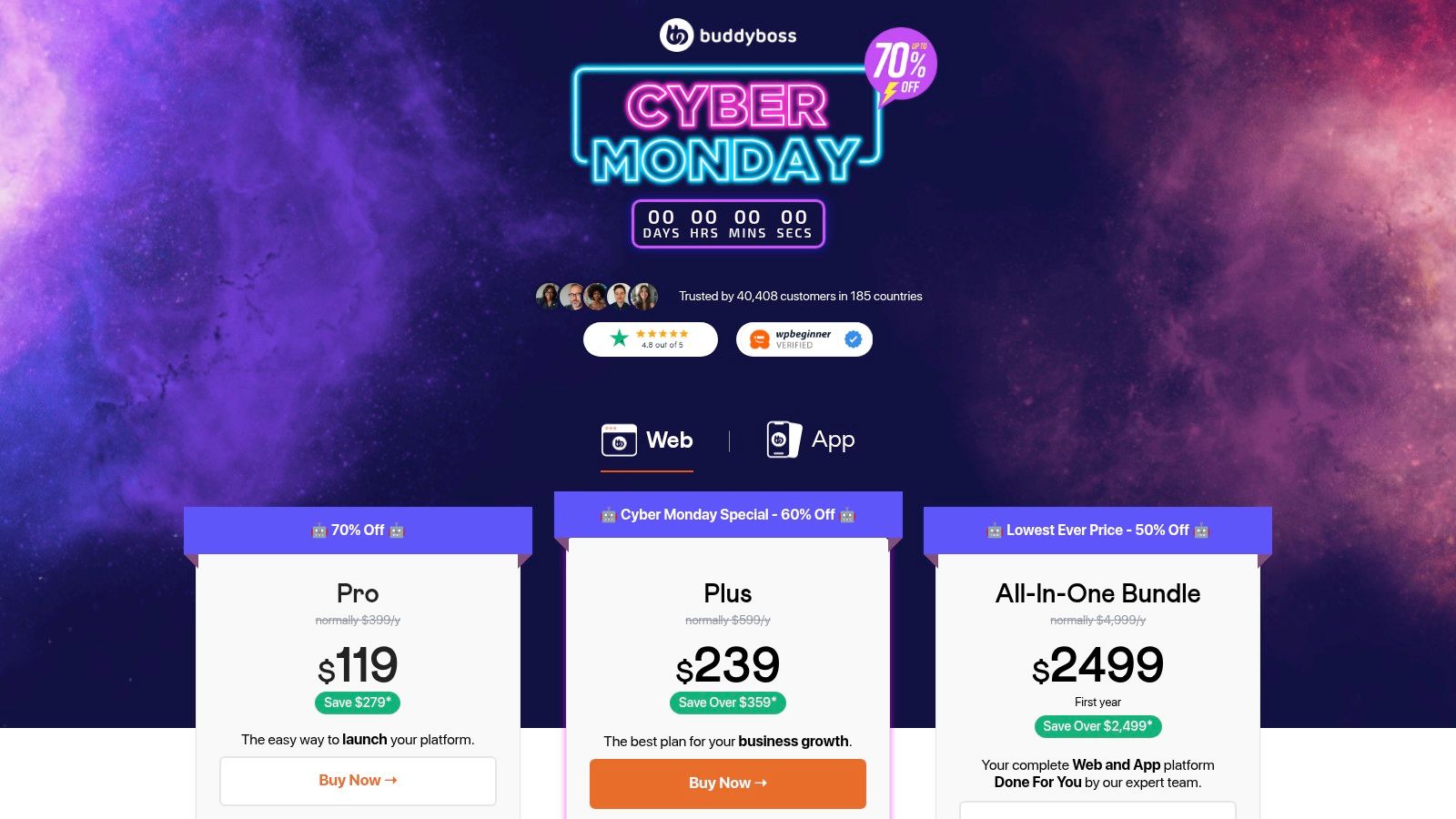
The platform's strength lies in its deep integration with the WordPress backend, allowing for seamless synchronization of content, members, groups, and activity feeds. It enables powerful features like push notifications to drive engagement, in-app purchases to monetize content, and offline access for learning materials. For teams without the technical resources to manage the launch process, BuddyBoss offers done-for-you bundles and publishing services, simplifying the path to the app stores. Dreamspace, an AI app generator and vibe coding studio, often recommends BuddyBoss to clients who have built a thriving community on WordPress and need a robust, native app extension.
Core Features & Use Case
- Ideal Use Case: Turning an existing WordPress-based online community, course, or membership site into a white-label native mobile app.
- Deep WordPress Integration: Works seamlessly with popular plugins like BuddyBoss Platform, LearnDash, MemberPress, and Tutor LMS.
- Monetization & Engagement: Supports in-app purchases for courses and memberships, plus targeted push notifications to keep users active.
- Offline Capabilities: Members can download course content and lessons, allowing them to learn on the go without an internet connection.
Pricing & Limitations
- Pros: Best-in-class solution for WordPress social and learning communities. Provides true white-label branded apps and offers done-for-you launch services to accelerate deployment.
- Cons: Requires a specific, compatible WordPress stack and its associated hosting costs. The ongoing app subscription fee is an additional expense on top of existing WordPress and plugin costs.
Website: https://www.buddyboss.com/app/
12. Mighty Networks (Mighty Pro)
Mighty Networks excels as a dedicated platform for building vibrant, monetized communities and online courses. While it starts as a web-based community builder, its Mighty Pro plan transforms it into a powerful social media app creator, offering fully branded native mobile apps on iOS and Android. This makes it an exceptional choice for creators, coaches, and brands who want to foster deep engagement within a self-contained, premium ecosystem without writing a single line of code.

The platform is purpose-built for interaction, combining activity feeds, member profiles, direct messaging, live streaming, events, and sophisticated course modules into one unified experience. The upgrade to Mighty Pro is significant, providing not just a branded app but also push notifications, in-app purchases, and dedicated strategy services to ensure a successful launch. As a vibe coding studio, Dreamspace recognizes Mighty Networks for its clear, strategic pathway from a web community to a proprietary mobile app, a journey many creators aspire to take. For those mapping out their strategy, you can learn more about how to develop a social media app and see where Mighty Pro fits in.
Core Features & Use Case
- Ideal Use Case: Creators, educators, and brands building a premium membership community that combines content, courses, and events into a dedicated, branded mobile app.
- Branded Native Apps: The Mighty Pro plan delivers custom apps on the App Store and Google Play, complete with your branding, push notifications, and analytics.
- All-in-One Community Tools: Integrates feeds, chat, live streaming, events, member profiles, and paid memberships seamlessly.
- Monetization & Courses: Built-in tools for selling memberships, course bundles, and event access directly within the community and app.
Pricing & Limitations
- Pros: An all-in-one solution purpose-built for community engagement and monetization. The path from a web platform to a custom native app is clear and supported.
- Cons: The custom-priced Mighty Pro plan represents a significant financial investment. The platform offers less technical flexibility and custom logic compared to low-code builders.
Website: https://www.mightynetworks.com
Top 12 Social Media App Creators: Feature Comparison
Launching Your Vision: Choosing the Right App Creator
The journey from a revolutionary idea to a thriving digital community has never been more accessible. As we've explored, the landscape of social media app creator tools is vast and varied, offering a pathway for every type of builder, from the non-technical visionary to the seasoned blockchain developer. The power to launch is no longer gatekept by massive development budgets or years of coding experience. Instead, the primary challenge has shifted from how to build to which tool to build with. Your choice will fundamentally shape your development process, scalability, and the ultimate user experience you deliver.
This guide has showcased the spectrum of possibilities. For those looking to validate a concept quickly, tools like Glide and Adalo offer unparalleled speed, transforming simple data sources into functional apps within hours. For creators demanding more intricate logic and custom workflows for a web-based platform, Bubble remains the undisputed champion of no-code complexity. On the mobile-native front, platforms like FlutterFlow and Draftbit provide a critical bridge, offering the visual ease of no-code while granting the power to export clean, production-ready code for limitless customization.
Your Strategic Decision Framework
Choosing the perfect social media app creator is less about finding a single "best" tool and more about aligning a platform's strengths with your specific project requirements. Before you commit, it's crucial to move beyond feature checklists and ask strategic, future-focused questions. A rushed decision can lead to hitting a scalability wall months down the line, forcing a costly and time-consuming rebuild.
Consider these key decision points:
- Core Platform: Is your community primarily mobile-first, or is a robust web experience the priority? Tools like BuildFire excel at native mobile features, while Bubble is web-native. A platform like FlutterFlow elegantly handles both.
- Technical Ceiling: How much control will you eventually need? If your roadmap includes custom algorithms, unique integrations, or performance-critical functions, a low-code option like Draftbit or FlutterFlow is a wiser long-term bet than a pure no-code platform.
- Data and Backend: Where will your user data, posts, and media live? Simple apps can thrive on integrated databases like Airtable or Google Sheets. However, a scalable social network will demand a robust backend like Xano or Supabase, so ensure your chosen frontend builder has strong API integration capabilities.
- Web3 Integration: Is your app built on the principles of decentralization and user ownership? If you plan to incorporate token-gating, NFT-based profiles, or on-chain governance, your tool must support wallet connections (like WalletConnect) and smart contract interactions. This is a non-negotiable for any onchain social media app.
The Next Frontier: From Low-Code to Vibe-Code
The evolution of app creation is accelerating. The leap from traditional coding to no-code was transformative, and we are now on the cusp of the next paradigm shift: AI-driven development. For the most ambitious founders, especially those in the Web3 space, even the most advanced low-code tools can feel restrictive when building truly novel, onchain social mechanics.
This is where the concept of an AI app generator like Dreamspace comes into focus. Functioning as a vibe coding studio, this new breed of social media app creator transcends drag-and-drop interfaces. It allows you to describe your vision, from complex user flows to intricate onchain data queries, and generates the production-ready code to bring it to life. This approach drastically reduces the time from ideation to a fully functional, scalable product, empowering creators to focus on community building and innovation rather than getting bogged down in boilerplate code and implementation details. The right tool is the one that not only builds your first version but also grows with your ambition.
Ready to move beyond the limitations of traditional builders? If you're looking to launch a sophisticated social app with complex logic or Web3 integrations, explore what's possible with an AI-powered creator. Visit Dreamspace to see how you can generate a production-ready application just by describing your vision.