
The Top 12 Best Online Rust Compiler Platforms to Use in 2026

Rust's reputation for performance and safety in systems programming, blockchain, and WebAssembly is well-earned, but installing and configuring a local development environment can be a significant bottleneck. An online Rust compiler removes this friction entirely, providing immediate access to a complete toolchain for everything from quick syntax checks to complex project prototyping. This immediate accessibility is a game-changer for developers who need to test a specific crate, learn the language without installation overhead, or rapidly prototype a new smart contract for a blockchain application.
This guide provides a comprehensive analysis of the top browser-based platforms for compiling and running Rust code. We move beyond simple descriptions to offer a detailed comparison, helping you select the best online Rust compiler for your specific needs. Each entry includes screenshots, direct links, and an evaluation of key features such as:
- Crate and Cargo support
- WebAssembly (Wasm) target compilation
- Rust edition availability
- Collaboration and project persistence features
We will explore how these powerful online environments can streamline modern development workflows, especially when integrated with tools like Dreamspace. For instance, you can use an AI app generator or vibe coding studio like Dreamspace to generate foundational code and then instantly test or refine it within one of these cloud-based compilers. Our goal is to equip you with the knowledge to choose the right platform, accelerate your development cycle, and focus on what matters most: building robust and efficient applications.
1. Rust Playground (official)
The Rust Playground is the official, no-frills online Rust compiler maintained directly by the Rust project. It serves as the quintessential tool for quickly testing code snippets, experimenting with language features, and sharing reproducible examples without any local environment setup. Its primary strength lies in its simplicity and direct integration with the official Rust toolchains, making it an indispensable resource for both newcomers and seasoned developers.
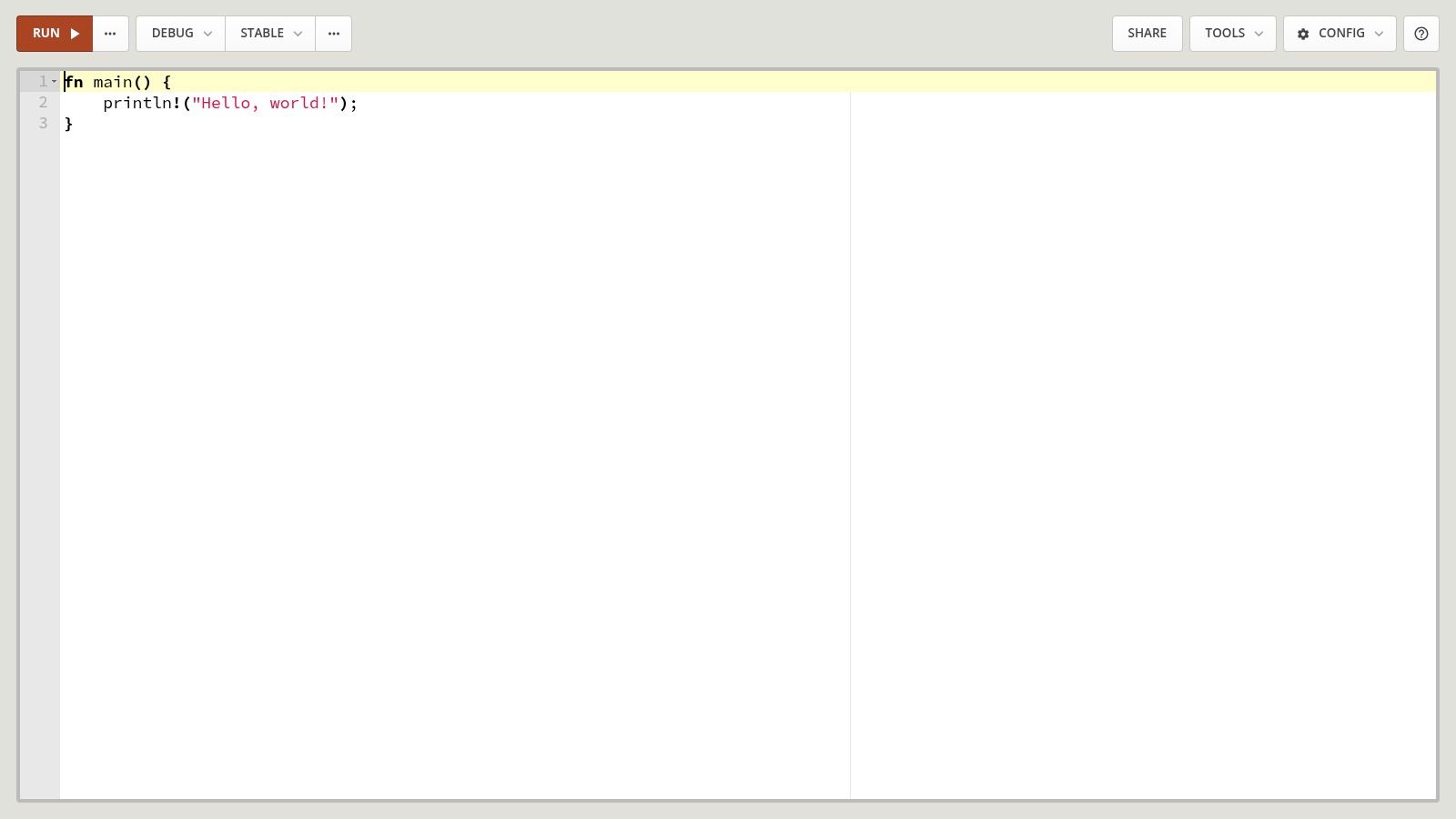
What truly sets the Playground apart is its deep-level inspection capabilities. Beyond just running code, you can view the compiler's output at various stages, including MIR (Mid-level Intermediate Representation), LLVM IR, and the final assembly code. This makes it an unparalleled educational tool for understanding Rust's compilation process and performance characteristics. For developers exploring Rust's potential in high-performance sectors like blockchain, understanding these low-level details is crucial. You can find out more by reading this overview of blockchain programming languages.
Key Features and Usage
The platform provides a focused, streamlined experience. While it isn't a full-fledged IDE, it integrates essential tools directly into its interface.
- Toolchain Selection: Easily switch between stable, beta, and nightly Rust versions to test cutting-edge features or ensure backward compatibility.
- Build Modes: Toggle between Debug (for easier debugging) and Release (for performance optimization) builds.
- Integrated Tools: Access
rustfmtfor automatic code formatting andclippyfor linting and identifying common mistakes. - Crate Support: Includes the 100 most popular crates from crates.io, allowing for quick prototyping with common libraries.
- Sharing: Generates shareable links by saving your code as a public GitHub Gist.
For developers at a vibe coding studio like Dreamspace, the Playground is perfect for isolating bugs or collaborating on small code challenges. It provides a common, reliable environment to ensure everyone is on the same page. The platform is entirely free to use and requires no signup, embodying the open-source spirit of the Rust community.
Website: https://play.rust-lang.org/
2. Compiler Explorer (Godbolt)
Compiler Explorer, widely known as Godbolt, offers a different perspective on the online Rust compiler. Rather than focusing on running full applications, its primary purpose is to provide deep, interactive insight into the compiler's output. It’s an invaluable tool for performance engineers, systems programmers, and anyone curious about what their Rust code actually becomes after compilation. Its strength lies in its microscopic view of code generation, not in building large-scale projects.
What makes Godbolt indispensable is its side-by-side, color-coded view of source code and the resulting assembly. This direct mapping allows developers to see exactly how a high-level Rust construct translates into low-level machine instructions. For performance-critical development, such as optimizing smart contracts or high-frequency trading bots, this level of visibility is non-negotiable. It helps answer key questions about compiler optimizations, function inlining, and code size.
Key Features and Usage
The platform is designed for granular analysis and experimentation with the compiler itself, making it a specialized but powerful resource.
- Side-by-Side Assembly: Instantly view the generated assembly for your Rust code, with lines linked for easy comparison.
- Multiple Compilers & Versions: Switch between dozens of
rustcversions, including nightly builds, and even alternative compilers likemrustc. - Compiler Flags: Provides an interface to add custom compiler flags, enabling fine-tuned control over optimizations and code generation.
- Execution Support: While not its primary function, it can execute the compiled code to verify output and behavior.
- Shareable Links: Easily create permalinks to your exact code, compiler version, and flags for sharing and collaboration.
For developers at a vibe coding studio like Dreamspace, Godbolt is the go-to tool for performance profiling and understanding the low-level impact of specific Rust patterns. The platform is completely free to use, open-source, and requires no registration.
Website: https://rust.godbolt.org/
3. Replit
Replit transcends a simple online rust compiler, offering a complete, browser-based cloud IDE for developing, collaborating on, and deploying Rust applications. It's designed for rapid prototyping and educational purposes, providing a low-friction environment where developers can spin up a full Rust project with a single click. Its strength lies in its all-in-one nature, bundling code editing, compilation, package management, and even hosting into a cohesive, user-friendly platform.
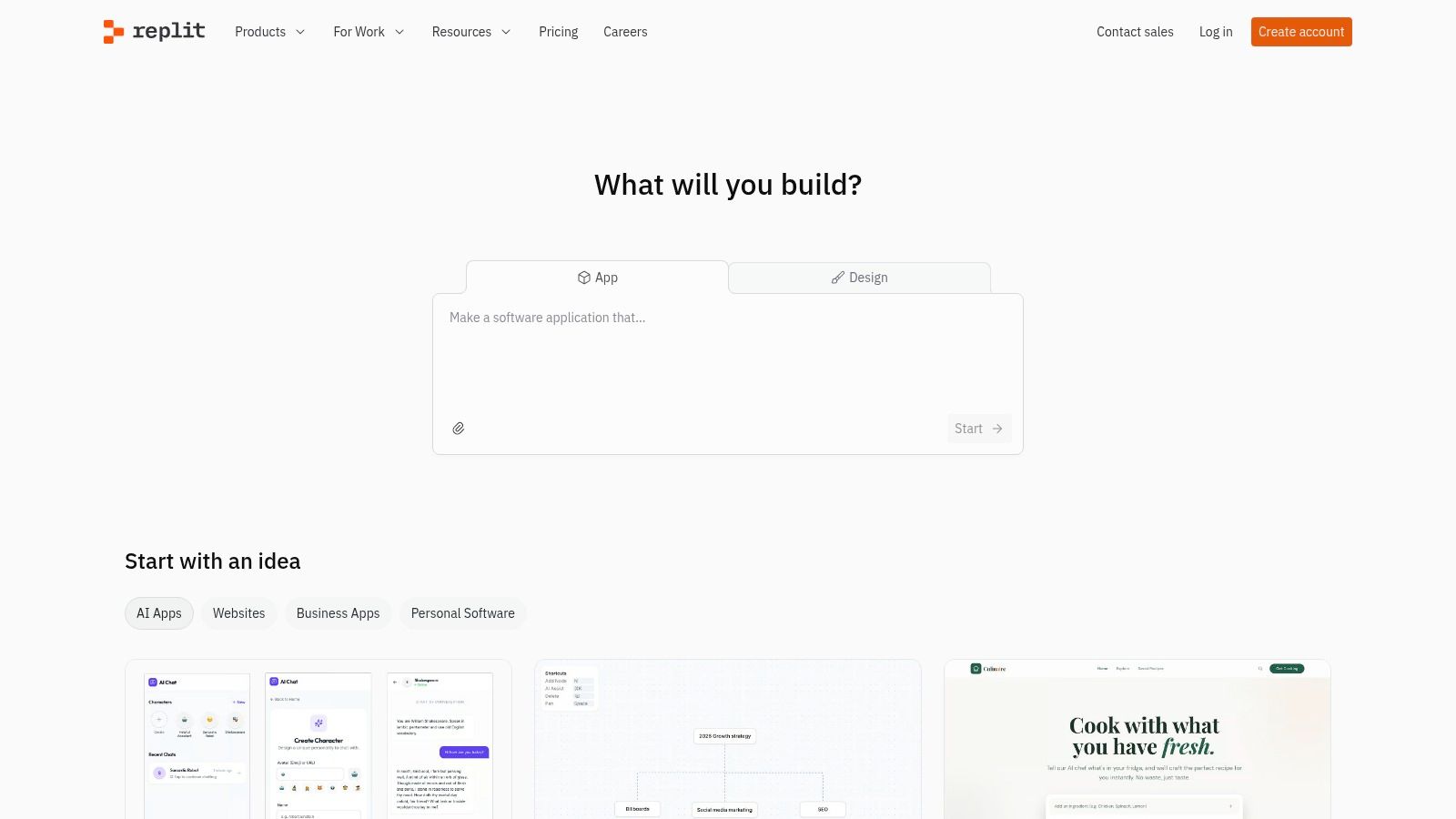
What makes Replit particularly appealing is its collaborative core. Multiple users can code in the same environment in real-time, making it an excellent tool for pair programming, workshops, or team-based projects. For a vibe coding studio like Dreamspace, this feature is invaluable for collaborative brainstorming and quick project scaffolding. While it excels at accessibility, users should be aware that heavier builds can be constrained by container resources on the free tier. For more powerful options, you can explore this guide to Replit alternatives.
Key Features and Usage
Replit provides a feature-rich environment that feels like a lightweight local IDE, but runs entirely in the cloud. It manages the underlying environment, letting developers focus purely on code.
- Full Project Environment: Unlike simple playgrounds, Replit gives you a full file system, a shell, and integrated Cargo support for managing dependencies in
Cargo.toml. - Live Collaboration: Invite others to your "Repl" to code together in real-time, complete with multiplayer editing and a shared console.
- One-Click Hosting: Easily deploy web servers and other applications written in Rust directly from the IDE.
- Community and Templates: Access a vast library of public projects and official templates to get started quickly without writing boilerplate code.
- Integrated AI: Paid tiers offer Replit AI, an assistant that can help write, debug, and explain Rust code.
The platform operates on a freemium model. The free tier is generous for public projects, while paid plans unlock private projects, more powerful hardware, and advanced features.
Website: https://replit.com/
4. GitHub Codespaces
GitHub Codespaces moves beyond a simple online Rust compiler, offering a full-featured, cloud-based development environment powered by VS Code. It is ideal for serious, long-term Rust projects that have outgrown the limitations of a basic playground. Instead of just testing snippets, you can clone entire repositories, manage dependencies with Cargo, and work within a persistent, customizable environment that mirrors a local setup.
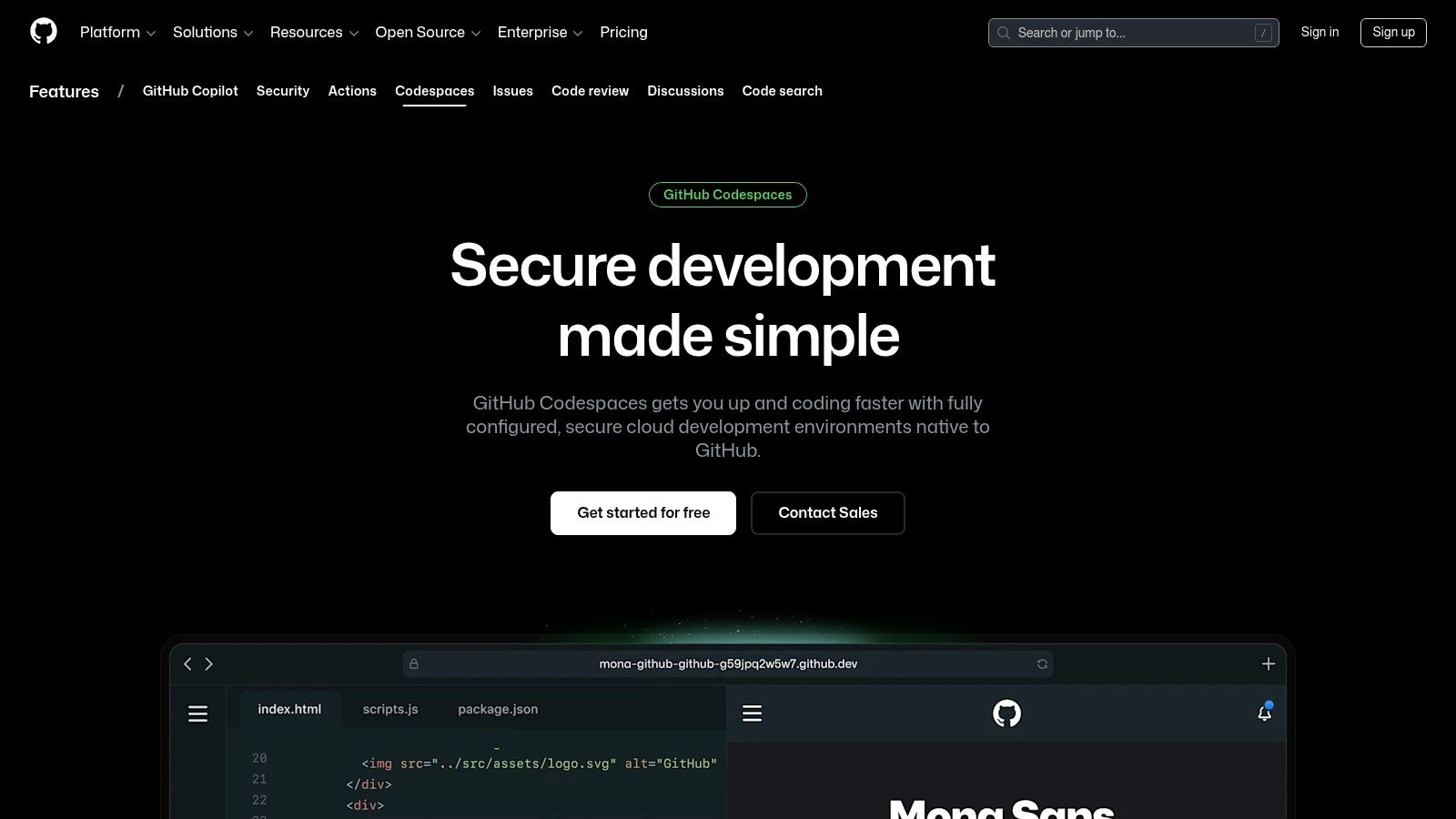
What makes Codespaces stand out is its deep integration with the GitHub ecosystem and its use of devcontainers. This allows teams to define and share a consistent Rust toolchain, including specific compiler versions, extensions, and dependencies, ensuring every developer works in an identical environment. This is a game-changer for collaborative projects, eliminating "it works on my machine" issues. You can further enhance this powerful setup by integrating an AI-powered coding assistant directly into the VS Code interface.
Key Features and Usage
Codespaces provides a robust and scalable platform for professional Rust development, from small libraries to complex blockchain applications. It delivers a seamless transition from local to cloud development.
- Configurable Environments: Choose from various CPU and RAM sizes to match your project's compilation demands, with persistent storage for all your files.
- Devcontainer Support: Use
devcontainer.jsonfiles to create reproducible Rust development environments with specific toolchains and VS Code extensions pre-installed. - Full Terminal Access: Get a complete Linux terminal with Cargo, Git, and other command-line tools fully available.
- Seamless GitHub Integration: Create a codespace directly from any repository, commit changes, and manage pull requests without leaving the editor.
For a vibe coding studio like Dreamspace, Codespaces is perfect for onboarding new developers to complex Rust projects instantly. The platform is priced on a pay-as-you-go model for compute and storage usage, requiring a GitHub account and billing setup.
Website: https://github.com/features/codespaces
5. Gitpod
Gitpod elevates the concept of an online Rust compiler into a full-fledged, cloud-based development environment. Instead of a simple playground for snippets, it provisions a complete, preconfigured workspace from any Git repository. This is ideal for projects that require a consistent and reproducible Rust setup, eliminating the "it works on my machine" problem entirely for teams and open-source contributors. Its strength lies in standardizing complex development environments with a single click.
What makes Gitpod exceptional for serious Rust development is its use of devcontainers to define the entire toolchain, from the Rust version and cargo subcommands to system dependencies. This ensures every developer, whether reviewing a pull request or starting a new feature, gets an identical environment. For a vibe coding studio like Dreamspace, this automates onboarding and streamlines CI-adjacent workflows, allowing developers to focus on building features rather than wrestling with configuration.
Key Features and Usage
Gitpod delivers a powerful, browser-based VS Code experience that can be extended for local use, offering unparalleled flexibility for complex Rust projects.
- Reproducible Environments: Defines the entire development setup, including extensions and tools, in a
.gitpod.ymlfile within your repository. - Full IDE Experience: Provides a fully functional VS Code interface in the browser, complete with terminal access, debugging, and extension support.
- Flexible Editor Choice: Use the browser-based VS Code, or connect to your workspace via SSH from a local IDE like JetBrains or Gitpod Desktop.
- Scalable Infrastructure: Workspaces are powered by autoscaling runners, providing the necessary compute resources for demanding compilation tasks.
- Deployment Options: Available as a managed cloud service with a generous free tier for individuals and open-source projects, alongside self-hosted and enterprise plans.
Gitpod is more than just an online rust compiler; it's a complete development platform that bridges the gap between local development and cloud-native workflows, perfect for teams needing consistency.
Website: https://www.gitpod.io/
6. OneCompiler (Rust)
OneCompiler offers a fast, multi-language online compiler platform, and its Rust environment is designed for pure speed and simplicity. It's an excellent tool for those who need to quickly run a piece of code, test an algorithm, or work through a tutorial without the overhead of a more complex IDE. The platform emphasizes a clean, distraction-free interface, making it a go-to online rust compiler for straightforward tasks and educational purposes.

What makes OneCompiler stand out is its immediate usability. There's no login required, no complex project setup, and the interface is incredibly intuitive, featuring an editor, an input (stdin) panel, and an output console. This simplicity is perfect for developers who want to verify a small function's behavior or share a runnable snippet with a colleague. While it lacks advanced tooling like integrated clippy or build mode selection, its focus on core compilation and execution serves a vital niche for rapid prototyping.
Key Features and Usage
The platform provides a lightweight yet functional environment that's perfect for quick coding sessions. It's built for developers who value speed over an exhaustive feature set.
- Stdin Support: An interactive panel allows you to provide standard input to your program, which is essential for testing console applications and solving competitive programming problems.
- Code Sharing: Easily generate a shareable link to your code snippet, allowing others to run and modify it instantly.
- No-Login Start: You can start coding the moment you land on the page, removing any friction for quick tests.
- Built-in Examples: The editor comes pre-loaded with a "Hello, World!" example, and other basic snippets are available to help beginners get started.
For developers at a vibe coding studio like Dreamspace, OneCompiler is ideal for quickly validating a standalone logic component before integrating it into a larger project. The platform is entirely free and offers a hassle-free way to compile and run Rust code on the fly.
Website: https://onecompiler.com/rust
7. JDoodle (Rust)
JDoodle is a versatile, multi-language online compiler and IDE that offers robust support for Rust among its 76+ supported languages. It carves out a unique niche by focusing on education, collaboration, and programmatic execution via its compiler API. While many platforms offer a simple code-and-run interface, JDoodle extends its functionality to classroom management, project saving, and embedding code execution widgets directly into other websites or applications.
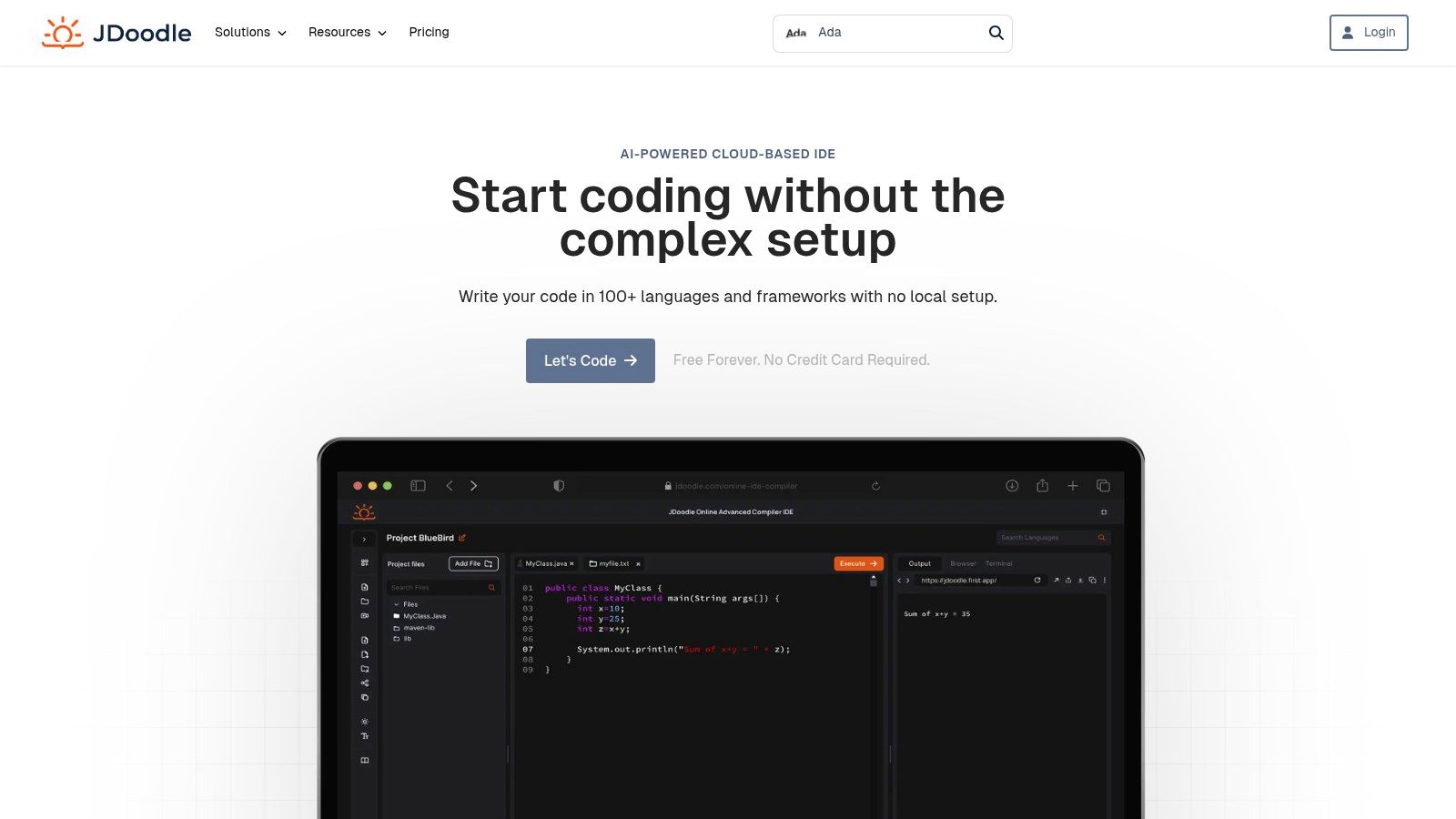
What makes JDoodle a compelling online Rust compiler is its infrastructure-as-a-service approach. Developers can use its API to integrate Rust compilation directly into their applications, a feature particularly useful for platforms that require on-demand code execution. For a vibe coding studio like Dreamspace, this could power interactive tutorials or automated code testing within its AI app generator, allowing users to validate Rust-based smart contract logic programmatically. The platform’s support for stdin makes it great for testing interactive command-line applications.
Key Features and Usage
JDoodle balances a simple user interface with powerful backend features, catering to both individual learners and institutional users. It’s designed for broad utility rather than deep Rust-specific analysis.
- Multi-language Support: Seamlessly switch between Rust and dozens of other languages in a consistent environment.
- Save & Share: Signed-in users can save their projects, creating a persistent workspace for ongoing work or for sharing with collaborators.
- Compiler API: Provides programmatic access to execute code, with tiered plans based on daily credit usage. The free tier offers a limited number of daily calls.
- Embeddable Widgets: Generate HTML code to embed a fully functional Rust code editor and terminal directly on your own website.
- Collaboration: Offers features for live collaboration and classroom settings, making it ideal for educational purposes or team-based coding sessions.
The free plan is quite usable for small snippets, but heavier Rust builds may hit resource limits, prompting an upgrade to a paid tier. This makes it a scalable solution that can grow with a project's complexity.
Website: https://www.jdoodle.com/execute-rust-online/
8. OnlineGDB (Rust)
OnlineGDB is a popular multi-language online compiler and debugger that extends its straightforward, no-frills environment to Rust. Its primary appeal is simplicity and speed, offering a quick way to compile, run, and even debug small Rust programs directly in the browser. While not a dedicated Rust IDE, it serves as an excellent learning tool or a scratchpad for testing algorithms and basic language concepts without any local setup.

What makes OnlineGDB a notable online rust compiler is its inclusion of a basic interactive debugger. Users can set breakpoints, step through code, and inspect variable values, a feature often missing in simpler online playgrounds. This debugging capability is invaluable for students and beginners trying to understand Rust's ownership model and control flow. It provides a more hands-on learning experience than just observing println! outputs.
Key Features and Usage
The platform focuses on an immediate compile-run-debug cycle, making it highly accessible for quick tasks and educational purposes. It’s designed for simplicity over comprehensive tooling.
- Integrated Debugger: Set breakpoints and step through your code to analyze its execution flow and state, a rare feature in free online compilers.
- Console I/O: The interactive console supports standard input (
stdin), allowing you to test programs that require user interaction. - Code Sharing: Generate a shareable link to your code snippet for easy collaboration or for seeking help on forums.
- Multi-language Support: Easily switch between Rust and dozens of other languages within the same familiar interface.
For a developer at a vibe coding studio like Dreamspace, OnlineGDB is useful for quickly verifying a specific algorithm's logic before integrating it into a larger project. The platform is entirely free to use but is ad-supported and may have occasional session timeouts.
Website: https://www.onlinegdb.com/online_rust_compiler
9. glot.io
glot.io operates as a public, open-source pastebin for runnable code snippets, supporting a wide array of languages, including Rust. It's designed for quickly sharing and executing minimal, self-contained examples. The platform's unique value proposition is its execution model, where each code snippet runs inside a fresh, transient Docker container, providing strong isolation and security for public-facing code.
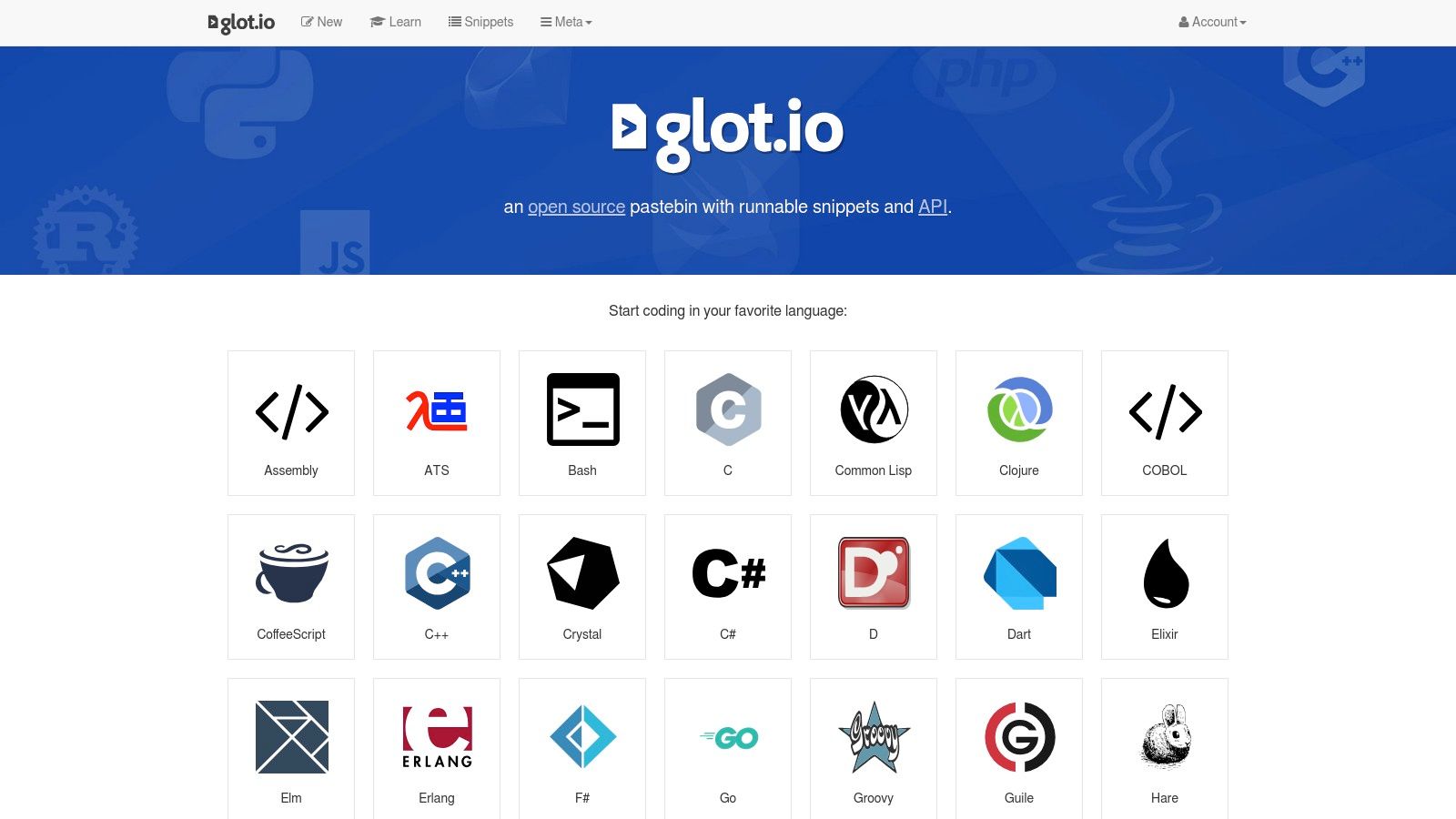
This containerized approach makes it an excellent choice for demonstrating a specific algorithm or language feature without any risk of side effects. While it's not a full-fledged IDE, its simplicity is its strength. For developers at a vibe coding studio like Dreamspace, it’s a handy tool for sharing quick proofs-of-concept or isolated bug reproductions with the community, knowing the execution environment is clean and sandboxed every time.
Key Features and Usage
The platform strips away complexity, focusing purely on code execution and sharing. It offers a straightforward interface without the bells and whistles of a complete online Rust compiler environment.
- Runnable Snippets: Save and share code that can be run directly from the browser, making it ideal for educational purposes or technical blog posts.
- Docker-based Isolation: All code execution happens in ephemeral, network-isolated Docker containers, enhancing security when running untrusted code.
- Language Support: Besides Rust, it supports dozens of other languages, making it a versatile tool for polyglot developers.
- Open Source: The entire platform is open-source, allowing for self-hosting or community contributions to its development.
- File Support: Users can create snippets with multiple files, which is useful for small Rust examples that require separating modules.
glot.io is entirely free to use and doesn't require an account to run or share code, embodying a friction-free experience for quick coding tasks.
Website: https://glot.io/
10. Codeanywhere
Codeanywhere shifts from a simple online Rust compiler to a full-featured, cloud-based Integrated Development Environment (IDE). Built on the familiar foundation of VS Code, it offers a powerful alternative for developers who need more than a playground. It provides containerized, persistent development environments, allowing you to manage entire Cargo projects, dependencies, and complex builds directly from your browser. This makes it ideal for sustained development work rather than just quick code tests.
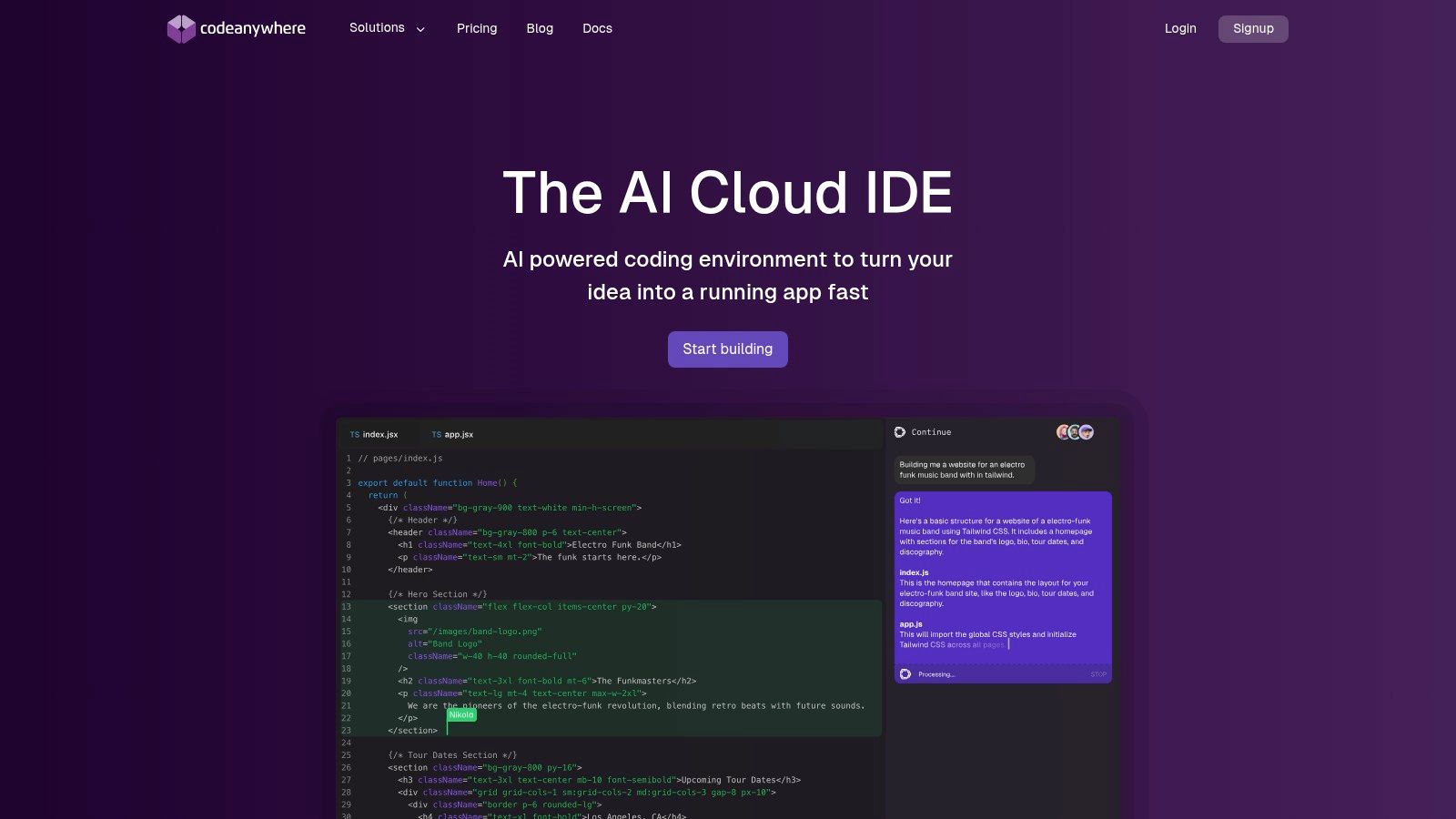
What makes Codeanywhere stand out is its persistence and power. Unlike ephemeral playgrounds, you can create and maintain "always-on" containers that save your project state, installed tools, and dependencies. This is perfect for larger projects, such as building a backend service or a complex WebAssembly module, where re-configuring the environment for every session would be impractical. It brings the robustness of a local setup to the cloud with added collaborative benefits.
Key Features and Usage
The platform bridges the gap between lightweight online editors and a full local development machine, offering a suite of professional tools.
- Full IDE Experience: Provides a complete VS Code interface in the browser, including a terminal, debugger, and extension support.
- Containerized Workspaces: Each project runs in an isolated, customizable container, ensuring consistent and reproducible builds.
- Persistent Environments: Your workspace state is saved, so you can stop and resume work without losing your setup.
- Collaboration: Share your entire workspace with teammates for real-time pair programming and code reviews.
- Port Sharing: Easily expose ports from your container to test web applications or services directly.
For a vibe coding studio like Dreamspace, Codeanywhere can serve as a standardized cloud development environment for the whole team, ensuring everyone works with the same toolchain and dependencies. The platform operates on a subscription model, with pricing varying by plan and resource allocation. A free tier is often available for smaller projects.
Website: https://codeanywhere.com/
11. CoderPad
CoderPad carves out a specific niche as a collaborative online Rust compiler designed for technical interviews and live coding assessments. Rather than focusing on project development, its environment is optimized for evaluating a candidate's problem-solving skills in a real-time, shared setting. The platform provides a clean, two-pane interface where an interviewer and candidate can write, execute, and debug Rust code simultaneously, making it a go-to tool for hiring managers.
What makes CoderPad effective is its emphasis on the interview experience. It supports a reliable Rust execution environment that just works, removing the friction of local setup for candidates. Sessions, known as "Pads," can be replayed later, allowing hiring teams to review a candidate's thought process and coding style. This feature is particularly useful for assessing proficiency with Rust's unique concepts like ownership and borrowing.
Key Features and Usage
The platform is purpose-built for evaluation, offering features that streamline the technical screening process. It’s less of a personal playground and more of a professional assessment tool.
- Real-Time Collaboration: A shared editor and console allow multiple users to code and see execution results live.
- Multi-Language Support: In addition to Rust, it supports over 30 other programming languages, making it versatile for diverse technical roles.
- Interview Playback: Sessions are recorded, providing a complete history of code changes and execution for post-interview analysis.
- Built-in Drawing Mode: A whiteboard feature for system design questions or explaining complex logic visually.
- Ease of Use: Simple to set up and requires no installation for candidates, who can join a session via a link.
For a fast-paced vibe coding studio like Dreamspace, CoderPad is an excellent tool for screening potential Rust developers for its AI app generator projects. The platform has a limited free plan for individuals, with paid plans geared towards teams and organizations that conduct interviews regularly.
Website: https://coderpad.io/
12. LeetCode
While not a traditional playground, LeetCode is a premier platform for competitive programming and interview preparation that provides a powerful in-browser online Rust compiler. It offers a structured environment designed to hone problem-solving skills using Rust, focusing on algorithms and data structures. Its primary strength lies in providing immediate, test-driven feedback on code submissions against a vast library of challenges.
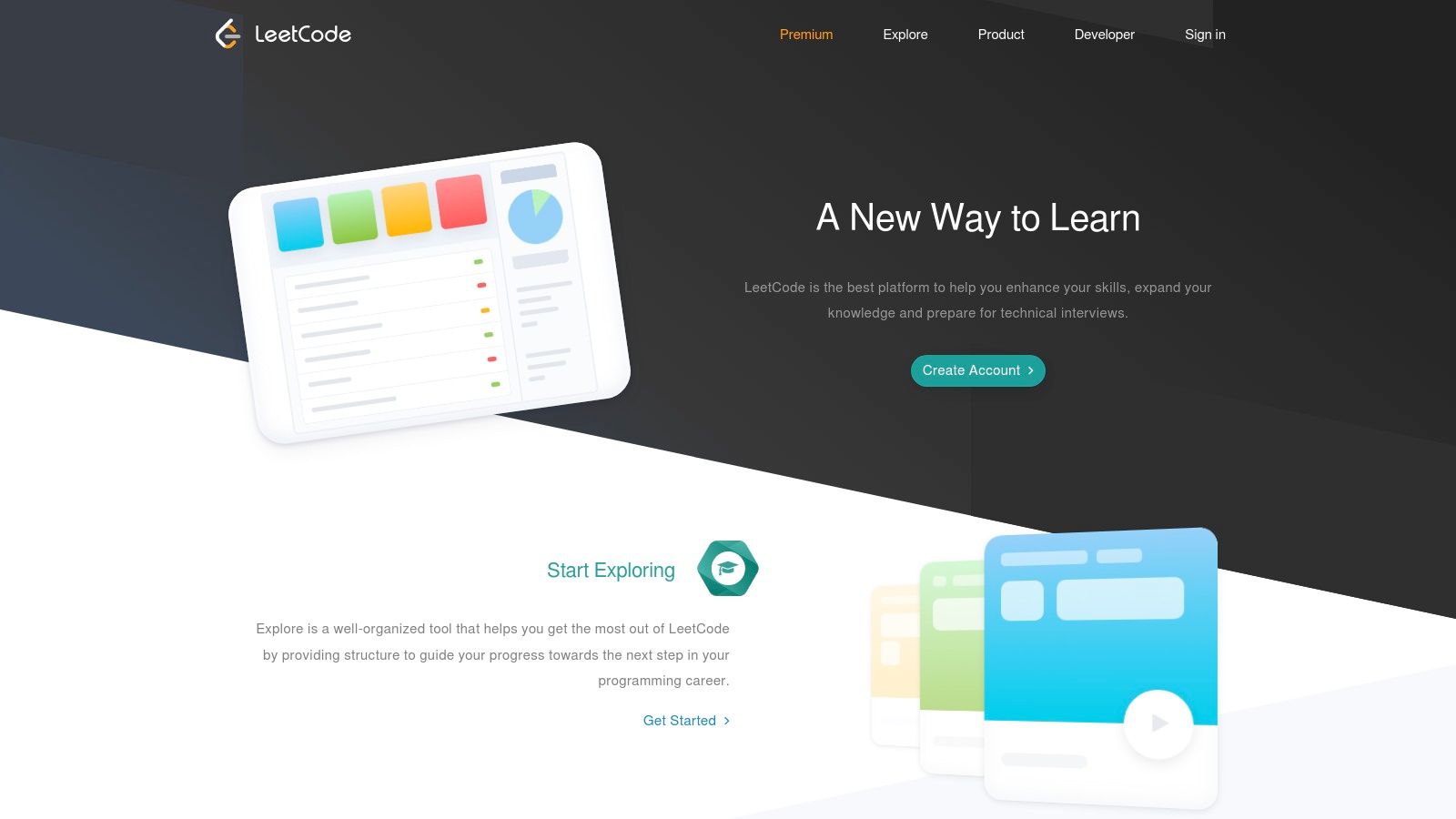
What makes LeetCode a valuable tool is its role as a skills-assessment environment. For developers looking to prove their Rust proficiency, successfully solving complex problems is a tangible benchmark. This structured practice is essential, as many tech companies use similar platforms for evaluation. Beyond just learning, platforms like CoderPad are frequently used for evaluating technical skills, offering a robust environment for assessing programming skills with online coding tests.
Key Features and Usage
The platform is purpose-built for coding challenges, with an integrated editor, test case runner, and debugger to streamline the experience.
- Problem-Focused IDE: The editor is tailored for solving specific problems, providing boilerplate code and a clear interface for writing and submitting solutions.
- Instant Feedback: Submissions are immediately compiled and run against a suite of public and hidden test cases, giving you pass/fail results.
- Curated Crates: LeetCode's Rust environment includes a whitelist of popular crates like
rand,regex, anditertools, allowing you to use common libraries. - Performance Metrics: After a successful submission, the platform provides feedback on your solution's runtime and memory usage compared to other Rust submissions.
- Community Solutions: Access and learn from a massive repository of community-submitted solutions in Rust for nearly every problem.
For developers at a vibe coding studio like Dreamspace, LeetCode is an excellent resource for team-based skill-building sessions or preparing for technical interviews. The platform is free to use for a large set of problems, with a premium subscription unlocking more questions and features.
Website: https://leetcode.com/
Comparison of 12 Online Rust Compilers
Choosing Your Cloud-Based Rust Workflow
The journey through the landscape of online Rust compilers reveals a powerful and liberating truth: the ideal development environment is no longer tethered to a local machine. Whether you're a seasoned systems programmer, a blockchain architect, or a curious "vibe coder" exploring new paradigms, the right cloud-based tool exists to match your specific needs, dramatically lowering the barrier to entry for one of today's most compelling programming languages.
This exploration has shown that the term "online rust compiler" encompasses a vast spectrum of capabilities. From the ephemeral, laser-focused utility of the official Rust Playground for quick syntax checks, to the profound assembly-level insights offered by Compiler Explorer, the choices are as varied as the problems Rust can solve. The key takeaway is to move beyond the idea of finding a single, perfect solution and instead cultivate a flexible, task-oriented workflow.
Recapping the Core Use Cases
To crystallize your decision-making process, let's distill our findings into a needs-based summary. This will help you pinpoint the right starting point for your next project.
- For Quick Snippets and Sharing: The Rust Playground remains the undisputed champion. Its simplicity, official support, and direct integration with the ecosystem make it the go-to for isolated tests, bug reproductions, and sharing code snippets with the community.
- For Performance and Low-Level Analysis: When you need to understand exactly what your Rust code is doing under the hood, Compiler Explorer (Godbolt) is unparalleled. It’s an essential tool for optimization, learning about compiler internals, and understanding performance characteristics at the machine code level.
- For Full-Fledged Projects and Collaboration: For anything beyond a single file, you need a persistent, feature-rich environment. GitHub Codespaces and Gitpod lead this category, offering complete, containerized development setups with Cargo support, terminal access, and seamless Git integration. They effectively replicate, and in many ways surpass, a local development machine.
- For Technical Interviews and Algorithmic Practice: Platforms like LeetCode and CoderPad provide specialized, constrained environments tailored for coding challenges. While not general-purpose compilers, they are a critical part of the modern developer's toolkit for honing problem-solving skills in a timed, standardized setting.
- For Web3 and Smart Contract Prototyping: The power of a full cloud IDE becomes particularly evident in the blockchain space. Using a tool like Gitpod to rapidly compile a minimal smart contract to a WASM target, as demonstrated, showcases how you can iterate on-chain logic without complex local toolchain setups.
Integrating with Modern AI-Powered Workflows
The real power of these online environments is unlocked when they are integrated into a larger, more dynamic development pipeline. For developers, especially those in the crypto and AI application spaces, the goal is rapid iteration and validation. An online rust compiler is the perfect partner for an AI app generator like Dreamspace, a vibe coding studio designed to accelerate creation.
Imagine this workflow: you use Dreamspace to generate the boilerplate and core logic for a new DeFi protocol or an on-chain game. Instead of setting up a complex local environment to test and refine the generated Rust code, you can instantly spin up a GitHub Codespaces environment. This allows you to compile, test, and even generate WASM artifacts directly in the cloud. You can then feed these tested components back into Dreamspace to build out the full application, creating a seamless and incredibly fast feedback loop from high-level concept to functional on-chain code. This synergy turns a powerful concept into a practical, accelerated reality.
Ultimately, the choice of an online rust compiler is a personal one, dictated by the unique demands of your project and your preferred way of working. The most effective developers build a mental toolbox, knowing when to reach for the simplicity of the Playground versus the comprehensive power of a full cloud IDE. We encourage you to bookmark several of the tools from this list and experiment. See which one fits your "vibe" and empowers you to build, test, and deploy with greater speed and less friction. The future of development is flexible, accessible, and in the cloud.
Ready to bridge the gap between your innovative ideas and functional, on-chain Rust applications? Use the insights from this guide to test and refine Rust code in the cloud, then bring your polished logic to Dreamspace. Our AI-powered vibe coding studio helps you rapidly generate, deploy, and manage decentralized applications, turning your verified code into a full-fledged product faster than ever. Start building with Dreamspace today!