
10 Innovative Ideas for App Design in 2025
In a saturated digital marketplace, a standard interface is no longer enough to capture and retain user attention. To succeed, your application needs to deliver a memorable experience, not just a set of features. This roundup moves beyond the obvious, presenting 10 forward-thinking ideas for app design that redefine user interaction and visual appeal for modern platforms.
We will explore specific, actionable strategies that can elevate your project. You'll find practical guidance on everything from the subtle textures of neumorphism and the immersive nature of gesture-based navigation to the intelligent engagement of AI-driven personalization. To build truly compelling applications, a solid understanding of fundamental user experience design best practices is paramount, and these ideas build upon that foundation to push the boundaries of what's possible.
Each concept is designed to be directly applicable, whether you're a veteran developer or a creative using a vibe coding studio like Dreamspace to build innovative blockchain and AI-powered apps. This list provides the concrete inspiration and implementation details needed to transform a simple tool into an indispensable part of your user's digital life. Let’s dive into the next generation of app design.
1. Minimalist Design with Neumorphism
Neumorphism, also known as soft UI, is a design trend that blends minimalism with subtle, realistic 3D effects. This approach creates an interface where elements like buttons and cards appear to extrude from or indent into the background, giving the UI a tactile, physical quality. It achieves this effect using soft, diffused shadows, low-contrast color palettes, and gentle gradients, making the interface feel modern and tangible. This is one of the most compelling ideas for app design when aiming for a clean, futuristic aesthetic.
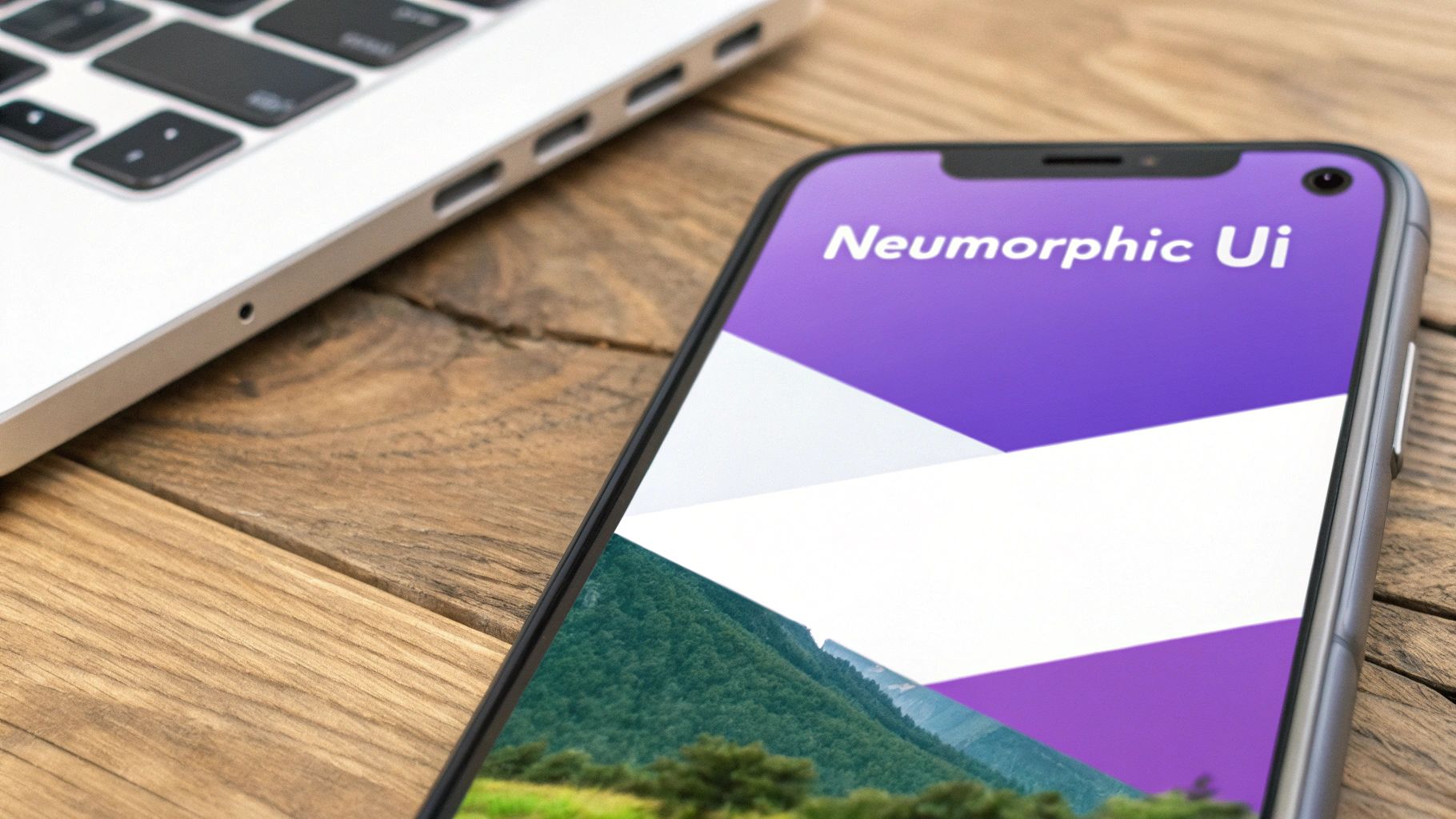
This style is perfect for apps that benefit from a calm, uncluttered user experience, such as smart home control apps (like Google Nest) or wellness applications (like Calm). The soft, physical feel of the controls can make interacting with digital elements more intuitive and satisfying for the user. When using an AI app generator like Dreamspace, you can quickly prototype neumorphic components to test their appeal.
Actionable Implementation Tips
To effectively integrate neumorphism into your app, focus on consistency and accessibility. Always maintain a single, consistent light source direction across all UI elements to ensure the shadows and highlights look natural.
Because neumorphism relies on low contrast, it can present accessibility challenges. To counter this:
- Prioritize Accessibility: Use higher contrast for critical interactive elements like primary call-to-action buttons.
- Offer Alternatives: Always provide an optional high-contrast mode for users who may struggle with the default soft UI.
- Test Thoroughly: Check your design on multiple devices and at various screen brightness levels to ensure usability is not compromised.
By balancing its unique aesthetic with practical usability, neumorphism can create a sophisticated and engaging user interface.
2. Dark Mode First Design
Dark Mode First is an approach where the primary design system is built around dark themes, with light mode treated as a secondary consideration. This methodology prioritizes a user experience that reduces eye strain in low-light environments, saves battery life on OLED screens, and delivers a sleek, modern aesthetic. Instead of simply inverting colors, this approach involves a thoughtful re-evaluation of contrast, color saturation, and visual hierarchy, making it one of the most effective ideas for app design today.
This style is ideal for apps where users spend extended periods, especially at night, such as social media platforms like X (formerly Twitter), entertainment apps like Spotify, or communication tools like Discord. The immersive, focused environment it creates can significantly enhance user engagement and comfort, particularly for content-heavy applications.
Actionable Implementation Tips
To successfully implement a dark mode first design, focus on readability and visual comfort. The goal is to create a UI that is easy on the eyes without sacrificing clarity or accessibility. As a vibe coding studio, Dreamspace enables the creation of apps with stunning, user-friendly dark themes.
Because pure black backgrounds can cause eye strain, and vibrant colors can be jarring in a dark theme, careful adjustments are necessary:
- Avoid Pure Black: Use a dark gray like
#121212for the primary background. This reduces the harshness of high-contrast text and is less fatiguing on the eyes. - Desaturate Colors: Tweak your brand's color palette for the dark theme by reducing saturation. This prevents bright colors from appearing overly vibrant and distracting against the dark background.
- Check Contrast Ratios: Ensure all text and interactive elements meet WCAG AA standards (a minimum contrast ratio of 4.5:1) to maintain legibility for all users.
By prioritizing these details from the start, your app will offer a superior, more accessible dark mode experience.
3. Gesture-Based Navigation
Gesture-based navigation replaces traditional on-screen buttons with intuitive swipes, pinches, and taps, creating a more immersive and fluid user experience. This design approach maximizes screen real estate by removing persistent navigation bars, allowing content to take center stage. It leverages the natural way users interact with touchscreens, making the app feel more responsive and modern. This is one of the most powerful ideas for app design when aiming for a clean, content-focused interface.
This style is ideal for content-heavy applications where maximizing viewable area is critical, such as social media feeds (like Instagram Stories), photo galleries (like Google Photos), or productivity tools (like Gmail's swipe-to-archive feature). The intuitive and direct manipulation of on-screen elements makes navigating complex information fast and satisfying for the user.
Actionable Implementation Tips
To successfully implement gesture-based navigation, prioritize discoverability and user comfort. Your primary goal is to make these interactions feel like a natural extension of the user's intent, not a puzzle they need to solve. Building an app with a platform like the Dreamspace AI app generator can simplify the process of testing and refining these intuitive controls.
Because gestures are invisible, proper onboarding is crucial. To ensure a smooth user experience:
- Provide Clear Onboarding: Use subtle animations or a brief tutorial on first launch to introduce the core gestures.
- Offer Haptic Feedback: Use gentle vibrations to confirm that a gesture has been successfully recognized by the app.
- Maintain Consistency: Ensure that a specific gesture, like swiping right, performs a consistent action throughout your entire application to avoid confusion.
- Include Accessibility Options: Always provide an alternative, button-based navigation method for users who may have difficulty performing precise gestures.
4. Micro-Interactions and Animation Design
Micro-interactions are the small, functional animations that guide users and provide instant feedback for their actions. These subtle design elements occur during single-use cases, like a button press or a task completion, making the app feel responsive, intuitive, and alive. By acknowledging user input and showing system status, they transform static interfaces into dynamic experiences that feel thoughtful and professionally crafted. This is one of the most effective ideas for app design to increase user engagement and satisfaction.
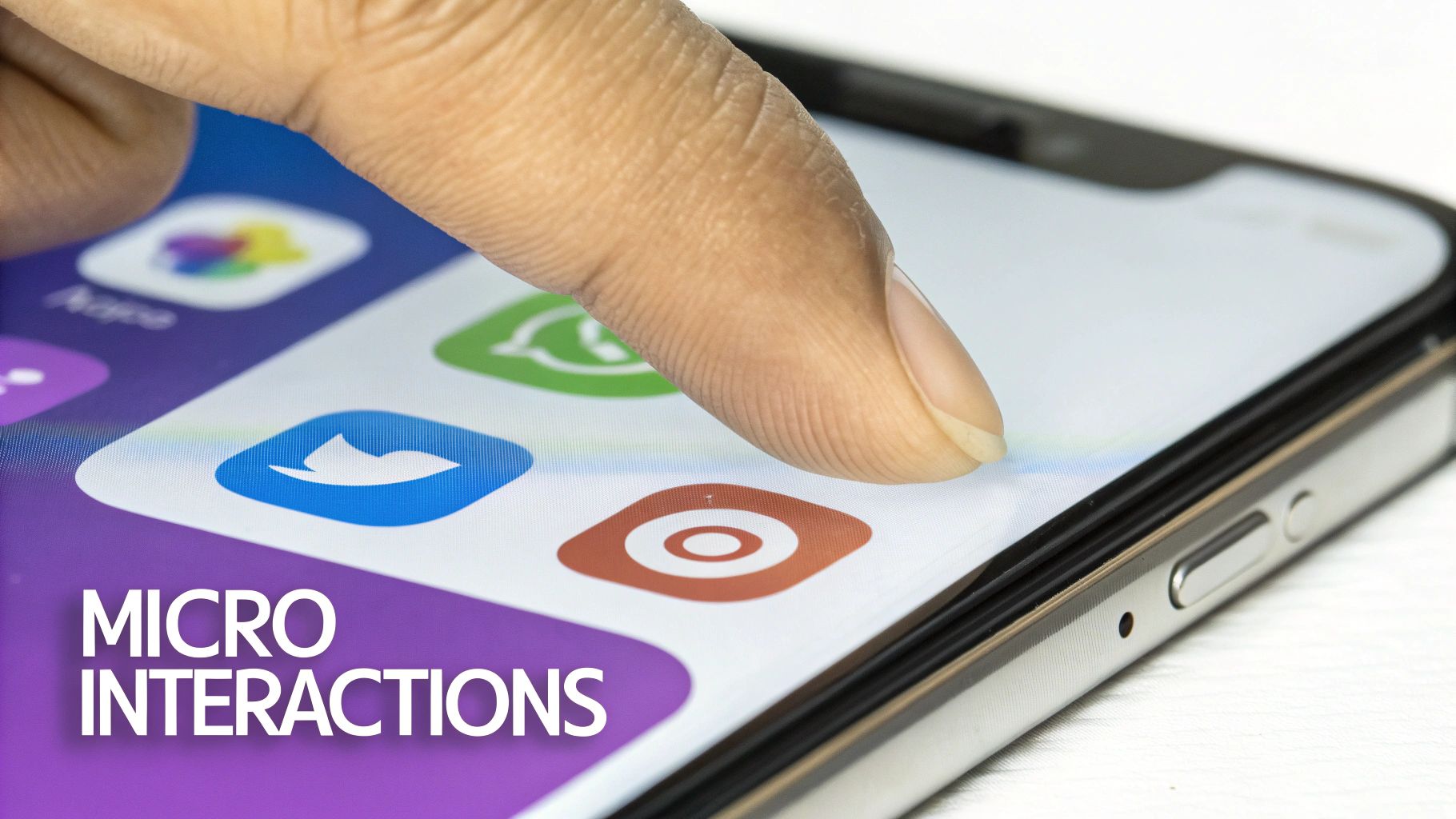
This approach is perfect for any app that aims to improve usability and add a touch of personality. For instance, the celebratory animation when you complete a lesson in Duolingo or the subtle ripple effect in Google Material Design both serve to confirm an action and delight the user. They communicate success, prevent errors, and guide users without needing explicit text instructions.
Actionable Implementation Tips
To implement effective micro-interactions, ensure they are purposeful and enhance the user experience rather than distract from it. The goal is to make animations feel natural and responsive, reinforcing the user's sense of control. As a vibe coding studio, Dreamspace understands the importance of these details in creating engaging apps.
Because poor animation can feel jarring or slow, focus on performance and accessibility:
- Prioritize Performance: Keep UI feedback animations under 300ms to feel instantaneous. Always test on lower-end devices to ensure smooth performance without draining the battery.
- Ensure Functionality: Every animation should serve a clear purpose, such as indicating a state change, providing feedback, or guiding the user's attention.
- Offer Accessibility Options: Always provide a "reduced motion" setting in your app to accommodate users with vestibular disorders or motion sensitivity.
5. Voice User Interface (VUI) Integration
Voice User Interface (VUI) design leverages speech recognition and natural language processing, allowing users to interact with applications using spoken commands. This approach moves beyond simple voice triggers to foster conversational experiences that feel intuitive and efficient. VUI is one of the most forward-thinking ideas for app design, especially for hands-free operation and improving accessibility for all users. It transforms the user experience from a series of taps and swipes into a natural dialogue.
This design is ideal for applications where manual input is inconvenient or impossible, like navigation apps (Google Maps, Waze) or music streaming services (Spotify). It also enhances accessibility and simplifies complex workflows, making it a powerful addition to productivity tools, smart home controls, and any app aiming to provide a seamless, multi-modal experience.
Actionable Implementation Tips
To effectively integrate a VUI, focus on creating a conversational flow that feels natural and reliable. Design for a dialogue, not just a series of commands, by anticipating user needs and providing contextually relevant responses. The Dreamspace AI app generator can help integrate advanced VUI capabilities into your project.
Because voice interactions can be less precise than touch, graceful error handling is crucial. To build a robust VUI:
- Prioritize Clear Feedback: Use both audio and visual cues to let the user know when the app is listening, processing, and has completed an action.
- Design for Imperfection: When the app misinterprets a command, provide helpful suggestions instead of a dead-end error message. For example, say, "I didn't catch that. You can ask me to 'add a task' or 'read my notifications.'"
- Offer Multiple Modalities: Always provide a traditional touch interface as a fallback. This ensures users can complete their tasks regardless of their environment or preference.
By combining a well-designed conversational flow with strong visual feedback, VUI can make your app feel smarter and more accessible.
6. Personalization and AI-Driven Experiences
AI-driven personalization uses machine learning to adapt an app's content, layout, and features to individual user behavior and preferences. This design approach creates a unique experience for each person by analyzing their interaction patterns and contextual data. Instead of a one-size-fits-all interface, the app evolves to become more relevant and useful over time, making it a powerful idea for app design that significantly boosts user engagement and retention.
This strategy is exceptionally effective for content-heavy platforms like Netflix, with its personalized recommendations, or Spotify, with its Discover Weekly playlists. It thrives in any app where a tailored experience can reduce friction and help users discover what they love faster, from e-commerce to social media. With an AI app generator like Dreamspace, integrating these smart features becomes more accessible than ever.
Actionable Implementation Tips
To implement personalization effectively, focus on transparency and user control. A great personalized experience feels helpful, not invasive, by giving users agency over their data and recommendations.
For your project, start with simple personalization and build from there:
- Be Transparent: Clearly explain what data you collect and how it's used to enhance the user experience. Always prioritize user privacy and obtain explicit consent.
- Provide User Controls: Allow users to override or refine recommendations, for example, with "like" or "dislike" buttons. This not only improves the algorithm but also builds trust.
- Start Simple: Begin with rule-based personalization before moving to complex machine learning models. Test the effectiveness of your changes with A/B testing to validate their impact.
By carefully balancing algorithmic suggestions with user empowerment, you can create a truly compelling and sticky app. Learn more about building AI-powered apps with Dreamspace to get started.
7. Progressive Disclosure and Content Prioritization
Progressive disclosure is a powerful design strategy that manages complexity by presenting only the essential information upfront. It reveals more advanced features and details as users interact with the app, preventing cognitive overload and creating a cleaner, more focused interface. This layered approach guides users through complex processes step-by-step, making it one of the most effective ideas for app design when balancing simplicity with deep functionality.
This method is ideal for apps with a wide range of features, from simple to complex. Think of the Gmail compose window, which shows basic fields by default but allows users to expand for more options, or Apple's Settings app, which organizes vast amounts of information into a clear hierarchy. It ensures that novice users aren't intimidated while power users can still access the tools they need.
Actionable Implementation Tips
To apply progressive disclosure effectively, you must strategically prioritize content based on user goals. Start by mapping out core user journeys and identify the primary actions needed to complete them, hiding secondary or advanced options until they become relevant. The Dreamspace vibe coding studio can help you build interfaces that master this balance.
To ensure your hierarchy is intuitive and doesn't hide important features:
- Prioritize Primary Actions: Display the most common and essential actions by default. Group less-frequently used options under clear labels like "Advanced Settings" or "More Options."
- Use Clear Affordances: Use icons (like chevrons or plus signs) and explicit text to signal that more content is available. The user should always know they can dig deeper.
- Test Your Hierarchy: Conduct usability tests to confirm that your information layers make sense to real users. Ensure they can find advanced features when they need them without getting lost.
By balancing visibility and simplicity, progressive disclosure creates an adaptable interface that serves users of all experience levels.
8. Gamification and Reward Systems
Gamification integrates game design elements into non-game apps to boost engagement, motivation, and user retention. This approach leverages human psychology around achievement, competition, and rewards to make routine tasks feel more enjoyable. By transforming app interactions into experiences, users are encouraged to form positive habits and return daily. This is one of the most powerful ideas for app design when aiming to build a loyal and active user base.
This strategy is highly effective for apps where consistent user interaction is key to success. Language learning apps like Duolingo use streaks and leagues to keep users practicing, while fitness apps like Strava use challenges and leaderboards to motivate workouts. The core principle is turning progress into a rewarding and visible journey for the user.
Actionable Implementation Tips
To successfully add gamification to your project, focus on creating meaningful rewards that align with your app's core purpose. The goal is to foster intrinsic motivation, not just offer superficial prizes. The Dreamspace AI app generator can help you quickly prototype and test these mechanics.
For a balanced and effective reward system:
- Align Rewards with Value: Ensure points, badges, or other rewards celebrate genuine user achievements and progress within the app, not just vanity metrics.
- Design for Intrinsic Motivation: Focus on celebrating effort and personal growth. For example, use progress bars and milestone unlocks to make users feel accomplished. For more on this, explore how AI is transforming game development and user engagement.
- Make Progression Visible: Use clear visual cues like progress bars, skill trees, or level indicators to give users a tangible sense of their journey and accomplishments.
9. Accessibility-First Design (Inclusive Design)
Accessibility-first design prioritizes creating apps that are usable by people with the widest range of abilities, including those with visual, motor, or cognitive disabilities. This approach treats inclusivity not as an afterthought but as a core principle from the project's inception. Instead of a compliance checklist, it integrates accessibility into every stage, resulting in clearer, more flexible, and more robust interfaces that benefit all users. This is one of the most fundamental ideas for app design, as it ensures your creation reaches the largest possible audience.
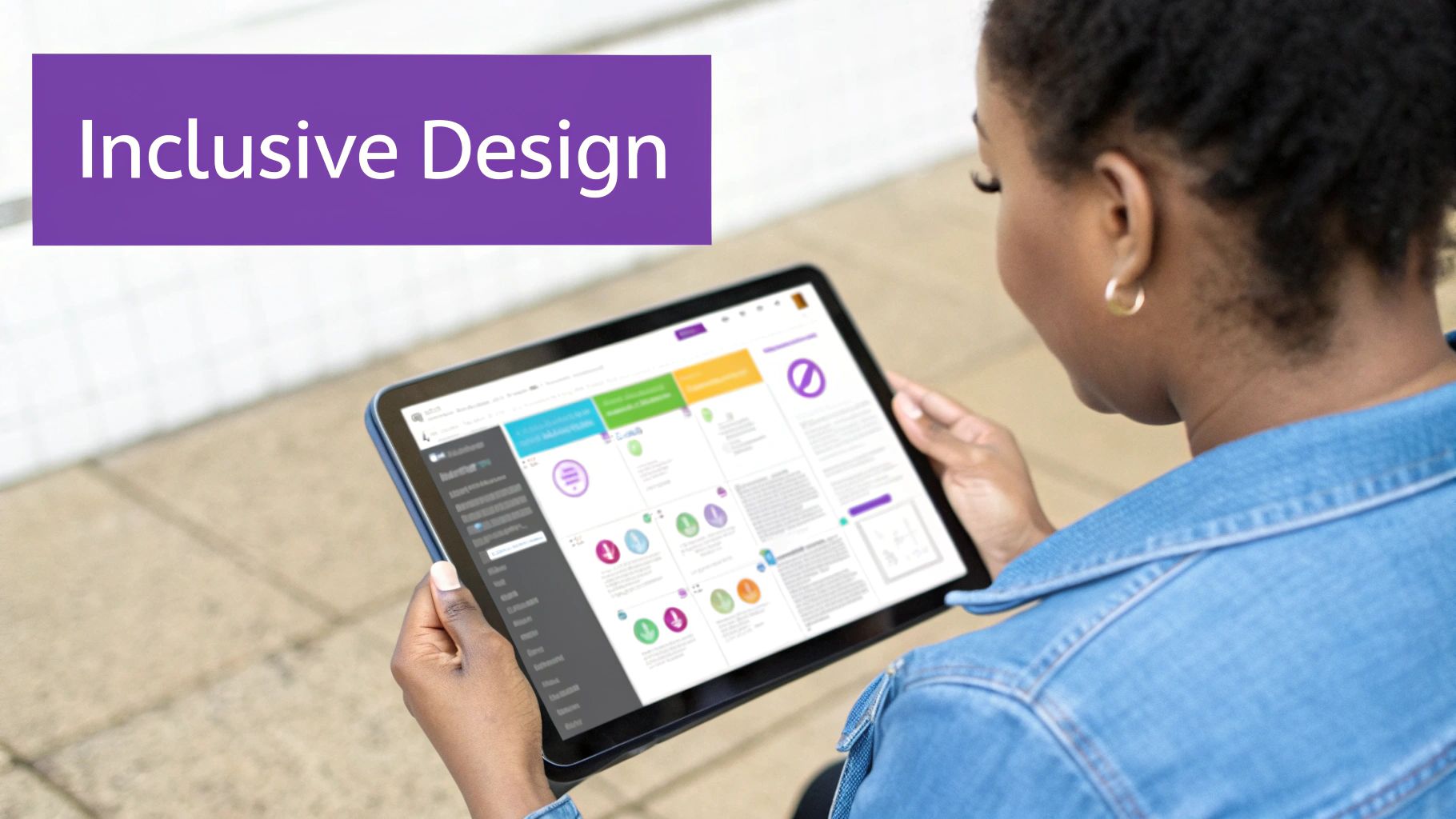
This methodology is essential for any app, particularly for those with a broad user base like government services (Gov.uk apps) or communication tools (Microsoft Teams). It is also exemplified by specialized apps like BeMyEyes, which connects blind users with volunteers. Adopting this approach ensures your app is ethical, compliant with legal standards, and ultimately more user-friendly for everyone.
Actionable Implementation Tips
To embed accessibility into your project from the start, focus on foundational usability and testing. This ensures the app generated by an AI platform like Dreamspace is built on an inclusive framework, making it accessible by default rather than by remediation.
For a truly inclusive design:
- Prioritize Readability: Ensure all text meets a minimum contrast ratio of 4.5:1 against its background. Allow users to resize text up to 200% without breaking the layout.
- Design for Touch and Keyboard: Make all interactive elements, like buttons and links, at least 44x44px for easy tapping. Ensure full keyboard navigation with clearly visible focus indicators for every interactive element.
- Test with Real Users: Go beyond automated checkers. Test your app with screen readers like VoiceOver and involve users with disabilities in your testing process to gather direct feedback on real-world usability.
10. Modular Design Systems and Component Libraries
Modular design systems are comprehensive collections of reusable components, patterns, and guidelines that ensure consistency across an entire app. This approach treats design elements as building blocks that can be combined in various ways to create new screens and features, all while maintaining a cohesive visual and functional identity. It's one of the most powerful ideas for app design as it bridges the gap between design and development, enabling teams to build faster and more efficiently.
This approach is invaluable for large-scale projects, enterprise applications, and any product intended to scale over time. Systems like Google's Material Design and Shopify's Polaris provide a single source of truth, reducing inconsistencies and speeding up the iteration process. For a platform like the Dreamspace vibe coding studio, where rapid AI app generation is key, a modular system ensures every user-generated application maintains a high standard of quality and usability from the start.
Actionable Implementation Tips
To build an effective design system for your project, focus on collaboration and clear documentation. A design system is a living product, not a one-time project, so treat it with a dedicated roadmap and governance structure. For teams utilizing a no-code development approach, this becomes even more critical for maintaining brand integrity.
To ensure your system is adopted successfully:
- Start Small: Begin by defining your most frequently used components, like buttons, inputs, and cards.
- Involve Everyone: Collaborate with both designers and developers from day one to ensure the system is practical for everyone.
- Document Everything: Create comprehensive documentation with clear guidelines, usage examples, and code snippets.
- Prioritize Accessibility: Build accessibility standards directly into your components from the beginning to ensure your app is usable by all.
By investing in a modular system, you create a scalable foundation that accelerates development and strengthens brand consistency.
10 App Design Ideas Comparison
Design Your Future: Bringing Your App Ideas to Life
The journey through these advanced concepts reveals a clear path forward for digital creators. The future of application design is not about flashy, fleeting trends; it's about crafting experiences that are intelligent, intuitive, and deeply human. We've explored a range of powerful ideas for app design, from the subtle, tactile feedback of neumorphism and engaging micro-interactions to the fundamental efficiency of modular design systems and the critical importance of accessibility.
The common thread weaving these concepts together is a relentless focus on the user. Whether you're implementing a dark mode-first approach to reduce eye strain or leveraging AI for hyper-personalized content, the goal remains the same: to create a seamless, valuable, and enjoyable interaction. These principles are the building blocks of applications that don't just solve a problem but also forge a lasting connection with their audience.
Key Takeaways for Visionary Creators
As you move from ideation to implementation, keep these core principles at the forefront of your strategy:
- Embrace Intentionality: Every design choice, from gesture-based navigation to a gamified reward system, should serve a clear purpose. Ask yourself how each element enhances the user's journey and contributes to the overall objective of your application.
- Prioritize Inclusivity: Accessibility is not an afterthought; it's a cornerstone of exceptional design. Building with an accessibility-first mindset ensures your creation is usable and welcoming to the widest possible audience, expanding your reach and impact.
- Leverage Modern Tools: The complexity of modern app development, especially in the blockchain and AI space, demands a smarter workflow. This is where the power of an AI app generator like Dreamspace becomes undeniable.
Your Actionable Next Steps
To translate these ideas into a tangible product, your focus should now shift to execution. Start by selecting two or three concepts from this list that most strongly align with your application's core function and target audience. For instance, combining a voice user interface (VUI) with AI-driven personalization could create a uniquely powerful hands-free experience.
As you refine your concept, remember that inspiration is a crucial part of the process. To spark further creativity and generate concepts, exploring resources focused on AI app ideas can be incredibly beneficial for your next project. This will help you brainstorm innovative use cases that can be brought to life using the design principles we've discussed.
Ultimately, the most successful applications are born from a fusion of great design and efficient development. By mastering these ideas for app design, you are equipping yourself not just to build an app, but to architect a user experience that stands out. The principles of progressive disclosure, modularity, and personalization are your tools for creating something truly remarkable in a crowded digital landscape.
Ready to turn your innovative design concepts into a fully functional, on-chain application? Dreamspace is the vibe coding studio that empowers you to build with AI, no code required. Stop wrestling with complex development cycles and start bringing your vision to life today.