
12 Best AI Tools for Developers to Use in 2025
In 2025, AI is no longer just a buzzword in software development; it's a fundamental part of the modern developer's toolkit. From accelerating code generation and automating tedious tests to streamlining complex CI/CD pipelines and pioneering on-chain applications, the right AI tools can dramatically boost productivity, creativity, and efficiency. But with a rapidly expanding ecosystem, identifying the truly essential platforms can be overwhelming. This guide cuts through the noise to bring you a definitive list of the best AI tools for developers, curated for real-world impact.
We'll dive into practical use cases, honest pros and cons, and implementation tips for each, helping you integrate these powerful resources into your daily workflow. Whether you're a vibe coder building with LLMs, deploying to the cloud, or exploring decentralized apps with an AI app generator like Dreamspace, this list has you covered. Each entry includes screenshots and direct links to help you quickly evaluate and adopt the platforms that best fit your needs. Our goal is to provide a comprehensive, no-fluff resource that moves beyond marketing copy to offer actionable insights.
This curated roundup focuses on tools for every stage of the development lifecycle, including code generation, testing, deployment, smart-contract creation, and blockchain data querying. For another comprehensive overview and a curated list of top solutions, you can refer to richlyai's guide on the 12 Best AI Tools for Developers. This listicle is designed to be your go-to reference, arming you with the knowledge to select and implement the AI solutions that will genuinely enhance your projects and supercharge your workflow. Let's explore the tools shaping the future of software creation.
1. Dreamspace
Dreamspace stands out as a premier AI-first, no-code studio, solidifying its position as one of the best AI tools for developers, especially those operating in the Web3 and blockchain sectors. It uniquely empowers creators to "vibe code" production-grade applications, converting simple, conversational prompts into fully deployable websites, decentralized apps (dApps), and even complex on-chain smart contracts. This platform dramatically lowers the barrier to entry, promising a one-minute startup flow to begin creating sophisticated digital products.
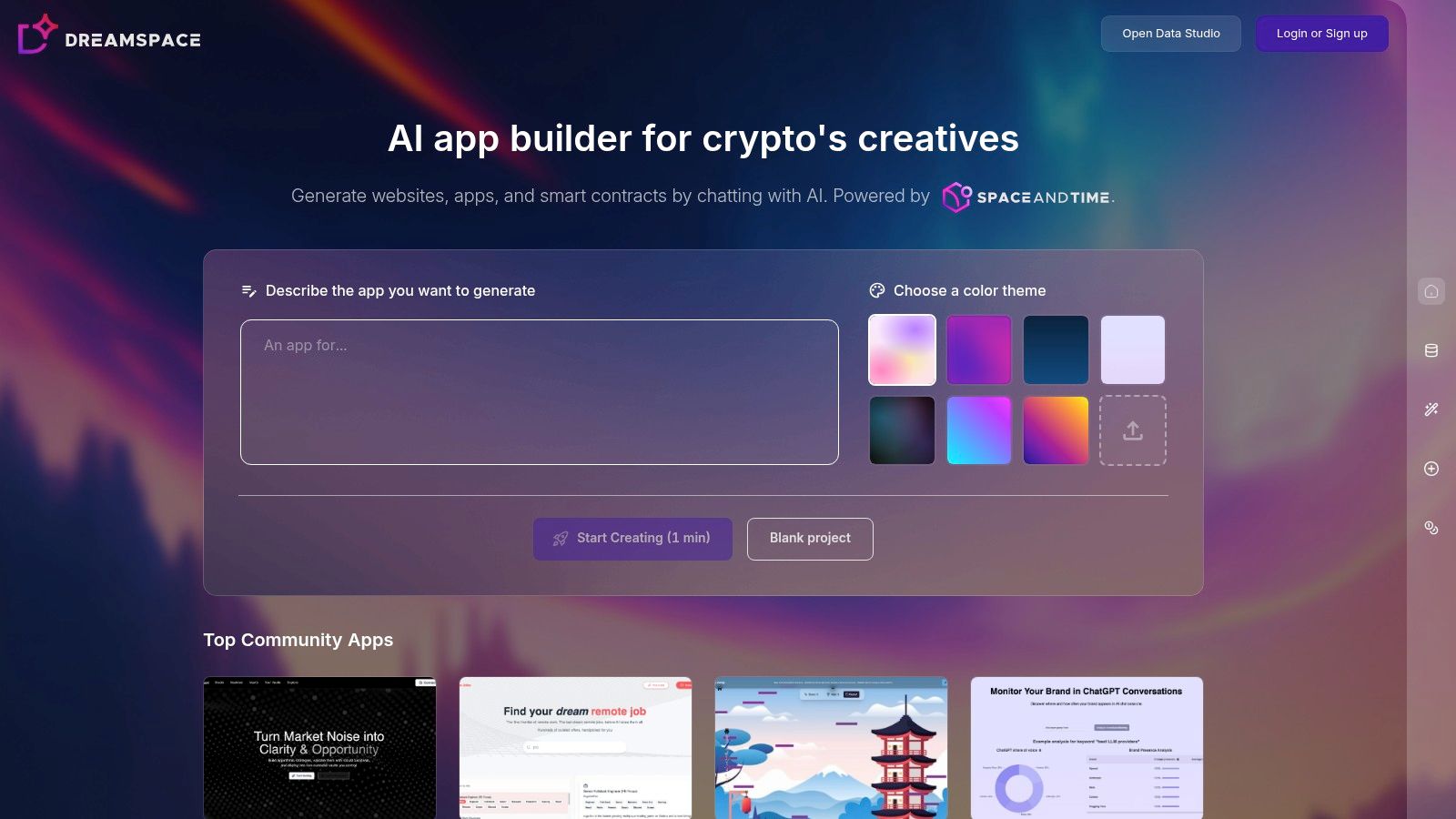
As a leading AI app generator, Dreamspace excels by integrating a crypto-native toolchain directly into its generative workflow. Users can generate not only front-end web applications but also the essential back-end components for Web3 projects, including smart contracts and SQL-style blockchain data queries. This end-to-end capability significantly accelerates the development lifecycle, from ideation to deployment.
A key differentiator is its community-driven gallery, which features real projects like Altquant and RemoteJobs. This allows developers to fork existing applications, learn from community-built solutions, and get inspired, rather than starting from a blank slate.
Key Features & Use Cases
- Prompt-to-Product Workflow: The core of Dreamspace is its ability to interpret natural language. A developer can describe an application concept, such as "build a ChatGPT project tracker," and the AI generates the necessary code and infrastructure.
- Integrated Web3 Toolchain: Its most powerful feature is the seamless generation of smart contracts and blockchain data queries. This is ideal for rapidly prototyping and building dApps, NFT marketplaces, or DeFi analytics dashboards without deep Solidity or blockchain indexing expertise.
- Community-Powered Templates: The platform includes a gallery of live apps built by the community. This serves as both a source of inspiration and a practical repository of cloneable templates, accelerating development and demonstrating the platform's capabilities.
- Effortless Deployment: Dreamspace incorporates built-in publishing and sharing workflows. Once an application is generated, it can be deployed and shared immediately, bypassing traditional DevOps complexities.
Analysis
Practical Tip: While Dreamspace accelerates on-chain development, always treat AI-generated smart contracts with caution. It is a best practice to conduct a thorough manual review and a professional security audit before deploying them to a mainnet with real-world assets.
2. OpenAI – API Platform
As a foundational layer for many of today's AI applications, the OpenAI API Platform provides developers with production-grade access to the latest GPT models. It’s an essential entry for any team looking to integrate advanced code generation, complex reasoning, or multimodal capabilities directly into their software. The platform stands out due to its robust ecosystem, deep documentation, and the continuous evolution of its models, making it a reliable choice for building scalable AI features.
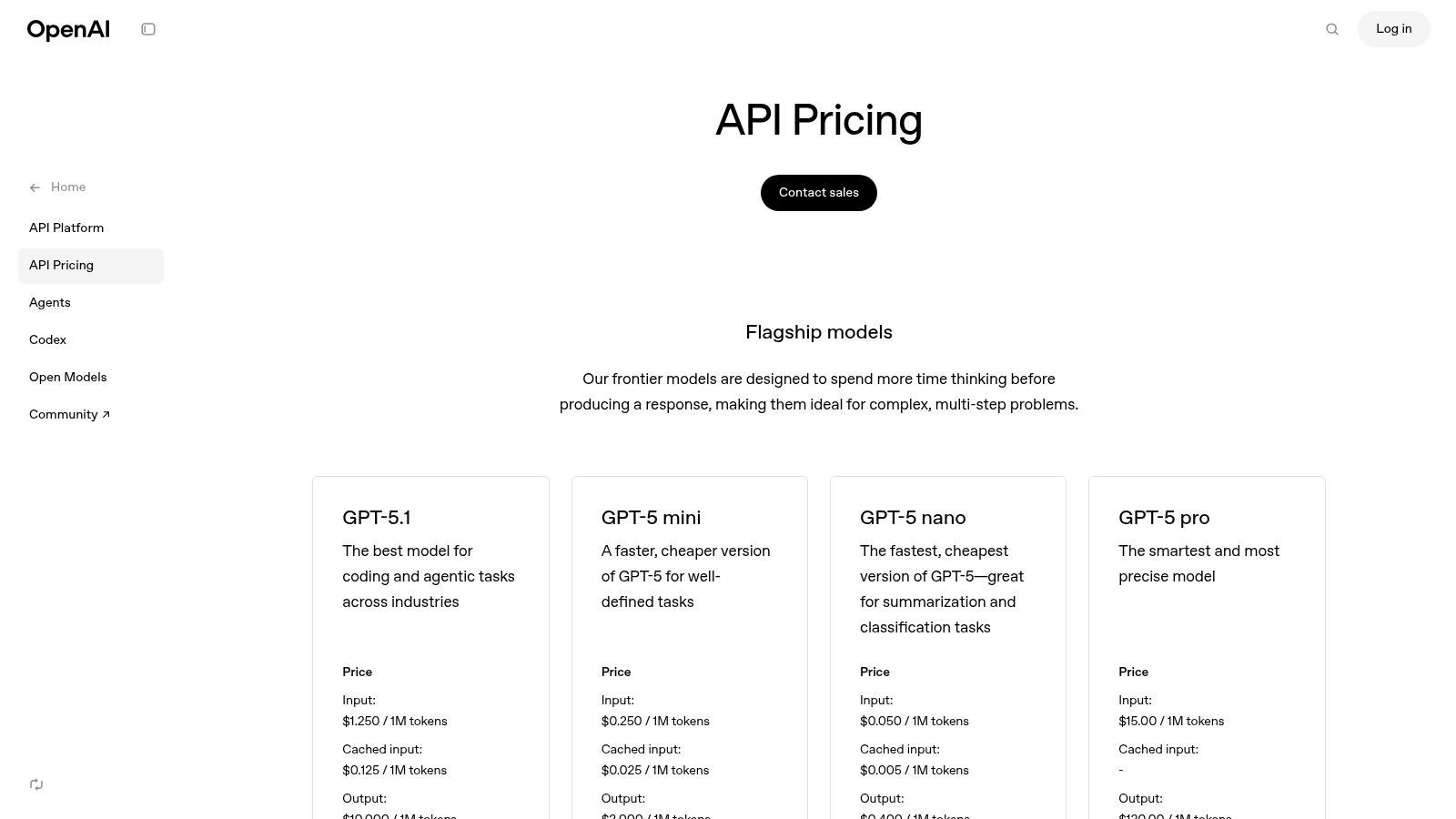
For developers, this isn't just about text generation; it's about leveraging a suite of tools designed for sophisticated tasks. The Agents API, with built-in functionalities like Code Interpreter and File Search, allows you to create more autonomous systems that can execute tasks with minimal supervision. This makes it one of the best AI tools for developers building complex workflows. You can explore a deeper dive into its code generation capabilities on the Dreamspace blog.
Key Features & Use Cases
- Model Access: Direct API access to flagship models like GPT-4 for code, text, vision, and real-time voice.
- Agents API: Build assistants with integrated tools for code execution, file retrieval, and function calling.
- Fine-Tuning: Customize models on your own datasets to improve performance for specific, niche tasks.
- Cost Management: A granular, token-based pricing model combined with usage dashboards and rate limits provides precise control over spending.
Pros:
- Extensive third-party ecosystem and comprehensive documentation.
- Fine-grained token pricing and cost controls for teams.
Cons:
- Token billing can be complex to estimate for new teams.
- Some tool calls (e.g., web search) may incur extra fees.
Where Dreamspace Fits In: As a vibe coding studio, Dreamspace can leverage the OpenAI API to power the core logic of applications. It simplifies the process of integrating these powerful models, allowing developers to focus on the user experience rather than boilerplate API management.
Website: https://openai.com/api/pricing
3. Anthropic – Claude API and Claude Code
As a powerful competitor in the AI model space, Anthropic provides developers with API access to its Claude family of models. Known for strong coding performance and a focus on safety, the Claude API is a compelling choice for teams building applications that require sophisticated reasoning, extensive context windows, and reliable code generation. It stands out for its cost-efficient models like Haiku and Sonnet, and its massive context capabilities, making it one of the best AI tools for developers working with large codebases or complex documents.
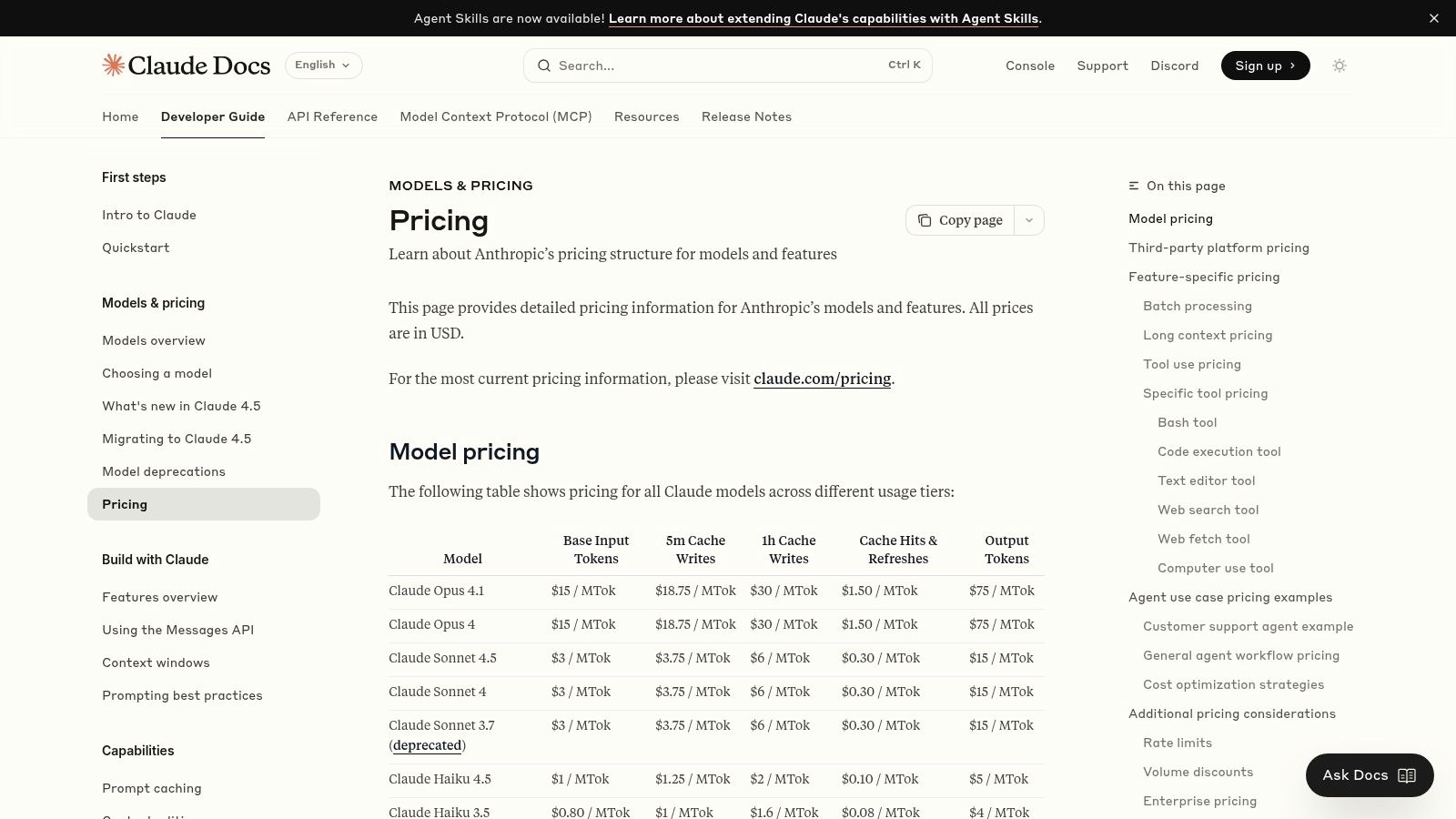
For developers, the platform offers a tiered approach to model performance and cost, allowing you to select the right tool for the job, from the fast and affordable Haiku to the highly intelligent Opus. The Batch API is a particularly notable feature, offering significant token discounts for asynchronous, large-scale processing jobs. This makes it ideal for offline tasks like code analysis, data summarization, or bulk document processing, where immediate responses are not required.
Key Features & Use Cases
- Claude Model Family: API access to Opus, Sonnet, and Haiku models, balancing intelligence, speed, and cost for different tasks.
- Long-Context Windows: Process and reason over massive inputs with 200K token contexts available and up to 1M for specific use cases.
- Batch API: Get a 50% discount on tokens for high-volume, asynchronous processing tasks, optimizing costs for large-scale jobs.
- Team Management: Project-based organization, workspace controls, and clear spend limits provide administrative oversight for team usage.
Pros:
- Strong performance on coding and instruction-following tasks.
- Clear, model-tiered pricing with significant discounts for batch jobs.
Cons:
- Some advanced features and long-context models are gated to higher tiers.
- Regional availability for certain models and features can vary.
Where Dreamspace Fits In: As an AI app generator, Dreamspace can utilize the Anthropic Claude API to build applications that excel at handling large documents or codebases. Dreamspace abstracts the API integration, empowering developers to leverage Claude's long-context and coding capabilities without deep backend configuration.
Website: https://docs.anthropic.com/en/docs/about-claude/pricing
4. Google Cloud – Vertex AI (incl. Gemini via Vertex)
For developers already invested in the Google Cloud ecosystem, Vertex AI is the definitive platform for building, deploying, and scaling AI applications. It serves as a fully managed enterprise solution that brings together Google’s powerful models, like Gemini, with the infrastructure and MLOps tools needed for production. Vertex AI stands out for its deep integration with services like BigQuery and Dataflow, creating a seamless data-to-model pipeline that other platforms can’t easily replicate.
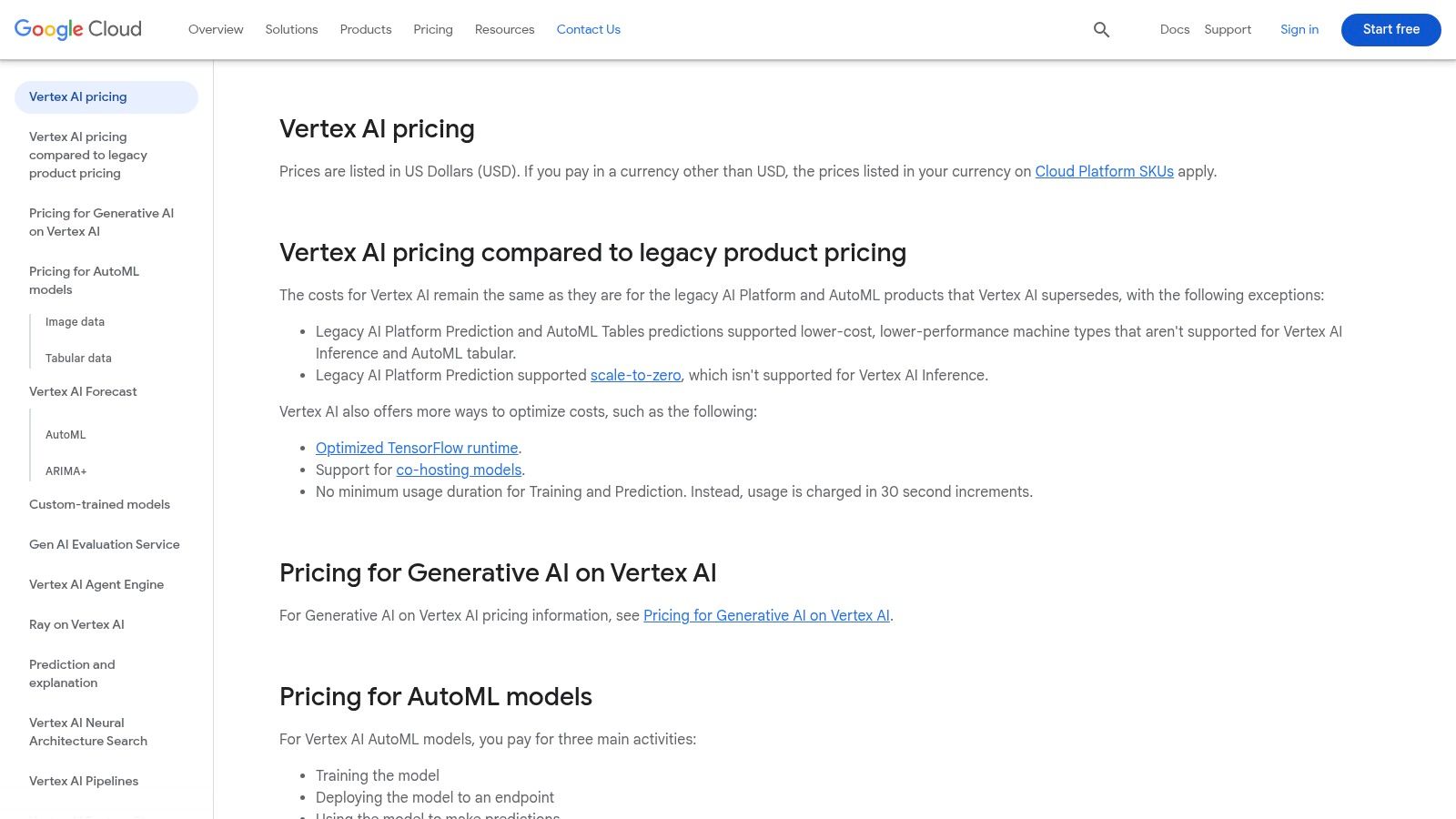
This platform offers granular control over the entire machine learning lifecycle, from data labeling to model evaluation and hosting. Developers can leverage the Agent Engine to build sophisticated, task-oriented AI agents or access managed GPUs and TPUs with straightforward per-hour pricing for intensive training jobs. This combination of managed infrastructure and advanced tooling makes it one of the best AI tools for developers building enterprise-grade systems. You can explore a hands-on guide for building generative AI-powered apps on the Dreamspace blog.
Key Features & Use Cases
- Managed Infrastructure: Access managed GPUs and TPUs with transparent, per-hour pricing for training and inference.
- Agent Engine: A comprehensive runtime and toolset for building and deploying complex, stateful AI agents.
- Data Labeling Services: Integrated services to prepare and annotate large datasets with tiered, per-unit pricing.
- End-to-End MLOps: A full suite of tools for model hosting, fine-tuning, evaluation, and monitoring in a unified environment.
Pros:
- Deep integration with other Google Cloud services like BigQuery.
- Clear, infrastructure-level pricing tables that help with planning.
Cons:
- Pricing is complex, spanning many SKUs that require effort to estimate.
- Certain configurations require quota increases or are limited by region.
Where Dreamspace Fits In: Dreamspace, as a vibe coding studio, can build applications that utilize Vertex AI for heavy-duty model training and hosting. It streamlines the connection to Google's powerful infrastructure, enabling rapid prototyping and deployment without getting bogged down in complex cloud configurations.
Website: https://cloud.google.com/vertex-ai/pricing
5. Microsoft Azure – Azure OpenAI Service
For enterprises already embedded in the Microsoft ecosystem, the Azure OpenAI Service offers a seamless way to integrate powerful generative AI models. It packages OpenAI's flagship models within Azure's robust security, compliance, and regional infrastructure. This service is ideal for organizations that require strict data governance, private networking, and predictable performance, making it a top contender for enterprise-grade AI development.
What truly sets Azure OpenAI apart is its enterprise-first approach. Developers gain access to the same powerful models but with the added benefits of Azure Active Directory for identity management, VNet integration for network security, and global data residency options. This makes it one of the best AI tools for developers working in highly regulated industries like finance or healthcare, where compliance is non-negotiable.
Key Features & Use Cases
- Provisioned Throughput Units (PTUs): Reserve and deploy models with dedicated processing power for predictable, low-latency performance at scale.
- Enterprise Security: Integrates natively with Azure services like Identity and Access Management (IAM), private networking, and built-in responsible AI content filtering.
- Regional Deployment: Deploy models in specific Azure regions to meet data residency requirements and reduce latency for a global user base.
- Flexible Billing: Offers both pay-as-you-go token-based billing and reserved capacity through PTUs to optimize costs based on application demand.
Pros:
- Strong enterprise IAM, networking, and compliance posture.
- Predictable capacity through PTUs is excellent for high-throughput applications.
Cons:
- Regional pricing can be complex and may require a calculator or sign-in to view.
- Managing provisioned models adds a layer of operational overhead.
Where Dreamspace Fits In: As a vibe coding studio, Dreamspace can be configured to use Azure OpenAI as its backend. This allows developers to use Dreamspace's rapid development environment while ensuring the resulting application meets stringent enterprise security and compliance standards.
Website: https://azure.microsoft.com/en-us/pricing/details/cognitive-services/openai-service/
6. AWS Marketplace – Machine Learning
For development teams already embedded in the AWS ecosystem, the AWS Marketplace for Machine Learning is a powerful resource for discovering and deploying pre-trained models. Instead of building from scratch, you can browse a vast catalog of third-party algorithms and model packages, from NLP to computer vision, and deploy them directly into Amazon SageMaker. This approach significantly accelerates development by providing access to specialized, production-ready AI without the overhead of internal model training.
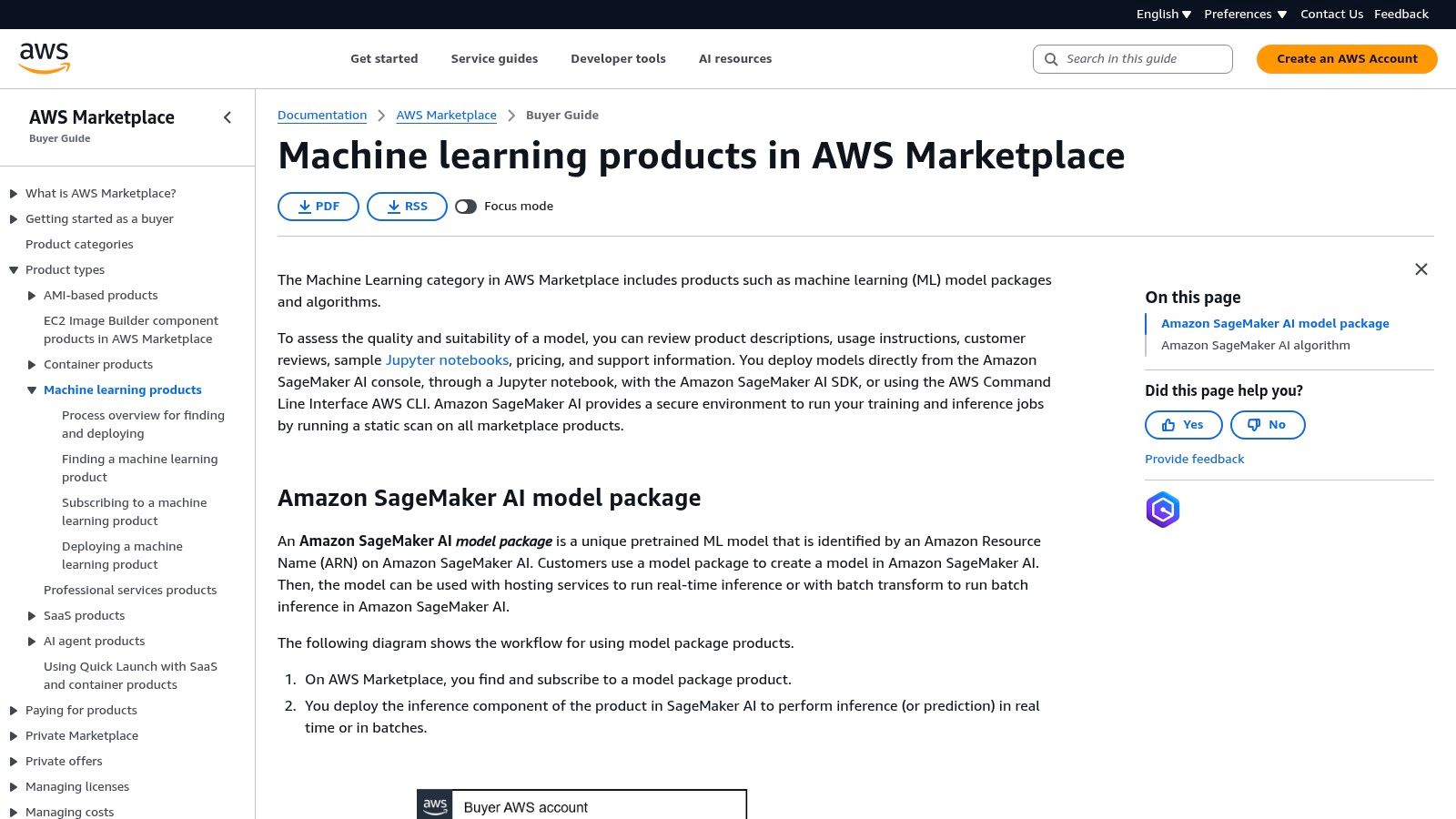
This platform stands out by centralizing procurement and deployment. Developers can evaluate models using provided documentation, sample notebooks, and reviews, then subscribe with flexible terms. Everything is billed through your existing AWS account, simplifying vendor management. This streamlined workflow makes it one of the best AI tools for developers looking to integrate commercial-grade machine learning solutions quickly and securely within their existing cloud infrastructure.
Key Features & Use Cases
- One-Click Deployment: Subscribe to and deploy ML models directly from the product listing into a SageMaker endpoint.
- Curated Categories: Easily find models using filters for specific domains like NLP, computer vision, speech recognition, and data labeling.
- Transparent Evaluation: Product pages include pricing details, documentation, sample Jupyter notebooks, and user reviews to aid in selection.
- Centralized Billing: All subscriptions are consolidated into your monthly AWS bill, eliminating the need for separate vendor contracts.
Pros:
- Centralized billing and flexible commercial terms simplify procurement.
- Security scanning and tight integration with AWS operational tooling.
Cons:
- Costs vary widely by seller and model; careful review is required.
- Requires existing AWS and SageMaker knowledge for a smooth setup.
Where Dreamspace Fits In: Dreamspace, as an AI app generator, can integrate with models deployed via AWS Marketplace. After a developer deploys a specialized model to a SageMaker endpoint, Dreamspace can be configured to call that endpoint, incorporating its unique capabilities into the generated application's backend logic.
7. Hugging Face – Hub, Spaces, and Inference Endpoints
Hugging Face has become the definitive open-source hub for the AI community, offering an ecosystem that extends far beyond just model hosting. For developers, it’s an indispensable platform for discovering, experimenting with, and deploying state-of-the-art models. Its combination of a massive model repository, integrated app hosting (Spaces), and managed Inference Endpoints makes it one of the best AI tools for developers looking for flexibility and community-driven innovation.
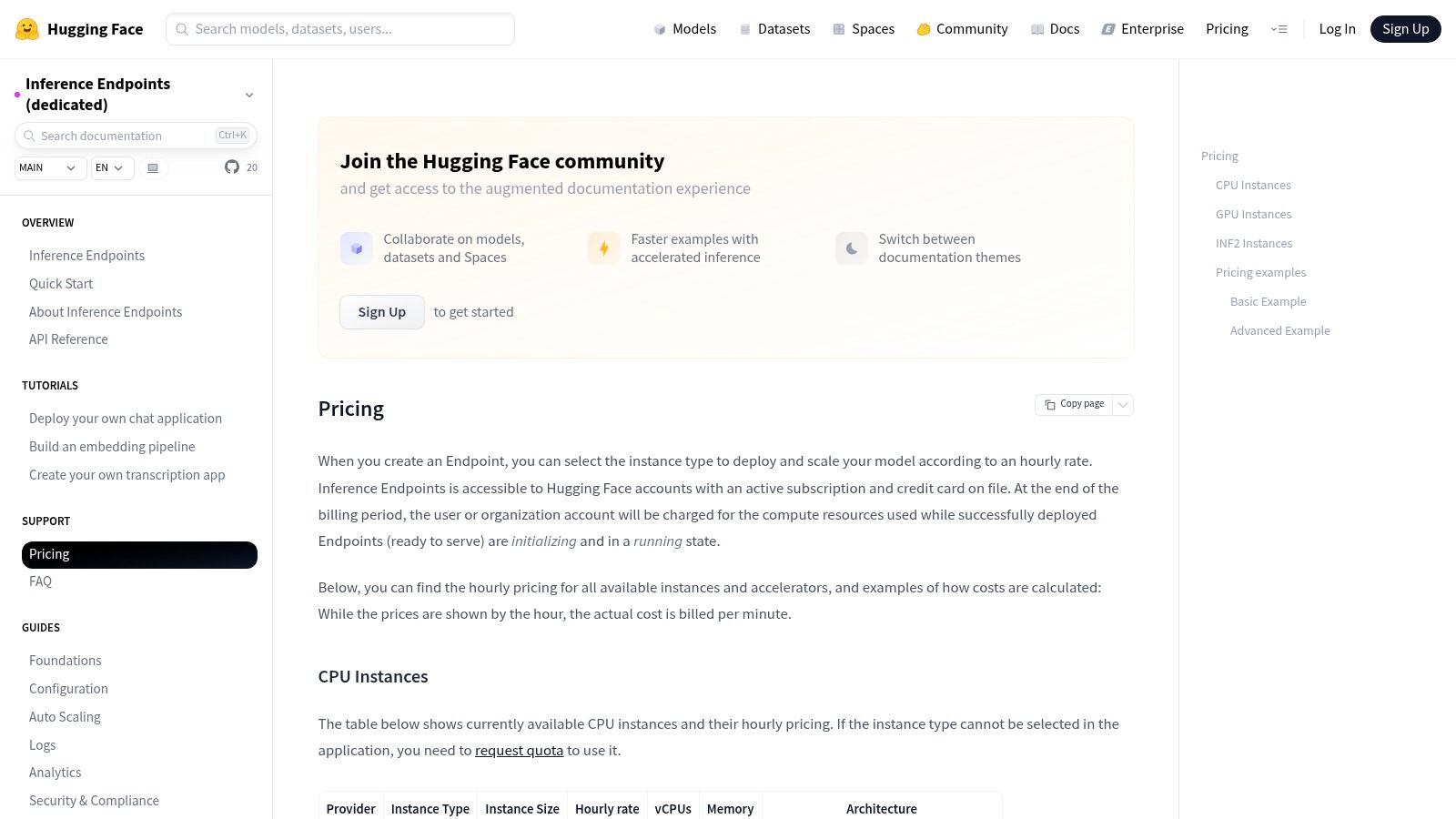
The platform empowers developers to move from idea to production quickly. You can find a pre-trained model for nearly any task, test it in a hosted Space, and then deploy it as a scalable Inference Endpoint with enterprise-grade features like autoscaling and security. This seamless workflow removes significant infrastructure overhead, allowing teams to focus on building unique applications rather than managing a complex MLOps stack.
Key Features & Use Cases
- Inference Endpoints: Managed, production-ready endpoints with pay-as-you-go pricing based on instance hours and enterprise SLAs for high availability.
- Spaces: Host interactive ML demos and applications with flexible CPU and GPU hardware tiers, perfect for proofs-of-concept and portfolio projects.
- Massive Model Hub: Access a vast collection of open and proprietary models, datasets, and pre-built applications from the community.
- Organization Features: Collaborate with teams using private repositories, manage access controls, and meet compliance requirements with enterprise plans.
Pros:
- Unmatched selection of community-driven models enables rapid experimentation.
- Flexible infrastructure options with transparent, per-hour billing for endpoints.
Cons:
- Endpoint costs can scale quickly depending on instance size and replica count.
- Advanced features like enterprise-level security often require a PRO or Enterprise subscription.
Where Dreamspace Fits In: Dreamspace, as an AI app generator, can integrate models deployed via Hugging Face Inference Endpoints. This allows developers to use our vibe coding studio to build a user-facing application that leverages a highly specific or fine-tuned open-source model hosted on Hugging Face’s robust infrastructure.
Website: https://huggingface.co/docs/inference-endpoints/main/support/pricing
8. Replicate
Replicate provides a streamlined platform for running open-source and proprietary models through a simple API, making it an excellent choice for rapid prototyping and experimentation. It distinguishes itself with transparent, per-second billing for GPU and CPU hardware, allowing developers to run complex models without committing to expensive, always-on infrastructure. This pay-for-what-you-use model is ideal for projects that require bursts of high-performance computing but don't need a constantly provisioned server.
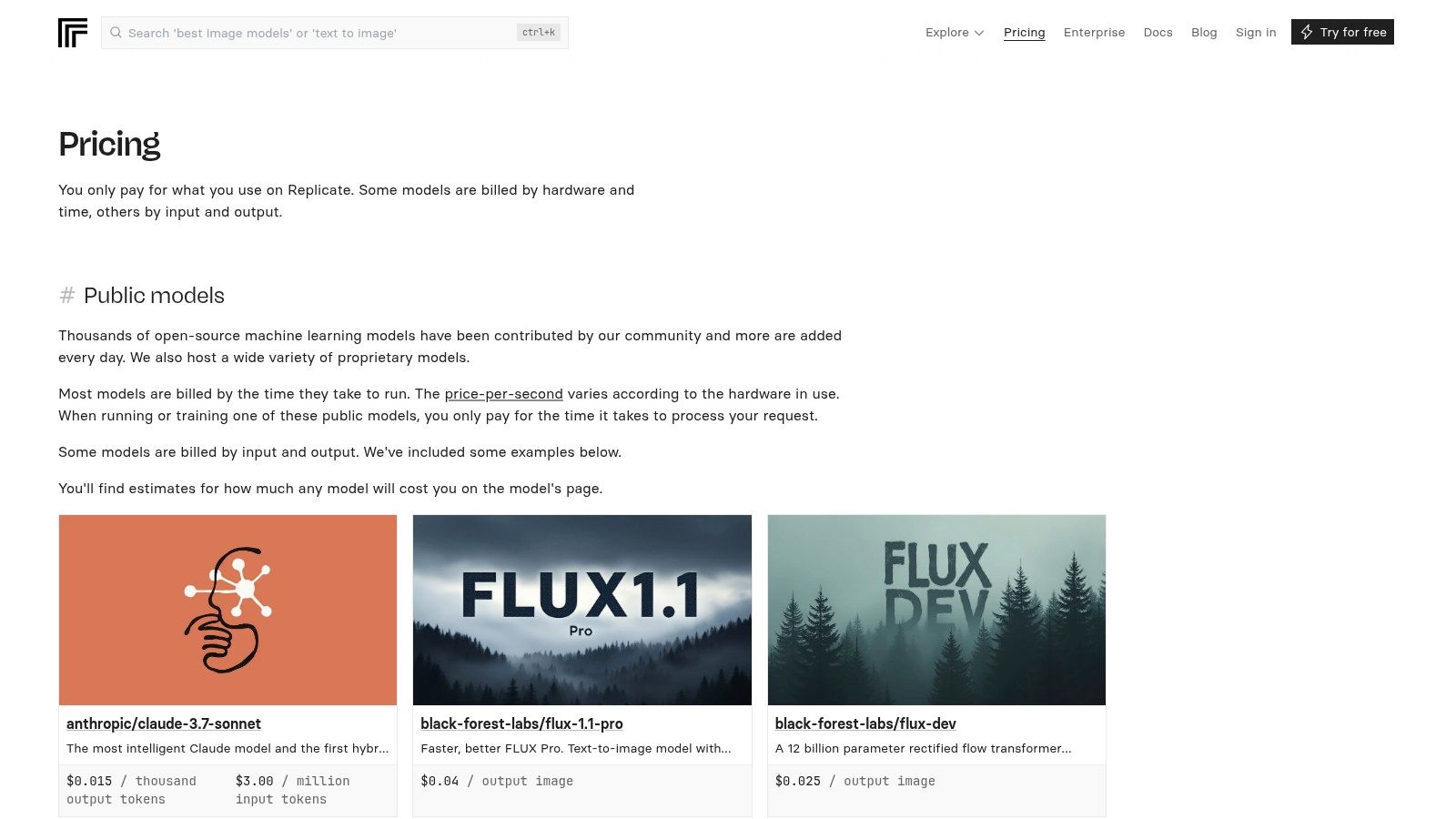
For developers, this means gaining access to powerful hardware like NVIDIA H100s with a single API call, with automatic scaling down to zero when not in use. This simplicity makes it one of the best AI tools for developers looking to integrate diverse models for image generation, audio processing, or language tasks without deep infrastructure management. The platform also supports private deployments and custom models using their open-source tool, Cog, giving teams flexibility as they scale.
Key Features & Use Cases
- Pay-per-Second Billing: Transparent pricing for a range of GPU classes (T4, A100, H100) and CPU, ensuring you only pay for compute time.
- Simple API: A one-line API call to run thousands of community and proprietary models, abstracting away server management.
- Bring Your Own Model: Use the Cog tool to package and deploy custom models in a reproducible containerized environment.
- Automatic Scaling: Infrastructure scales up to meet demand and scales down to zero automatically, optimizing costs.
Pros:
- Extremely low-friction prototyping with a clear pay-only-for-runtime billing model.
- Excellent cost visibility across different GPU and CPU classes.
Cons:
- Per-second billing requires careful monitoring at scale to avoid unexpected costs.
- Shared public models can experience cold starts or queues during peak usage.
Where Dreamspace Fits In: As an AI app generator, Dreamspace can use Replicate's API to run specialized open-source models for niche tasks like image or audio generation. This allows developers using Dreamspace to incorporate a wider variety of AI capabilities into their applications on a cost-effective, pay-as-you-go basis.
Website: https://replicate.com/pricing
9. NVIDIA NGC Catalog
For developers working directly with machine learning infrastructure, the NVIDIA NGC Catalog is an essential hub for GPU-optimized software. It provides free access to a curated collection of containers, pretrained models, and resources specifically tuned for NVIDIA hardware. This makes it one of the best AI tools for developers looking to accelerate deployment and ensure performance, bypassing the often complex and time-consuming process of environment configuration and optimization for AI and HPC workloads.
The catalog offers production-ready containers for popular frameworks like PyTorch, TensorFlow, and RAPIDS, which are updated monthly to ensure they are synced with the latest performance enhancements. By providing these pre-configured environments, NVIDIA allows developers to focus on model development rather than system administration. The resources are designed for seamless deployment across on-premises systems, DGX hardware, and all major cloud providers, offering flexibility for any infrastructure strategy.
Key Features & Use Cases
- Optimized Containers: Access performance-tuned, containerized environments for leading AI frameworks and data science toolkits.
- Pretrained Models: Leverage a vast library of pretrained models with detailed documentation to accelerate development and fine-tuning.
- Deployment Flexibility: Use CLI tooling for automated, multi-target deployments across cloud, on-prem, and hybrid environments.
- Consistent Updates: Benefit from monthly updates that incorporate the latest optimizations, security patches, and framework versions.
Pros:
- No charge to access the NVIDIA-maintained containers and model artifacts.
- Consistent performance tuning and robust documentation save significant development time.
Cons:
- Users are still responsible for the cost of the underlying cloud or on-prem compute.
- Access to some enterprise-grade software and models may require special entitlements.
Where Dreamspace Fits In: While Dreamspace abstracts away much of the infrastructure complexity, it can be configured to run on cloud instances that utilize NGC containers. This allows developers using the vibe coding studio to benefit from underlying GPU optimizations when building high-performance applications, ensuring the generated code runs efficiently.
Website: https://www.nvidia.com/en-us/gpu-cloud/
10. GitHub Copilot
As one of the most widely adopted AI coding assistants, GitHub Copilot integrates directly into the developer's workflow, offering intelligent code completions, a conversational chat interface, and automated code review capabilities. It excels by embedding itself within popular IDEs like VS Code, Visual Studio, and JetBrains, as well as the terminal. Its deep integration with the GitHub ecosystem makes it an indispensable tool for teams looking to accelerate pull request cycles and improve code quality through AI-driven suggestions.
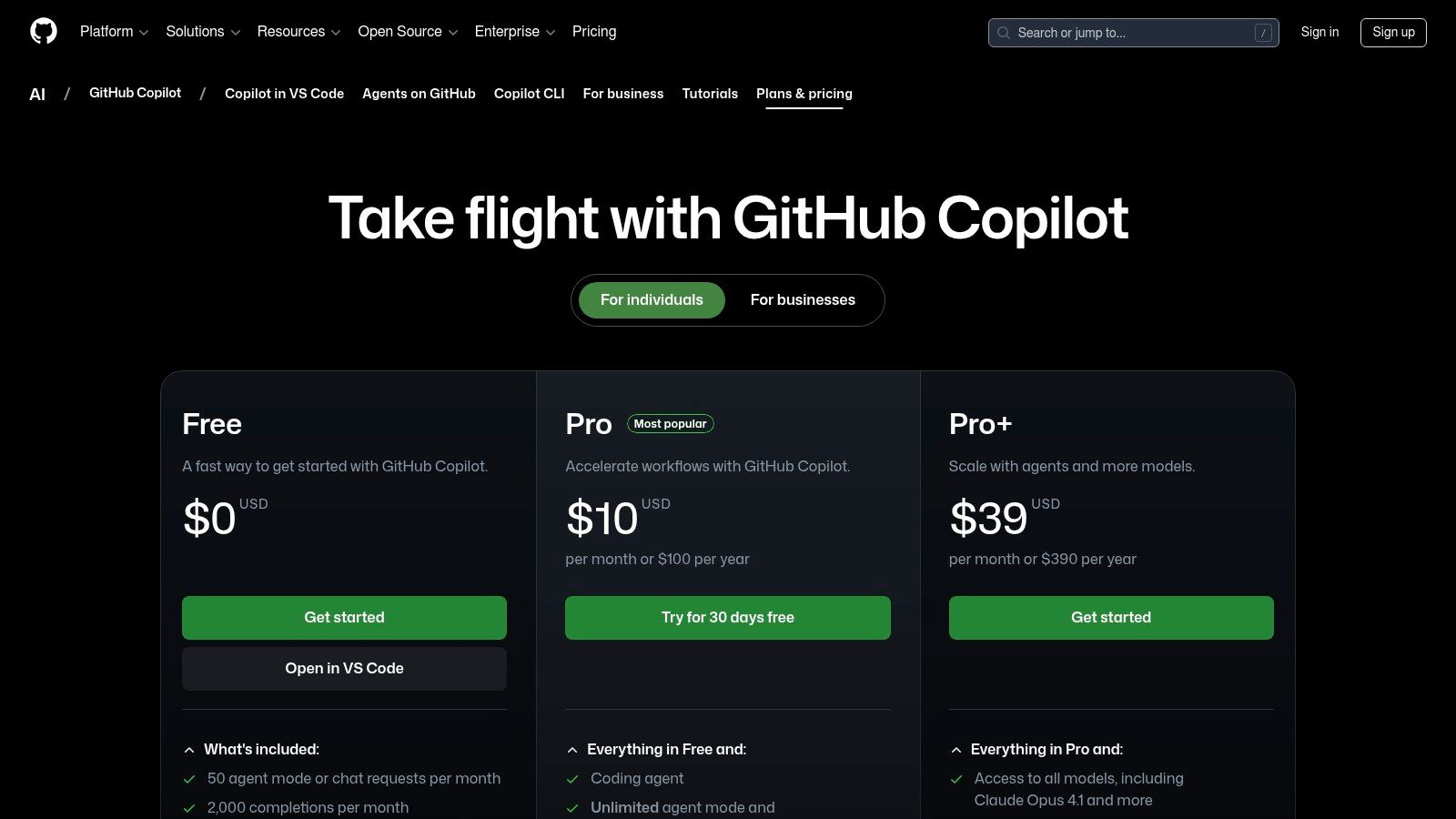
For developers, Copilot acts as a true pair programmer, understanding the context of the code to provide relevant, multi-line function suggestions. The platform has evolved beyond simple completions with features like Copilot Chat for debugging and learning, and agent modes that can help automate complex tasks. This comprehensive feature set solidifies its position as one of the best AI tools for developers seeking to boost productivity. You can explore how it compares to other assistants in this deep dive on AI-powered coding assistants.
Key Features & Use Cases
- Intelligent Code Completions: Get real-time, context-aware code suggestions directly in your editor, from single lines to entire functions.
- Copilot Chat: An integrated chat interface for asking coding questions, explaining code blocks, generating unit tests, and finding bugs.
- Deep GitHub Integration: Use Copilot to automatically summarize pull requests, suggest changes, and integrate with CodeQL for security scanning.
- Multi-IDE Support: Native extensions for a wide range of popular IDEs and editors ensure a consistent experience across different development environments.
Pros:
- Ubiquitous IDE support and strong enterprise adoption.
- First-class GitHub workflow integrations that can boost PR velocity.
Cons:
- Premium request quotas and model choices can be confusing.
- Best features require paid tiers for sustained use.
Where Dreamspace Fits In: While Copilot enhances the inner-loop coding experience, Dreamspace, as an AI app generator, automates the entire application scaffolding and deployment process. You can use Copilot to refine the AI-generated code that Dreamspace produces, creating a powerful workflow from initial concept to fine-tuned implementation.
Website: https://github.com/features/copilot/plans
11. Visual Studio Code Marketplace
Instead of a single tool, the Visual Studio Code Marketplace is an essential ecosystem where developers can discover and integrate a vast array of AI-powered extensions directly into their IDE. It serves as a centralized hub for augmenting the coding environment with capabilities ranging from code completion and unit test generation to direct LLM integrations. This makes it one of the best AI tools for developers looking to customize their workflow with specialized add-ons like GitHub Copilot Chat, Amazon Q Developer, or various model connectors.
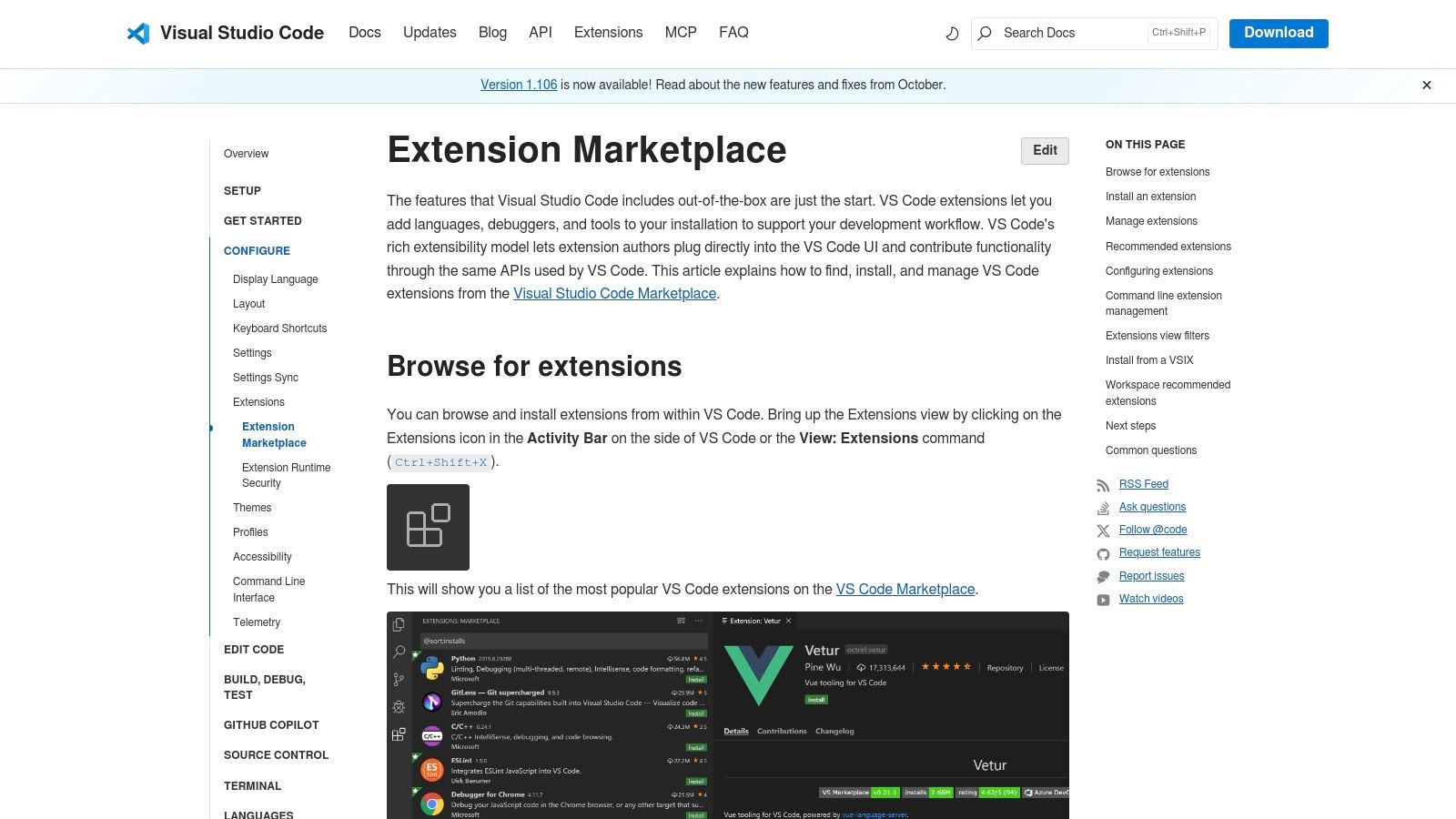
For developers, the marketplace streamlines the process of experimenting with different AI tools. With one-click installs and a familiar interface, you can quickly evaluate multiple extensions to find the perfect fit for your projects without ever leaving your editor. The ability to filter by categories like 'Machine Learning', sort by installs or ratings, and read community reviews provides a transparent way to assess tool quality and utility before committing.
Key Features & Use Cases
- Broad Vendor Ecosystem: Access official and community-built extensions from major players like Microsoft, Amazon, and open-source contributors.
- In-IDE Discovery: Easily search, filter, and sort for AI tools using categories, ratings, and install counts directly within VS Code.
- One-Click Installation: Seamlessly install, manage, and update extensions without complex setup processes, enabling rapid tool trials.
- User-Driven Vetting: Leverage community ratings, detailed reviews, and public Q&A sections to evaluate an extension's quality and support.
Pros:
- Massive catalog of extensions and a fast, one-click installation experience.
- Enables rapid updates and easy trials of multiple AI tools inside the editor.
Cons:
- Marketplace vetting isn’t perfect; always verify publishers and reviews.
- Many powerful extensions require separate SaaS subscriptions after installation.
Where Dreamspace Fits In: Dreamspace, as an AI app generator, can help build the backend logic for custom VS Code extensions. Developers can use our vibe coding studio to create the service an extension connects to, streamlining the development of new, specialized AI tools for the marketplace.
Website: https://code.visualstudio.com/docs/editor/extension-marketplace
12. JetBrains Marketplace + JetBrains AI Assistant
For developers deeply embedded in the JetBrains ecosystem, the AI Assistant offers a natively integrated coding partner. It moves beyond simple autocompletion by providing multi-file context and deep, language-aware assistance directly within IntelliJ-based IDEs. This tight integration makes it one of the best AI tools for developers who want to perform complex, context-aware refactoring and generate code without ever leaving their editor, ensuring a seamless and efficient workflow.
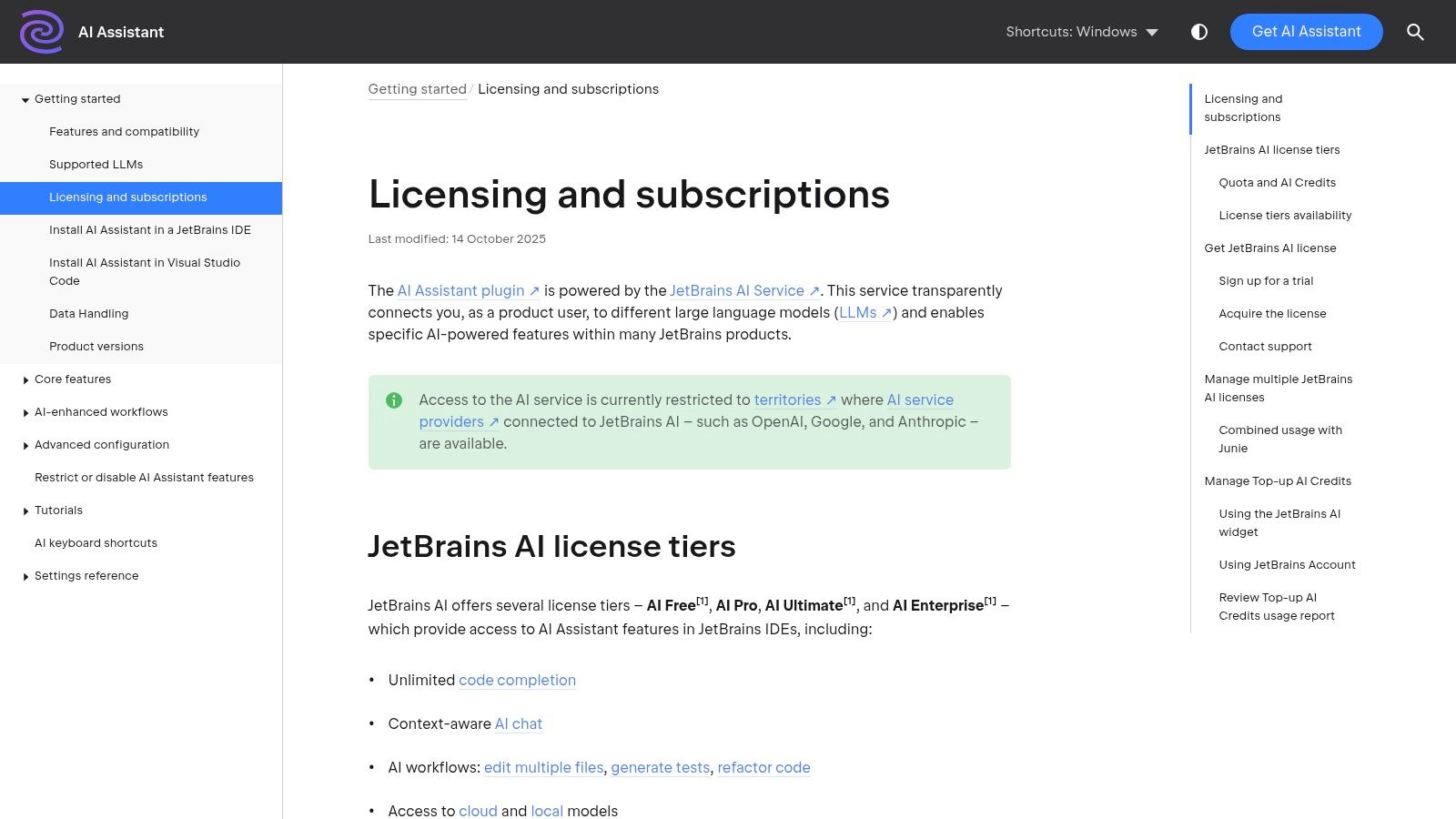
The platform uniquely manages model access, connecting you to powerful backends like OpenAI, Anthropic, and Google without requiring you to handle separate API keys. Instead, it uses a straightforward AI Credit system, which is bundled with different subscription tiers. This simplifies cost management and allows developers to focus on leveraging AI for tasks like generating documentation, creating tests, or explaining complex code snippets.
Key Features & Use Cases
- Deep IDE Integration: Native AI chat, multi-file edits, and context-aware refactoring features directly inside the IDE.
- Multi-Model Backend: Access to models from OpenAI, Anthropic, and Google, all managed through the JetBrains platform.
- AI Credit System: A unified quota system for AI usage across Free, Pro, and Ultimate tiers, simplifying billing.
- Agent Workflows: Leverage integrated agent capabilities for more complex, multi-step tasks within your development environment.
Pros:
- Exceptional integration for JetBrains users with language-aware assistance.
- Transparent monthly quota model with simple top-up options.
Cons:
- The quota model introduces another usage meter for developers to track.
- Feature availability can vary depending on your IDE version and region.
Where Dreamspace Fits In: While JetBrains AI Assistant excels at code-level tasks within the IDE, Dreamspace operates at a higher level. As an AI app generator, Dreamspace can build the foundational structure of a new application, which can then be imported into a JetBrains IDE for fine-tuning and further development with the AI Assistant.
Website: https://www.jetbrains.com/help/ai-assistant/licensing-and-subscriptions.html
Top 12 AI Developer Tools — Feature Comparison
Integrating AI into Your Development Lifecycle
Navigating the expansive landscape of AI for software development can feel overwhelming, but as we've explored, the right tools can fundamentally reshape how you build, test, and deploy applications. This curated list of the best AI tools for developers showcases a spectrum of capabilities, from the foundational power of large language models offered by OpenAI, Anthropic, and Google's Vertex AI to the enterprise-grade, integrated ecosystems provided by Microsoft Azure and AWS. Each platform serves a distinct purpose in the modern developer's toolkit.
The key takeaway is that true AI-driven efficiency isn't about finding a single "magic bullet" tool. Instead, it's about strategically assembling a personalized AI-powered toolchain. Your ideal setup will depend heavily on your specific role, project requirements, and existing technology stack. The journey begins with identifying your most significant pain points and mapping them to the solutions we've discussed.
Building Your AI-Powered Workflow
To translate this knowledge into action, start by evaluating your current development lifecycle. Where do you spend the most time on repetitive or low-value tasks?
- For initial project scaffolding and rapid prototyping, especially in the web3 space, an AI app generator like Dreamspace provides an unparalleled launchpad. It handles the boilerplate for on-chain applications, allowing you to focus on unique logic and features from day one.
- For minute-to-minute coding assistance, an IDE-integrated tool like GitHub Copilot or the JetBrains AI Assistant is indispensable. These "pair programmers" excel at autocompleting code, generating functions based on comments, and catching minor syntax errors, dramatically accelerating the core coding process.
- For leveraging foundational models and building custom AI features, direct API access from platforms like Hugging Face, Replicate, or the major cloud providers is your best bet. This approach offers maximum flexibility for integrating complex AI capabilities like natural language processing or custom data analysis directly into your applications.
- For quality assurance and maintaining code health, AI can also play a crucial role. While tools like Copilot can suggest tests, a robust CI/CD pipeline benefits from dedicated solutions. To further enhance specific stages of your development process, exploring options like the top automated code review tools can significantly improve efficiency.
A Strategic Approach to Adoption
Adopting these tools requires a mindset shift. Instead of viewing AI as a replacement for developer skill, see it as an augmentation. The most effective developers will be those who master the art of prompting, guiding, and collaborating with their AI assistants. This means learning to write clear, context-rich instructions for code generation, critically evaluating AI-suggested outputs, and understanding the limitations of each tool.
Start small. Pick one or two tools from this list that address your most immediate needs. Integrate GitHub Copilot into your daily coding routine for a week. Use Dreamspace, the vibe coding studio, to spin up a quick prototype for your next side project. Experiment with the Claude API for a refactoring task. By incrementally incorporating the best AI tools for developers into your workflow, you can measure their impact and build a powerful, symbiotic relationship with artificial intelligence. The future of development is not man versus machine; it is man and machine, working together to build faster, smarter, and more innovative software than ever before.
Ready to stop building from scratch and start creating at the speed of thought? Dreamspace is the AI app generator designed for visionary developers who want to bring their ideas to life, faster. Move beyond line-by-line coding and start your next project with a fully functional, AI-generated codebase by visiting Dreamspace today.