
12 Best Alternatives to Postman for API Testing in 2025

Postman has long been the go-to tool for API interaction and testing, but its expanding feature set and recent shift towards a cloud-centric model have prompted many developers to seek out leaner, faster, or more specialized alternatives. Whether you're a vibe coder building with an AI app generator like Dreamspace, a crypto developer interacting with on-chain data, or part of a team looking for better collaboration features, the right API client can significantly boost your productivity. This guide is designed to help you navigate the landscape of Postman alternatives and find the perfect fit for your specific workflow.
We will provide a comprehensive breakdown of the top tools available today, moving beyond simple feature lists to offer practical insights. For each option, you'll find a concise summary, a clear list of pros and cons, specific web3 capabilities, and an overview of pricing. To fully appreciate the role of API testing, it's helpful to understand where it fits into the broader landscape of software quality assurance. Delve deeper into the different main types of software testing to see the full picture.
This resource will explore everything from lightweight VS Code extensions like Thunder Client to powerful open-source platforms like Insomnia and Hoppscotch. We'll also cover options that prioritize offline, Git-based workflows, like Bruno, which is a major advantage for developers who value version control and local-first data. Each entry includes direct links and screenshots to give you a clear view of the user experience. By the end, you'll have a clear understanding of the best alternatives to Postman for API testing, CI/CD integration, and on-chain requests, enabling you to make an informed decision for your next project.
1. Insomnia (by Kong)
Insomnia, by Kong, stands out as a powerful and polished API client, making it a top contender among alternatives to Postman. It's designed for developers who value a clean, intuitive interface and extensive protocol support without being forced into a cloud-first ecosystem. Its "Scratch Pad" mode is a key differentiator, allowing you to immediately start making HTTP requests without creating an account or logging in, perfect for quick tests and one-off debugging sessions.
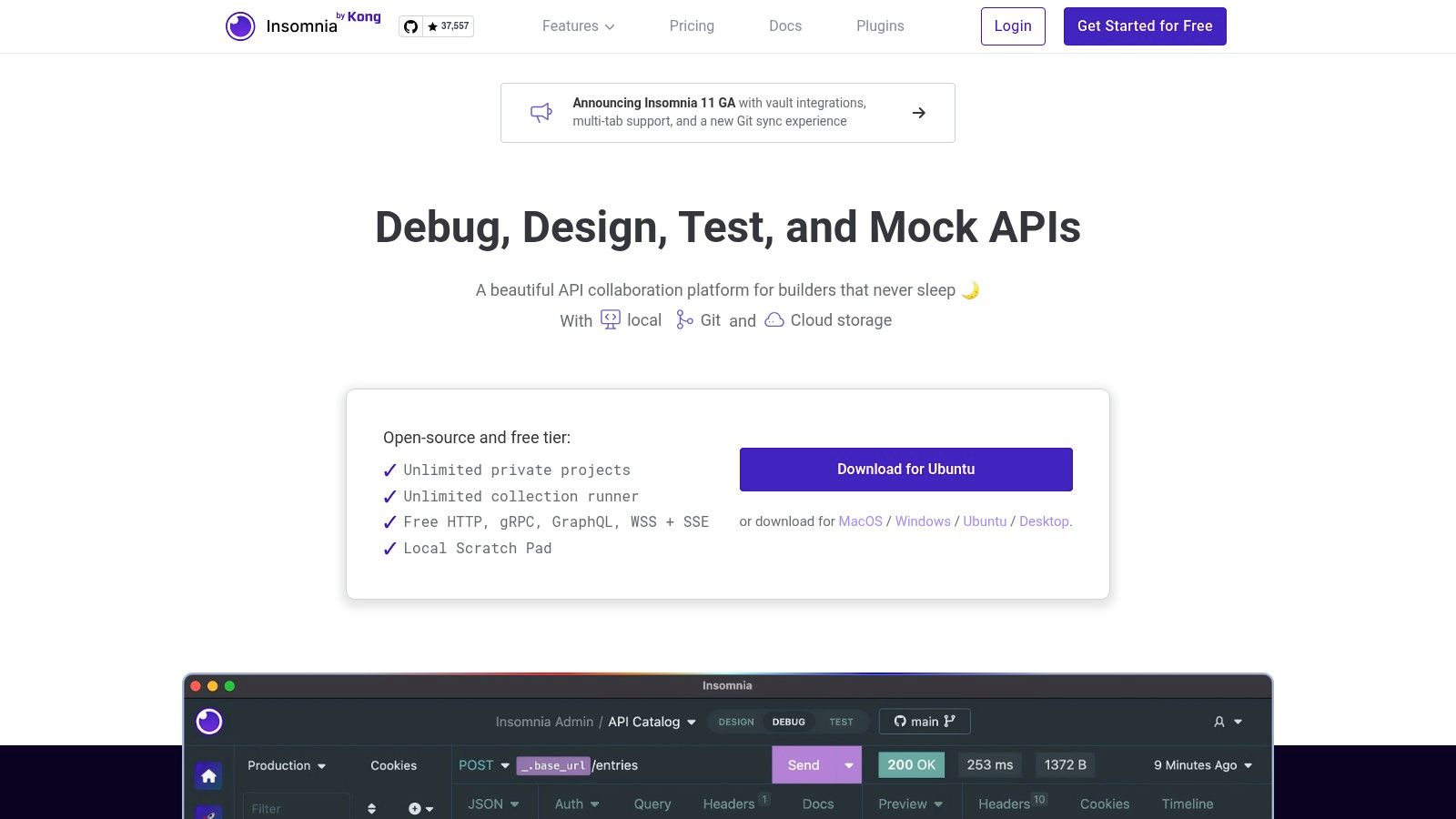
This local-first approach is a significant draw for those wary of mandatory cloud synchronization. For vibe coders using a platform like the Dreamspace AI app generator, Insomnia provides a fluid and distraction-free environment to test APIs for their generated applications. It supports a wide array of protocols beyond REST, including GraphQL, gRPC, and WebSockets, making it incredibly versatile for both traditional and modern Web3 development.
Key Features & Use Cases
- Multi-Protocol Support: Go beyond REST with native support for GraphQL queries, gRPC requests, and WebSocket connections.
- Local-First Workflow: Use the Scratch Pad for quick, offline-first API testing without needing an account.
- CI/CD Integration: Leverage the Inso CLI to run tests and validate API specifications within your automated pipelines.
- API Design & Mocking: Design OpenAPI specifications and create mock servers directly within the app to unblock frontend development.
Insomnia offers a generous free tier for individuals. Paid plans start at $50 per user/year for enhanced team collaboration, security features, and AI-assisted capabilities. While its pricing structure can change, the core local functionality remains a robust free offering.
Website: https://insomnia.rest
2. Hoppscotch
Hoppscotch shines as a lightweight, open-source, and web-first API development suite, making it one of the most accessible alternatives to Postman. Its standout feature is its ability to run directly in your browser without any installation, allowing you to start sending requests instantly. This friction-free approach is perfect for developers who need to quickly test an endpoint or collaborate in real-time without managing desktop software.
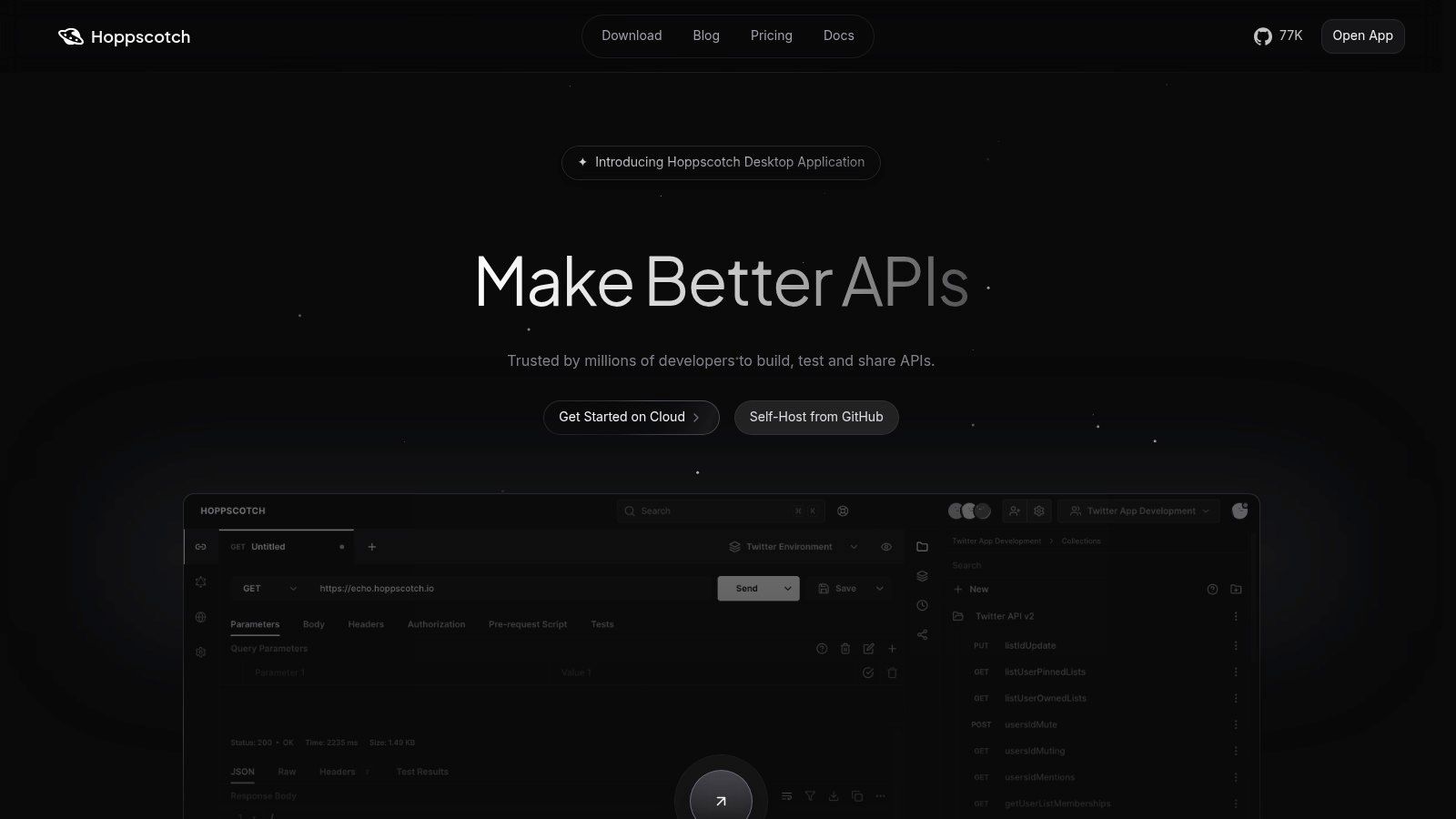
The platform’s clean, minimalist UI provides a refreshing user experience. For vibe coders using the Dreamspace AI app generator to build applications, Hoppscotch offers a fast and intuitive way to test the generated APIs. It supports a broad range of protocols, including REST, GraphQL, WebSocket, and MQTT, and its open-source nature means you can self-host it for complete data control, a critical feature for privacy-conscious teams and those in Web3. For those seeking excellent free tooling, you can learn more about how Hoppscotch fits into a modern developer's toolkit.
Key Features & Use Cases
- Web-First & Open Source: Access a full-featured API client directly from any web browser or choose to self-host the entire platform.
- Real-time Collaboration: Share collections and workspaces with your team for simultaneous testing and development.
- Multi-Protocol Support: Send requests using HTTP, GraphQL, WebSockets, Server-Sent Events (SSE), and MQTT.
- Easy Migration: Import your existing data with one-click importers for Postman collections, Insomnia files, and cURL commands.
Hoppscotch is fundamentally free and open-source for individuals. Paid plans are available for teams needing advanced collaboration features, role-based access control, and on-premise deployment support, making it a scalable solution for projects of all sizes.
Website: https://hoppscotch.com
3. HTTPie (Web, Desktop, and Terminal)
HTTPie has carved out a niche as a human-friendly API client that excels in providing a seamless experience across its command-line, desktop, and web interfaces. It began as a beloved open-source alternative to curl, praised for its intuitive syntax and colorized output, and has since expanded into a full-fledged suite of API tools. Its core philosophy is centered on simplicity and developer experience, making it a refreshing option for those who find other clients overly complex.
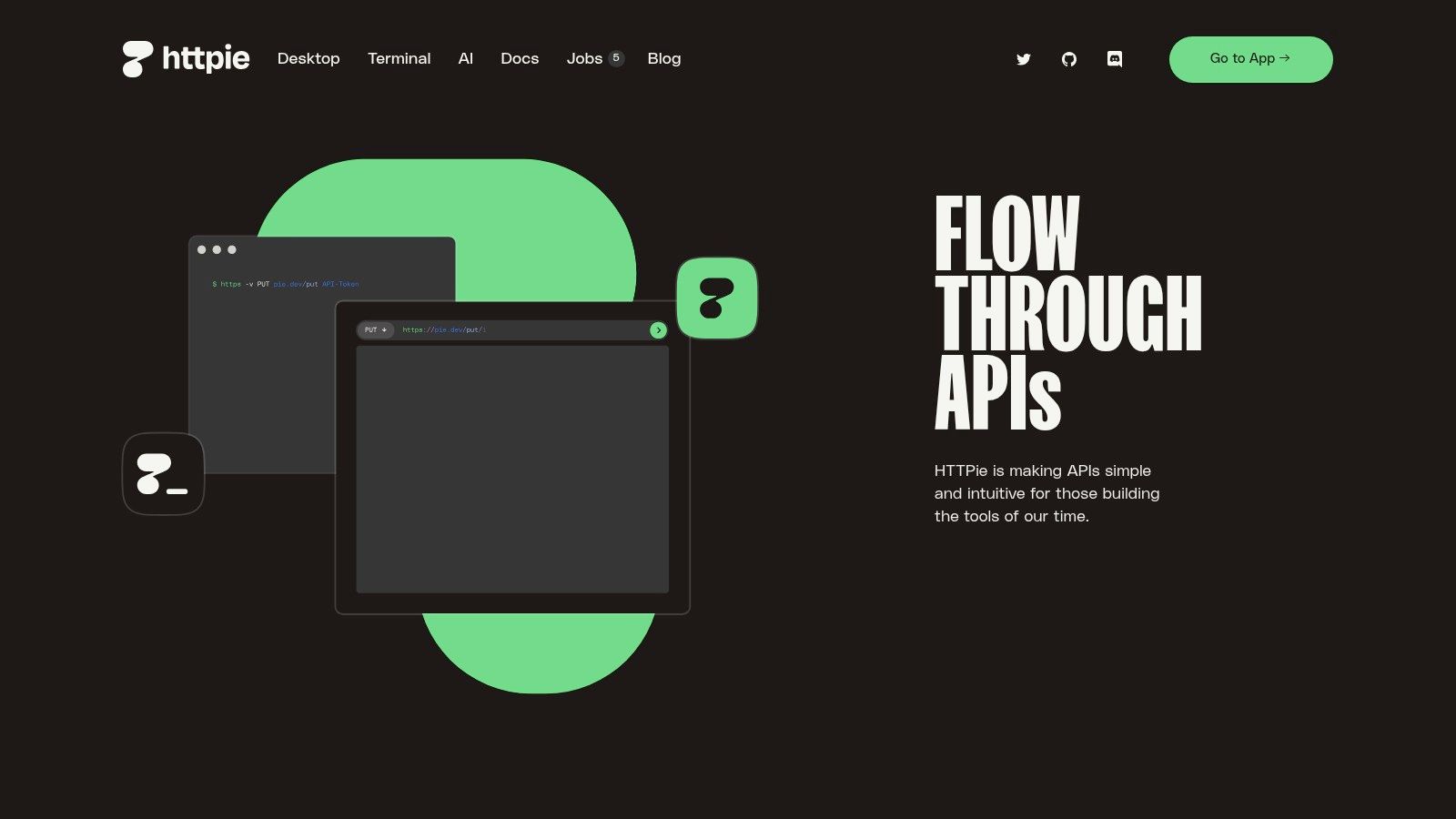
The strong parity between its CLI and GUI is a standout feature, allowing developers to switch contexts without losing momentum. For a vibe coder using a platform like the Dreamspace AI app generator, this flexibility is invaluable. You can quickly test an endpoint in the terminal and then import that session into the desktop app for more complex scenarios, creating a fluid workflow. This local-first approach also means you can get started immediately without an account, a key advantage over cloud-centric alternatives to Postman.
Key Features & Use Cases
- CLI & GUI Parity: Move seamlessly between the powerful terminal client and the intuitive desktop/web apps.
- Local-First & Offline Mode: Work entirely offline without an account, ensuring privacy and speed for local development.
- Intuitive Syntax: The CLI uses a simple, natural language-like syntax that is much easier to remember than curl commands.
- Spaces & Collections: Organize your requests into "Spaces" (workspaces) and collections for better project management.
HTTPie offers a generous free tier for its web and desktop apps, with the CLI being completely open-source. A paid "Pro" plan, starting at around $7 per month (billed annually), unlocks advanced features like local AI assistance and unlimited local collections.
Website: https://httpie.io
4. Bruno
Bruno emerges as a standout, developer-first alternative to Postman, championing an open-source, offline-by-default philosophy. Its core innovation lies in storing API collections directly on your local filesystem as plain text files using a markup language called Bru. This approach makes it a perfect fit for teams that live and breathe Git, as API changes can be versioned, reviewed, and managed just like any other piece of code.
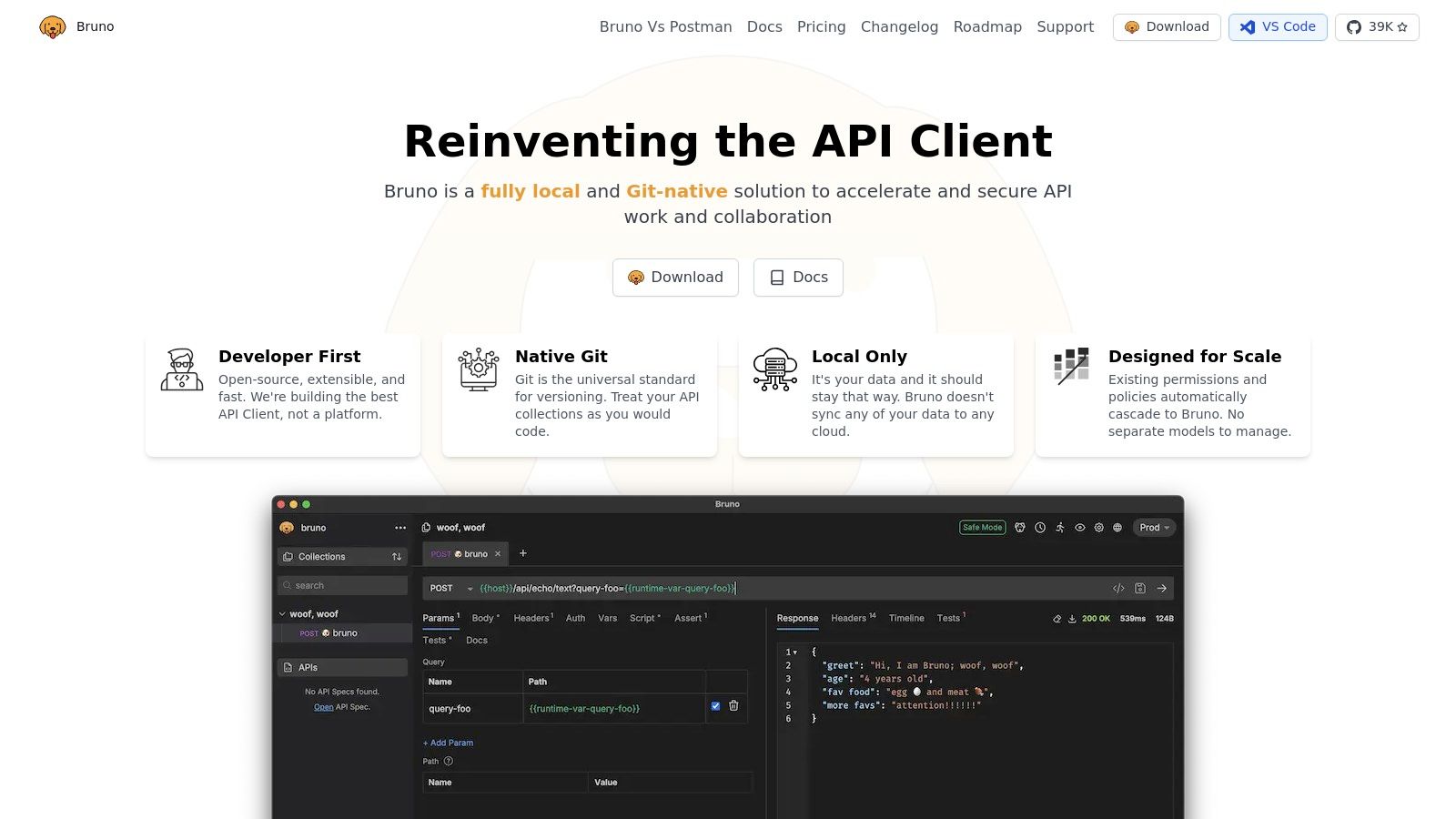
This Git-native workflow eliminates the "black box" of proprietary cloud formats and sync conflicts, offering a transparent and collaborative experience. For developers using a tool like the Dreamspace AI app generator, Bruno provides a streamlined way to manage and share the API collections for their newly created projects within the same repository. Its lightweight nature and focus on fundamentals make it a fast and efficient tool for testing REST and GraphQL endpoints without cloud-based dependencies.
Key Features & Use Cases
- Git-Friendly Collections: Stores requests in a plain-text markup language (Bru), allowing you to version control your API collections with Git.
- Offline First: Designed to work completely offline, ensuring your data stays on your machine without mandatory cloud sync.
- CLI & Scripting: Includes a command-line interface for running collections in CI/CD pipelines and supports scripting for complex test scenarios.
- Cross-Platform: Available as a lightweight client for MacOS, Windows, and Linux, ensuring a consistent experience for all team members.
Bruno is free and open-source for all core features. The company offers a paid "Golden Edition" for around $19 per user (one-time fee) that adds extra themes, in-collection script variables, and other advanced quality-of-life features to support the project's development.
Website: https://www.usebruno.com
5. RapidAPI for Mac (formerly Paw)
For developers fully immersed in the Apple ecosystem, RapidAPI for Mac, formerly known as Paw, presents a compelling and native alternative to Postman. This tool is built from the ground up for macOS, delivering a polished user experience and deep system integration that cross-platform clients often lack. Its interface feels responsive and familiar, leveraging native UI components for a smooth and efficient workflow.
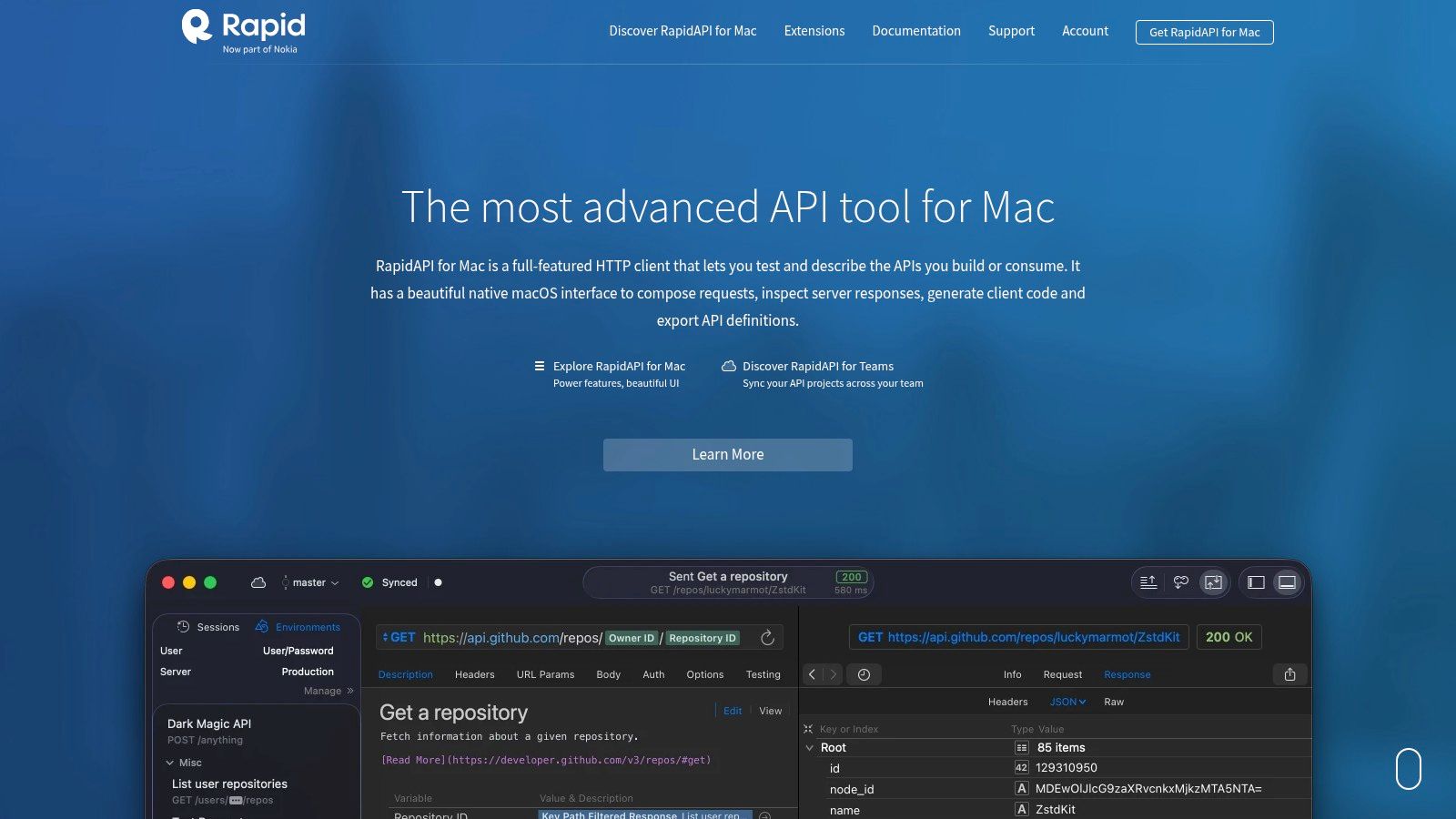
The app excels at helping you visually construct complex requests and understand API responses. For developers using a tool like the Dreamspace AI app generator on a Mac, RapidAPI provides a highly intuitive environment for testing the backend services powering their AI-driven applications. Its core strength lies in its seamless integration with the broader RapidAPI ecosystem, including the world's largest API Hub and enterprise testing suites. This makes it an ideal choice for teams already invested in RapidAPI's platform for API discovery, management, and monetization.
Key Features & Use Cases
- Native macOS Experience: Enjoy a fast, responsive, and visually cohesive interface that supports features like Touch Bar and system-wide dark mode.
- Dynamic Values & Environments: Easily manage environments (staging, production) and use dynamic values to chain requests or generate data like auth tokens and timestamps.
- Code Generation: Instantly generate client code for your requests in a wide variety of languages and libraries, speeding up implementation.
- RapidAPI Ecosystem Integration: Sync your projects with RapidAPI Studio for team collaboration, version control, and access to the RapidAPI Hub.
RapidAPI for Mac is free for individual local use. Paid plans are required for team collaboration and synchronization features, starting at $10 per user/month, aligning with the RapidAPI Studio pricing model. While its Mac-only focus is a limitation for cross-platform teams, its superior native performance makes it a top choice for dedicated macOS users.
Website: https://paw.cloud
6. SoapUI Open Source (SmartBear)
SoapUI Open Source, developed by SmartBear, is a stalwart in the world of API testing and a classic alternative to Postman, particularly for those working in enterprise environments. It's a comprehensive, open-source tool renowned for its robust support for SOAP APIs, a domain where many modern clients fall short. Its strength lies in its test-centric approach, allowing users to build complex functional, security, and even basic load testing scenarios from the ground up.
While its user interface may feel dated compared to newer tools, its power is undeniable for dedicated QA testers and developers. For developers using a platform like the Dreamspace AI app generator to build applications that integrate with legacy systems, SoapUI provides the deep testing capabilities needed to ensure reliability. The platform’s extensive Groovy scripting support allows for highly customized test logic, assertions, and workflows that go far beyond simple request-and-response validation.
Key Features & Use Cases
- Deep SOAP & WSDL Support: The gold standard for testing SOAP web services, with features for WSDL inspection and test generation.
- Comprehensive Test Suites: Create multi-step test cases, add complex assertions, and organize them into structured test suites.
- Advanced Scripting: Utilize Groovy scripting for dynamic data, complex validation logic, and custom test workflow automation.
- Security Testing: Includes built-in scans to test for common vulnerabilities like SQL injection and XML bombs.
SoapUI Open Source is completely free to use. SmartBear also offers a commercial version, ReadyAPI, which expands on SoapUI’s foundation with advanced features for load testing, reporting, and team collaboration, but the open-source version remains a powerful, standalone tool.
Website: https://www.soapui.org
7. ReadyAPI (SmartBear)
ReadyAPI by SmartBear is an enterprise-grade suite that moves beyond simple API requests into a comprehensive testing platform. It's positioned as one of the more heavyweight alternatives to Postman, designed for large organizations that require robust functional, security, and performance testing integrated directly into their development lifecycle. This platform is less about quick, one-off API calls and more about building and maintaining complex, data-driven test scenarios across entire teams.
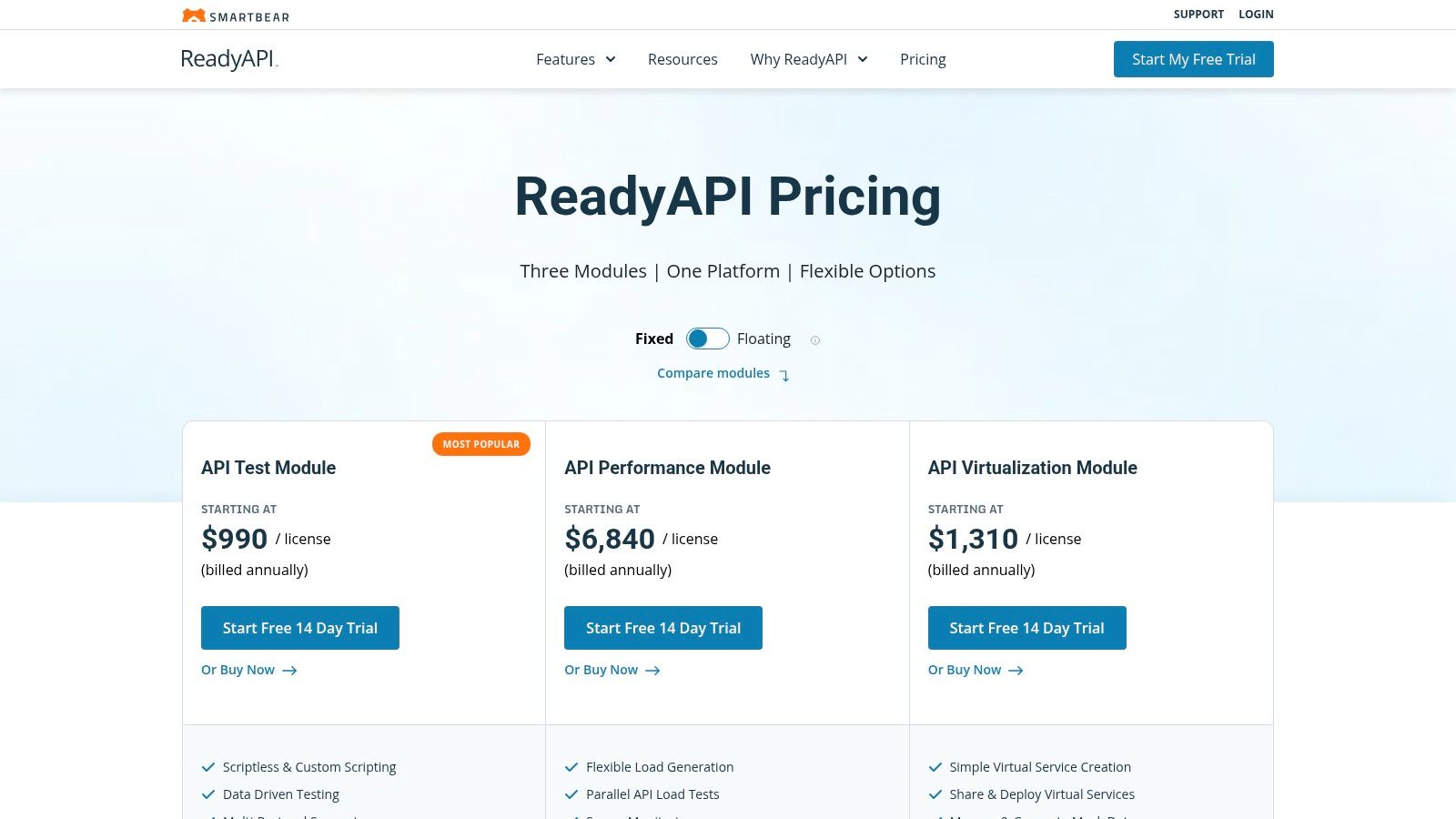
Unlike lightweight clients, ReadyAPI bundles multiple tools into one cohesive interface. This includes modules for functional testing, load testing, and API virtualization (service mocking). For development teams building complex systems with a platform like the Dreamspace AI app generator, ReadyAPI provides the governance and reporting needed to ensure API quality and reliability at scale, making it a powerful choice for mission-critical applications.
Key Features & Use Cases
- All-in-One Testing: Combine functional, performance, and security testing in a single environment without juggling multiple tools.
- API Virtualization: Create robust mock services to isolate dependencies and enable parallel development and testing efforts.
- Data-Driven Testing: Easily connect tests to data sources like databases, Excel, or XML files to run comprehensive test scenarios.
- Enterprise Integrations: Natively integrates with CI/CD tools like Jenkins, Git, and Jira for seamless pipeline automation and reporting.
ReadyAPI is a commercial product with pricing based on licensed modules. Fixed licenses start at around $975 per user/year for the API Test module, with other modules and floating license options increasing the cost. It's a significant investment aimed at organizations prioritizing mature testing capabilities.
Website: https://smartbear.com/product/ready-api/pricing/
8. Thunder Client (VS Code extension)
Thunder Client offers a compelling proposition for developers who live inside their code editor and want to avoid context switching. As a lightweight REST and GraphQL client built directly into Visual Studio Code, it stands as a fast and convenient alternative to Postman, eliminating the need for a separate application. Its core strength lies in its tight integration with the development workflow, allowing you to test APIs right next to your code.

This editor-centric approach is perfect for vibe coders using a tool like the Dreamspace AI app generator, as it keeps the entire development loop within one window. You can manage collections and environment variables locally, and even sync them via a Git repository for team collaboration. The GUI for creating test assertions simplifies the process of validating API responses without writing extensive scripts. For those leveraging an AI-powered coding assistant, Thunder Client complements the workflow by providing immediate API feedback.
Key Features & Use Cases
- VS Code Integration: Test APIs without ever leaving your editor, improving focus and productivity.
- Local-First with Git Sync: Store collections and environments as files in a local directory, enabling version control and collaboration through Git.
- GUI-Based Testing: Create test assertions for API responses through a user-friendly interface, simplifying API validation.
- CI/CD Integration: The paid Thunder Client CLI allows you to integrate your API tests into automated pipelines.
Thunder Client has a free tier for non-commercial use with limitations on collections and requests. Paid plans, which unlock commercial use, advanced features like gRPC/WebSocket support, and the CLI, start at $2.50 per user/month.
Website: https://www.thunderclient.com/pricing
9. REST Client (VS Code extension)
For developers who live inside their code editor, the REST Client extension for Visual Studio Code offers a compelling, code-centric alternative to Postman. It transforms your IDE into a powerful API testing tool by allowing you to author and send HTTP requests directly from plain text .http or .rest files. This file-based approach is its main superpower, enabling you to commit your API requests right alongside your source code, ensuring they are version-controlled, shareable, and reproducible.
This workflow is perfect for teams that value transparency and documentation. For a vibe coder using an AI app generator like Dreamspace, you can create a collection of .http files to test the generated endpoints and commit them to the repository. This serves as both an executable test suite and live documentation, making onboarding new developers or reviewing pull requests significantly easier. It eliminates the need to switch contexts to a separate GUI tool, keeping your workflow entirely within VS Code.
Key Features & Use Cases
- Code-Based Requests: Write HTTP and GraphQL requests in simple text files with syntax highlighting and autocompletion.
- Version Control Integration: Store, share, and version your API requests using Git, just like any other source code.
- Environment Variables: Manage different environments (e.g., local, staging, production) with variable support directly in your editor.
- Embedded Documentation: Use
.httpfiles as executable documentation within your project's repository.
As a VS Code extension, REST Client is entirely free and open-source. It doesn't have paid tiers or cloud-based collaboration features, focusing purely on providing a lightweight and powerful API testing experience integrated directly into your development environment.
Website: https://marketplace.visualstudio.com/items?itemName=humao.rest-client
10. Advanced REST Client (ARC)
Advanced REST Client (ARC) is a long-standing and reliable API client that focuses on delivering a clean, straightforward experience for HTTP testing. Originally a popular Chrome extension, it has since evolved into a dedicated desktop application. Its main appeal lies in its simplicity and familiar interface, making it an excellent choice for developers who need a no-fuss tool for REST API validation and debugging.
Unlike more complex suites, ARC excels at core API testing functionalities like request history, detailed response timing, and environment variable management. For developers using a no-code platform like the Dreamspace AI app generator to build applications on MuleSoft, ARC's integration with the Anypoint Exchange is a significant advantage. This makes it a practical and efficient alternative to Postman for specific enterprise ecosystems while retaining an uncluttered UI for general use.
Key Features & Use Cases
- Clean and Simple UI: A focused interface that prioritizes making HTTP requests without overwhelming users with features.
- Request History & Timings: Easily access previous requests and view detailed timing breakdowns (DNS, TCP, SSL, etc.) for performance analysis.
- MuleSoft Integration: Connects to the MuleSoft Anypoint Exchange to search for and import API specifications.
- Data Synchronization: Save projects locally or sync them using Google Drive for easy access across different machines.
Advanced REST Client is completely free to use. Its value comes from its focused feature set and commitment to open-source principles, offering a dependable tool without the complexities or costs associated with larger platforms.
Website: https://www.advancedrestclient.com/
11. RapidAPI Studio (web-based API client inside Rapid’s platform)
RapidAPI Studio positions itself as a comprehensive, browser-based API hub rather than just a standalone client, making it a unique alternative to Postman. Its strength lies in its deep integration with the massive RapidAPI Hub marketplace, offering a unified platform for discovering, testing, and managing third-party APIs. This all-in-one approach is ideal for teams and developers who frequently consume external APIs and want to streamline their entire workflow from testing to production monitoring within a single ecosystem.
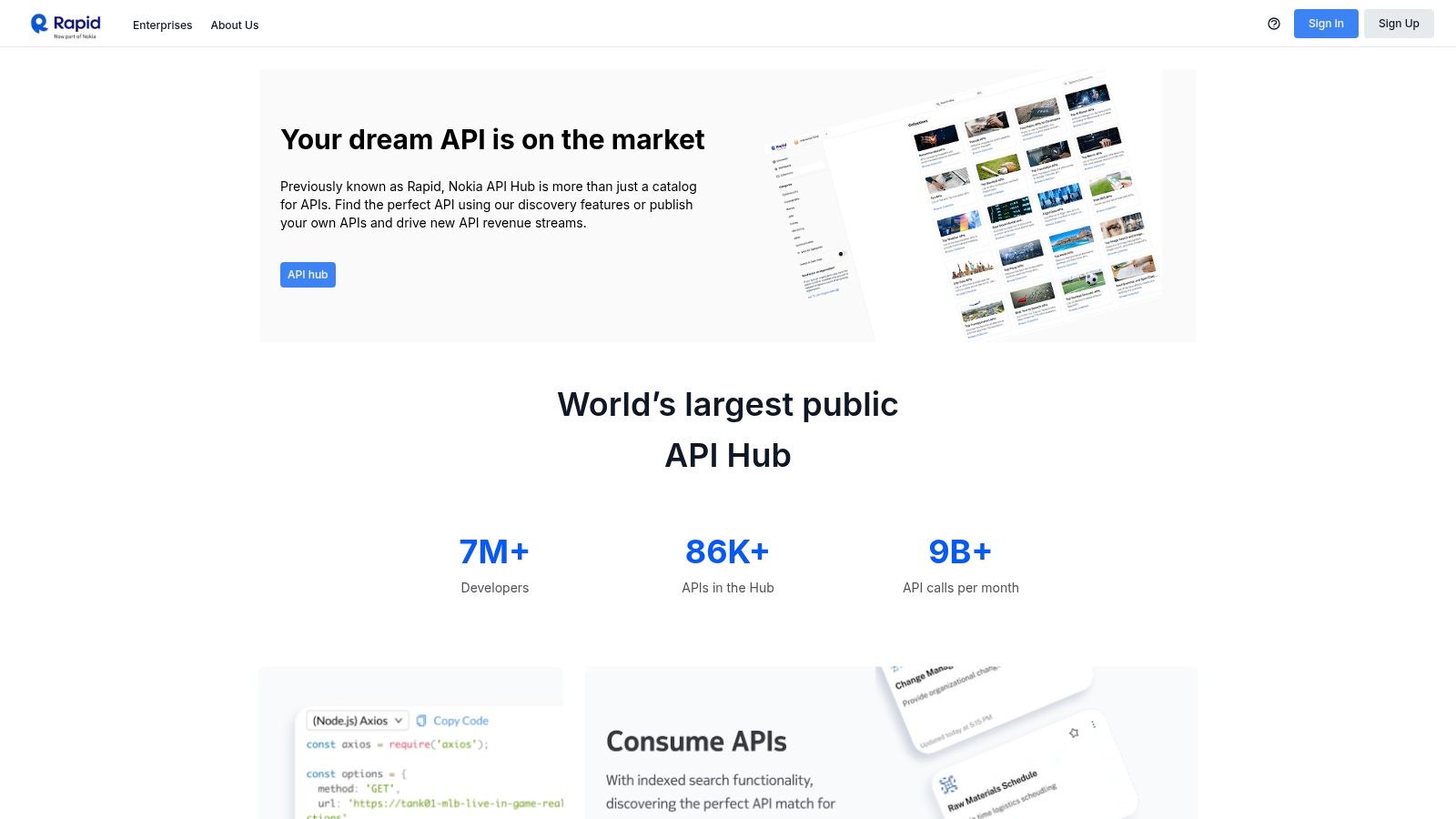
The platform's web-centric nature means there's no desktop app to install, providing immediate access from any browser. For developers using a tool like the Dreamspace AI app generator, RapidAPI Studio can simplify the process of finding and testing APIs to power their AI-driven applications, all within a collaborative web environment. This focus on an integrated, marketplace-first experience is its key differentiator from more traditional, local-first API clients.
Key Features & Use Cases
- Integrated API Hub: Discover, subscribe to, and test thousands of public APIs directly from the client.
- Collaborative Workspaces: Use team-based request groups, environments, and branching to manage API testing across projects.
- End-to-End API Lifecycle: Design, test, publish, and monitor your own APIs within the same unified platform.
- API Testing & Monitoring: Reuse API requests created in the client to build automated tests and set up performance monitors with detailed analytics.
RapidAPI Studio offers a free tier for individuals and small teams. Pricing becomes more complex as you subscribe to paid APIs on the hub or scale up with enterprise features for API governance and management. Teams should carefully monitor usage quotas to avoid unexpected overages.
Website: https://rapidapi.com
12. Talend API Tester (Chrome extension)
For developers deeply integrated into the Talend ecosystem, the Talend API Tester offers a browser-based solution that is both convenient and powerful. As a Chrome extension, it provides one of the quickest setup processes among alternatives to Postman, allowing you to start testing APIs directly from your browser in minutes. Its key strength lies in its seamless connection with the broader Talend platform, especially the Talend Cloud API Designer.
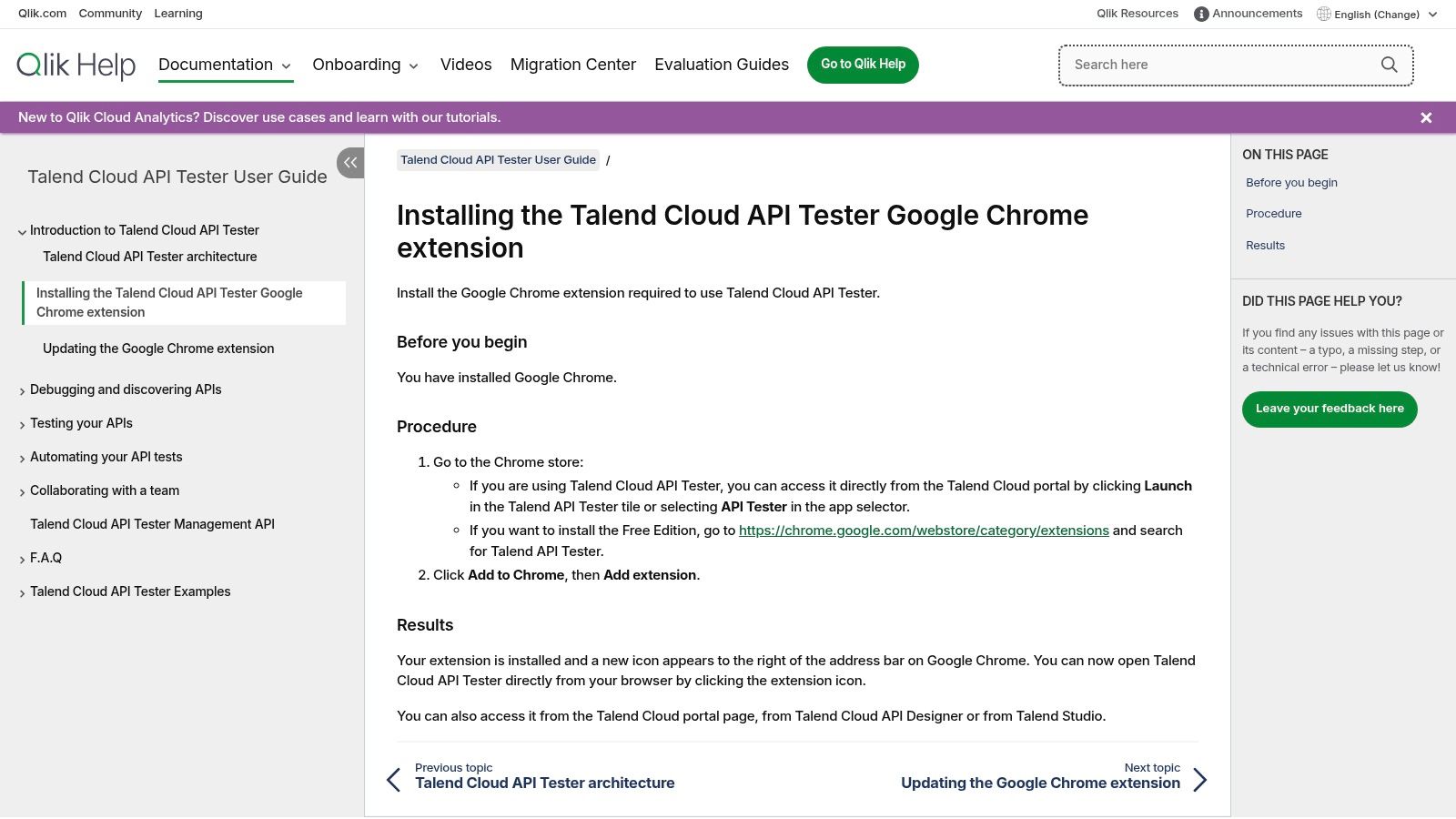
This tool is not just a simple request sender; it supports complex scenarios and environment management, making it suitable for thorough testing cycles. For developers using a tool like the Dreamspace AI app generator, Talend's browser-based nature provides a lightweight way to quickly validate endpoints without switching contexts to a heavy desktop application. If your team already leverages Talend for data integration or API management, this extension becomes a natural and efficient choice.
Key Features & Use Cases
- Browser-Based Convenience: Install directly from the Chrome Web Store for immediate access without a separate desktop application.
- Talend Ecosystem Integration: Works seamlessly with Talend Cloud API Designer, allowing you to import API definitions and automate tests.
- Scenario-Based Testing: Create and run multi-step test scenarios to validate complex API workflows and business logic.
- CI/CD Automation: Use the available Maven plugin to integrate your API tests into your continuous integration pipelines.
The Talend API Tester is available as a free Chrome extension with a generous feature set. Advanced capabilities and deeper integration are unlocked for users within the paid Talend Cloud platform, making it most valuable for existing Talend customers.
12 Postman Alternatives: Feature & Pricing Comparison
Final Thoughts
Navigating the extensive landscape of API development tools can feel overwhelming, but as we've explored, the world beyond Postman is rich with powerful, specialized, and innovative options. The core takeaway is that the "best" API client isn't a one-size-fits-all solution; it’s the one that seamlessly integrates into your unique workflow, enhances your productivity, and aligns with your project's specific technical demands. This guide was designed to illuminate the diverse range of alternatives to Postman, empowering you to make an informed decision that truly serves your needs.
We've covered a wide spectrum, from the polished, enterprise-ready features of Insomnia and ReadyAPI to the lightweight, developer-centric experience offered by VS Code extensions like Thunder Client. We also saw how open-source, offline-first tools like Bruno and Hoppscotch are championing collaboration and data privacy, a crucial consideration for modern development teams. For those deeply embedded in the command line, HTTPie provides an elegant and powerful interface, while GUI-based tools like RapidAPI for Mac offer a visually intuitive approach to complex API interactions.
Making Your Choice: A Practical Framework
Choosing the right tool from this list requires a clear understanding of your priorities. Don't just pick the one with the most features. Instead, evaluate your options based on the factors that matter most to your daily work.
Here’s a simple framework to guide your decision-making process:
- For the Vibe Coder and AI Developer: If you spend most of your time in VS Code and value a streamlined, integrated experience without context switching, Thunder Client or REST Client are excellent choices. They keep you in your coding environment, which is perfect for rapid prototyping and testing APIs for your next project in a vibe coding studio like Dreamspace.
- For the Open-Source Advocate: If you prioritize data privacy, offline capabilities, and community-driven development, Hoppscotch and Bruno are your leading contenders. Their commitment to keeping your API collections local and their transparent development models are significant advantages.
- For the Automation and CI/CD Specialist: When your focus shifts from manual testing to building robust, automated API testing pipelines, tools like Insomnia (with its Git Sync and CI integration) and the more comprehensive ReadyAPI suite become invaluable. Their features are built to support scalable, automated quality assurance processes. For a deeper look into this specific area, exploring a curated list of the top API automation tools beyond Postman can provide even more specialized options for your toolchain.
- For the Blockchain and Web3 Builder: Your needs often involve custom protocols and direct interaction with on-chain data. A highly flexible tool like Insomnia with its powerful plugin ecosystem or the scriptability of HTTPie can be adapted to handle GraphQL, RPC, and other non-RESTful requests common in the Web3 space.
Implementing Your New API Client
Once you’ve selected one of these fantastic alternatives to Postman, the final step is a smooth transition. Most of the tools we've discussed offer straightforward import functionality, allowing you to bring your existing Postman collections, environments, and data with you. Start with a single project to familiarize yourself with the new interface and features. Document any workflow changes for your team and leverage the unique strengths of your new tool to solve a specific pain point you faced with your previous setup.
The journey to finding the perfect API client is an investment in your own efficiency and a step toward a more enjoyable, productive development process. By moving beyond the default and exploring these alternatives, you're not just changing a tool; you're optimizing your entire approach to building, testing, and interacting with the APIs that power the modern web.
Ready to bring your API-driven ideas to life faster than ever? While these tools help you test and manage APIs, Dreamspace helps you build the applications that use them. As a premier AI app generator and vibe coding studio, Dreamspace empowers you to go from concept to a fully functional application with unprecedented speed. Dreamspace is the perfect companion for developers who want to focus on creating, not just configuring.